Wedding Invitation Card Sizes and Design Formats Explained
Printed cards have fixed sizes and costs. Digital invites have screens, not sizes. Knowing both helps you spend on print where it matters and go digital everywhere else.
In short
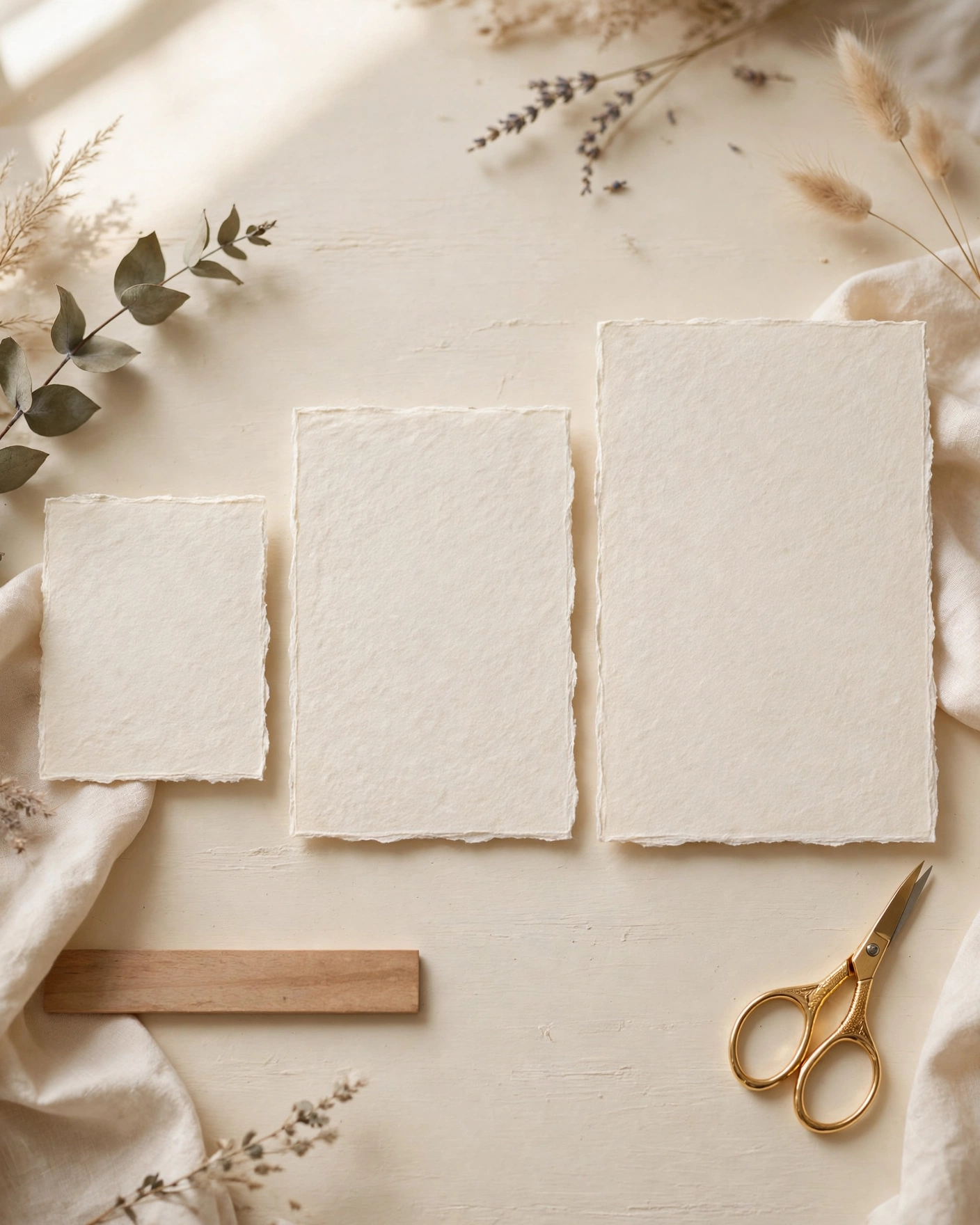
For print, a 5 by 7 inch card is the safe, standard, elegant choice.
For digital, the phone screen is the size. Design vertical, and preview on a phone.
Spend print money on a small batch for keepsakes, and go digital for the full list.
What it means
A card size is the physical dimension of a printed invitation, usually given in inches. Common Indian wedding cards run from small 4 by 6 inch cards to grand 8 by 10 inch or larger formats, with 5 by 7 inch as the most popular middle ground. Size affects paper cost, envelope cost, and postage, and it changes how grand the card feels in hand.
A design format is the shape the invite takes: a single card, a folded card, a booklet, a scroll, or a digital invite that scrolls on a phone. Digital invites do not have a fixed size, but they do have a format: vertical scrolling, sections in order, and media that loads fast on mobile data.
What your invitation can do
A MyIndiAura invite can carry your story in more than words. It can open with a short entrance film, then move through your events, your venue details, and your photos in one smooth scroll. It can include an RSVP button so guests confirm in a tap, a map link so nobody gets lost, and a photo gallery from your pre wedding shoots. You can share it on WhatsApp, and you can update a detail later without reprinting anything.
Options to consider
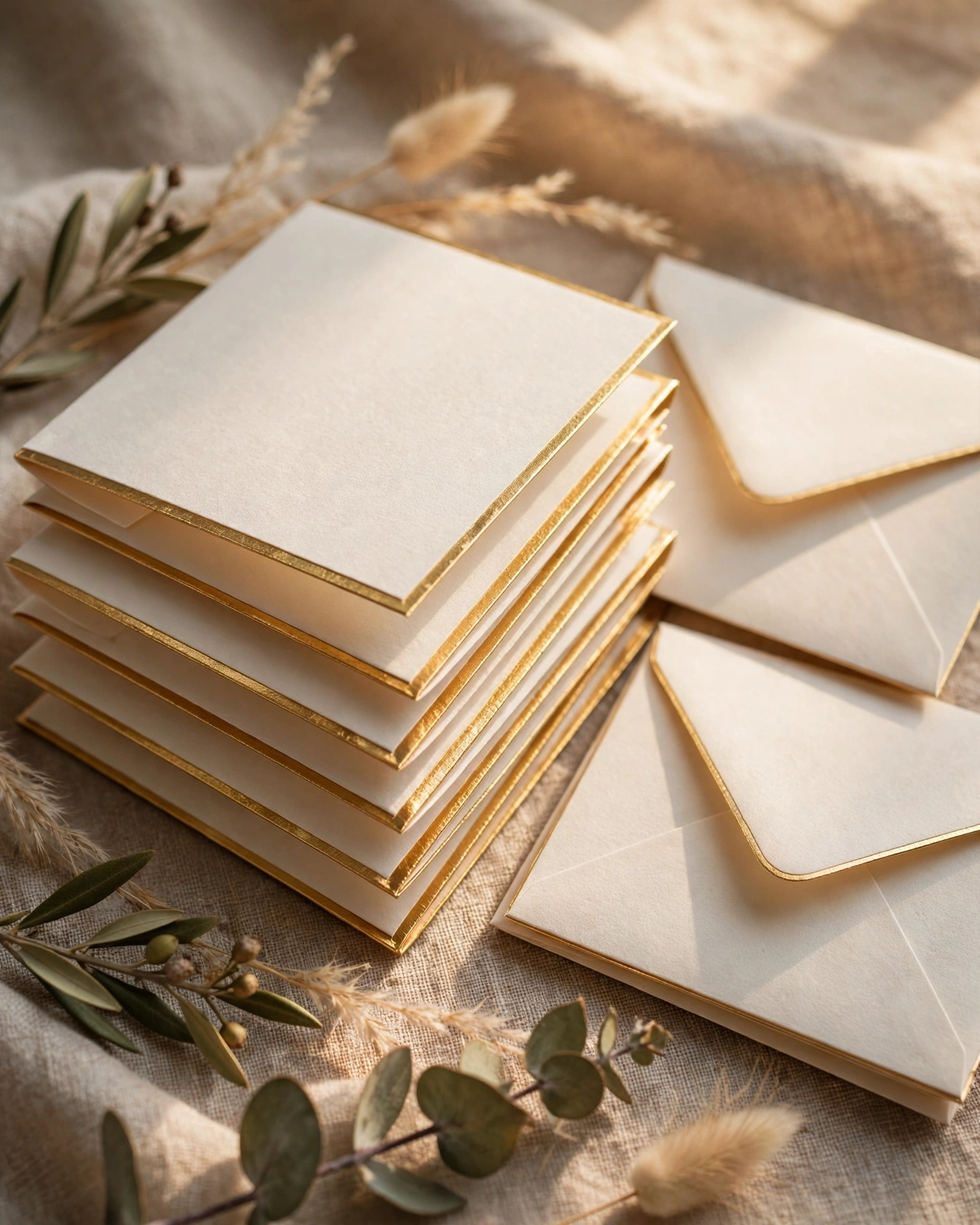
- A single card, simple and affordable, ideal for a small print batch.
- A folded card, with a cover and inside pages for multi event details.
- A booklet or scroll format, for grand multi day weddings with many events.
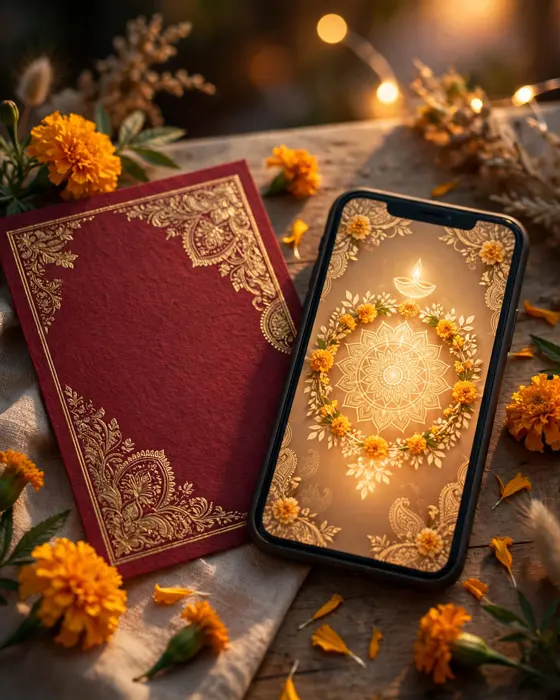
- A digital invite, vertical and phone first, with film, photos, and RSVP.
Style tips
Choose print size by how the card will be kept. A card meant for the mantelpiece can be larger and grander. A card meant to travel by post should stay standard, so envelopes and postage stay simple. Oversized cards look impressive once and then cause trouble at every post office.
For digital, forget inches and think in thumbs. Guests scroll vertically, so put the names and date at the top, events in order, and the RSVP where it is easy to reach. Test on a real phone on mobile data, not just on wifi on a laptop. If it loads slowly, guests will close it.
A printed card is measured in inches. A digital invite is measured in seconds before a guest decides to keep reading.
What you need
- A decision: print batch, digital, or both, and in what numbers.
- Your full event list, since it decides folded versus single card.
- A printer quote for your chosen size, including envelopes and postage.
- Your digital invite content: photos, events, venues, and RSVP.
- A phone preview of the digital invite, on mobile data.
- A proofread of both formats, since sizes change layouts and errors hide in them.
How to share it
- Share with parents and close family first, so they hear it from you.
- Send to outstation guests next, since they need the most time to plan travel.
- Send to friends and colleagues after that, in small batches you can track.
- Follow up once, politely, with guests who have not replied.
- Keep one final list of who confirmed, so the venue count stays accurate.
What it costs
A MyIndiAura invitation comes in three options. A Cinematic Invite costs ₹499, an Invite App costs ₹399, and an Invitation Suite costs ₹99. Pick the one that fits how you want guests to open the invite, and pay only for that option. There are no struck through prices and no hidden extras in the price you see.
How to create yours
- Pick a design from the designs page that matches your wedding style.
- Add your names, your events, your dates, and your venue details.
- Add your photos and check every spelling, especially names and dates.
- Preview the invite on your phone, exactly as a guest will see it.
- Fix anything that looks off, then confirm your order.
- Share the finished invite with your guests, starting with family.
Create your wedding invitation
Related reading
Found this useful? Share it with someone planning a celebration.
Share