Best Wedding Invitation Card Designs for 2027
The invitation styles that are working in 2027, from royal and floral to modern minimal, and how to pick one that fits your wedding.
In short
The best invitation card designs for 2027 mix a clear theme, one strong visual idea, and wording that sounds like the couple. Digital cards now lead, because guests open them on their phones within minutes. Pick a design that matches your venue and your ceremonies, not just a colour you like.
What it means
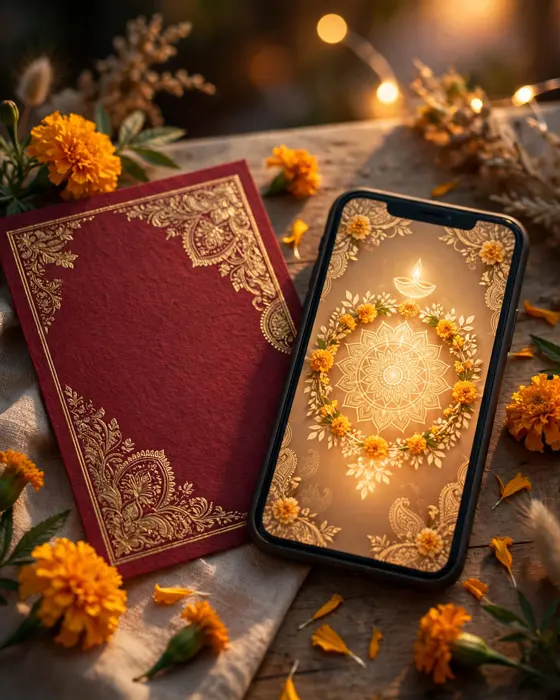
A wedding invitation card design is the complete look of your invitation: the colours, the artwork, the typeface, and the way your events are laid out. In a digital invitation, the design also includes motion, like an opening envelope or a gentle reveal of the couple's names, and sections for the venue, the schedule, and photos. A good design does two jobs at once. It excites your guests, and it gives them every practical detail without confusion.
What your invitation can do
A MyIndiAura invitation carries your whole wedding in one link. It can open with a short entrance film, then move through your story, your events, and your venue details. It can hold a photo gallery, a dress code note, and an RSVP. Guests can open it on any phone, forward it to family, and save the date straight from the invitation. Nothing needs printing, posting, or reprinting when a detail changes, because you update the invitation once and every guest sees the new version.
Options to consider
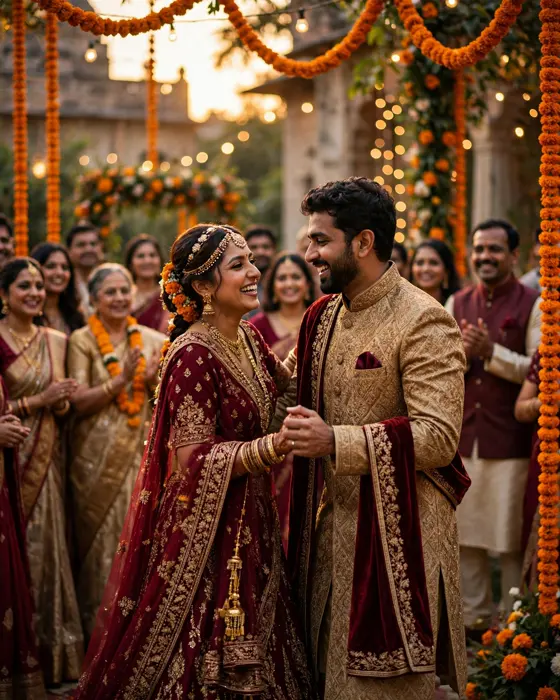
The main choice is between a cinematic invite, an invite app, and an invitation suite. A cinematic invite is a film led invitation with a rich opening sequence. An invite app is a fuller multi section invitation that guests can explore at their own pace. An invitation suite is a simpler card style invitation, ideal when you want something elegant and quick to share. Within each form, themes range from royal and traditional to floral, modern, and minimal. Your ceremonies matter too. A Sangeet heavy wedding suits a lively, colourful theme, while a quiet temple wedding suits a calm, classic one.
Style tips
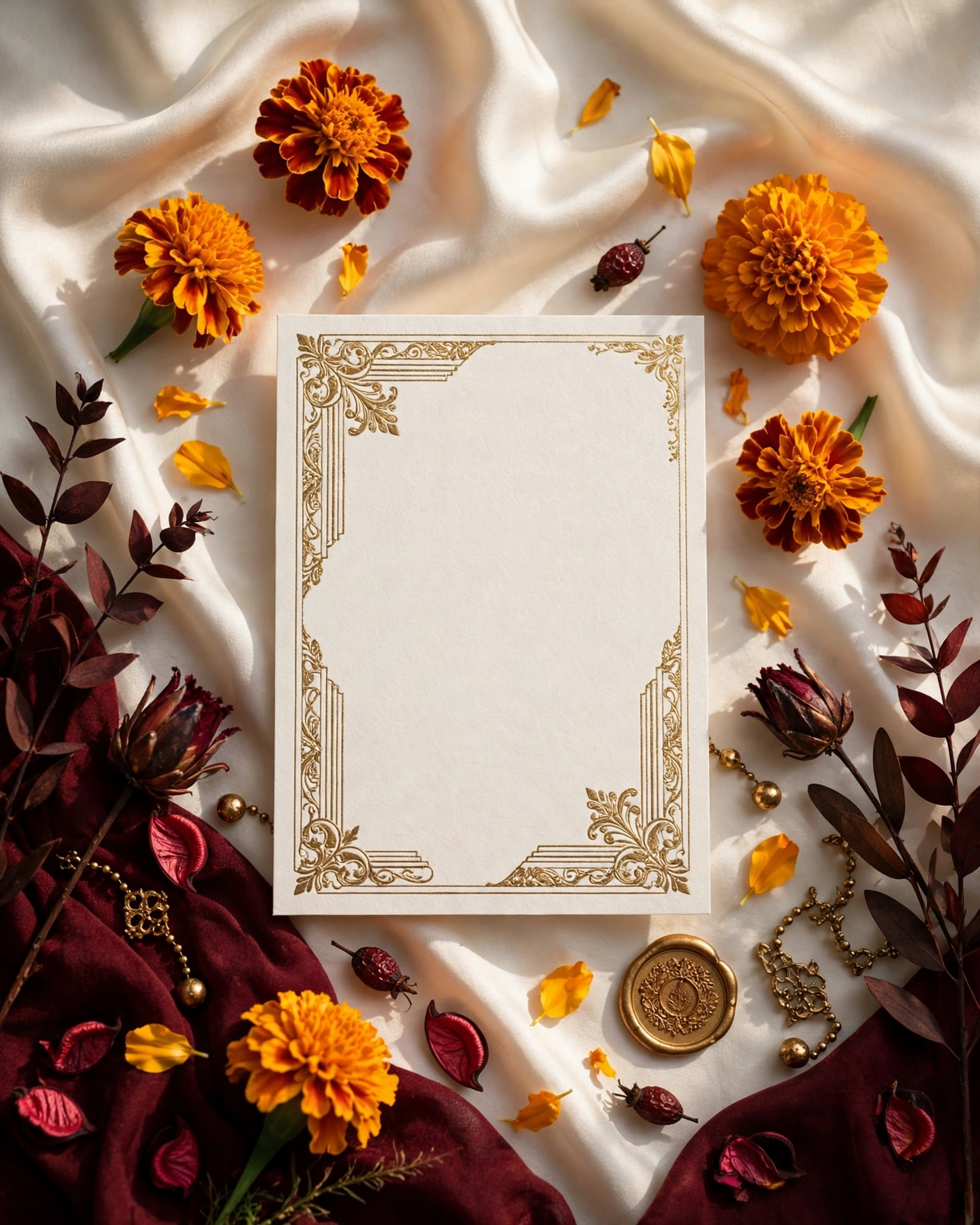
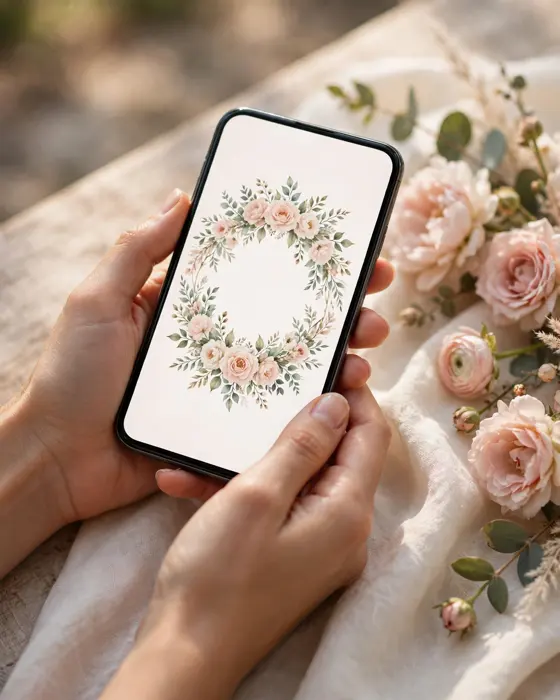
Start with your venue and your outfits, not with a trend. A palace wedding pairs well with deep colours and gold detail. A beach or garden wedding suits lighter palettes and open, airy artwork. Then pick one signature element and let it repeat: a motif, a flower, or a colour. Too many ideas in one card makes it look busy. Keep the couple's names the clearest thing on the opening screen, and keep the date close behind them. Guests should know who, when, and where within seconds.
A great invitation does not shout. It welcomes, and it makes every guest feel expected.
What you need
- The couple's names, exactly as they should appear
- The wedding date, and the dates of every event you want listed
- Venue names and addresses, with a map link if you have one
- A short line about the couple, in your own words
- Six to ten good photos you both like
- The dress code, if you have one
- RSVP details, such as a phone number or a form
How to share it
- Share with parents and close family first, so they can spot any error in names or dates.
- Fix anything they flag, then share with the wider family group.
- Share with friends next, in smaller groups where a personal note fits.
- Send a gentle reminder one week before the wedding, with the venue and timing.
- Keep one person in charge of answering guest questions, so replies stay consistent.
What it costs
MyIndiAura has three options. A Cinematic Invite costs ₹499, an Invite App costs ₹399, and an Invitation Suite costs ₹99. There are no struck through prices and no hidden extras in these prices. Pick the form that matches how much detail and motion you want, not the most expensive one by default.
How to create yours
- Browse the designs on MyIndiAura and shortlist two or three themes you both like.
- Pick the form that fits your wedding: cinematic, app, or suite.
- Add your names, dates, venues, photos, and wording.
- Preview the invitation on your own phone, and check every section.
- Share the link with family first, then with all your guests.
Create your wedding invitation on MyIndiAura, and turn your wedding story into an invitation your guests will remember.
Related reading
Found this useful? Share it with someone planning a celebration.
Share