How to Create a Wedding Invitation Online
Create a wedding invitation online in one evening: pick a design, add your details and photos, preview it on your phone, and share one link.
In short
You create a wedding invitation online by picking a design, adding your details and photos, previewing it on your phone, and sharing one link. The whole process can take an evening, and you can fix a mistake in minutes. The key is to gather your details before you start, so nothing interrupts the flow.
What it means
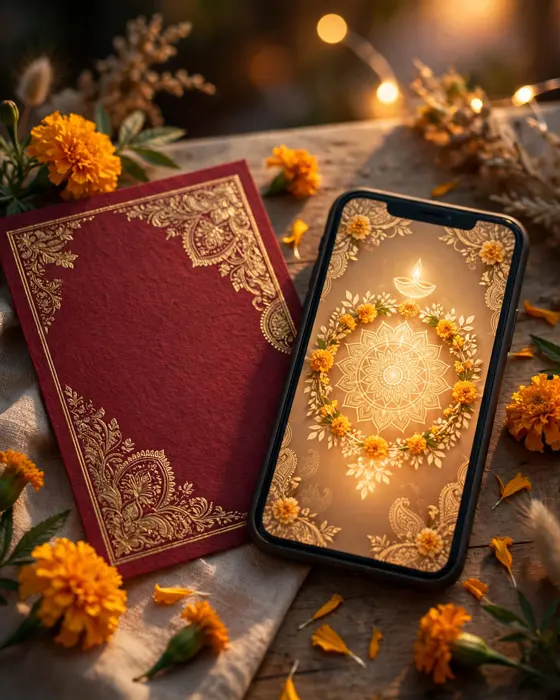
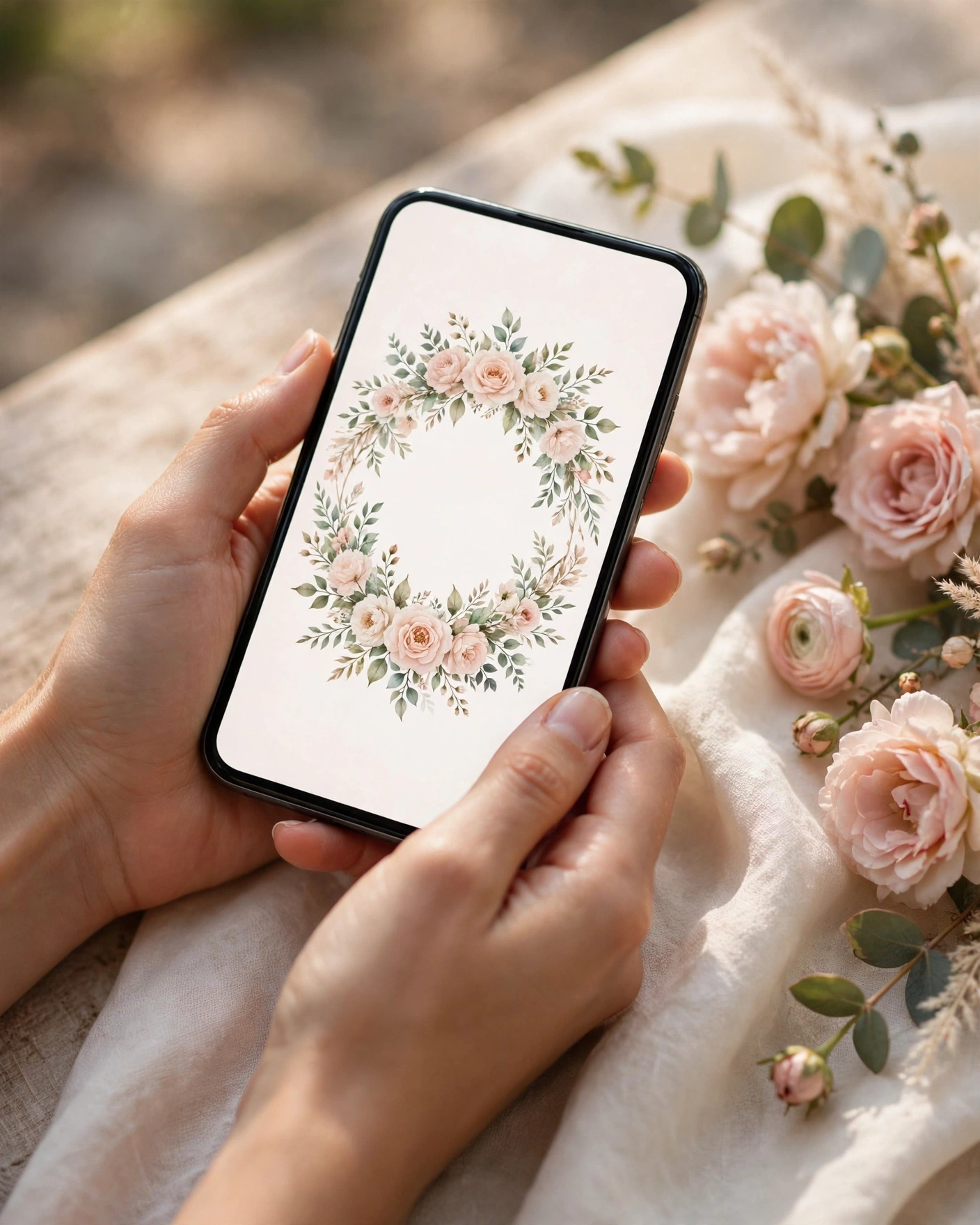
An online wedding invitation is a digital card or app that guests open on their phones. It holds everything a printed card holds, names, dates, venues, and event schedules, plus things print cannot do: photos, a short film, a map, and an RSVP. Guests receive it as a link, usually on WhatsApp, and they can forward it, save it, and revisit it whenever they need the details.
What your invitation can do
A MyIndiAura invitation can open with a cinematic entrance, walk guests through your story, and lay out each event with its own timing and venue. It can carry a photo gallery, a dress code, travel notes for out of town guests, and an RSVP that collects replies in one place. If a venue or timing changes, you update it once, and every guest who opens the link sees the corrected version. No reprinting, no reposting, no apologetic follow up messages.
Options to consider
There are three forms to choose from. A cinematic invite leads with film and motion, and suits couples who want a dramatic opening. An invite app is a fuller invitation with many sections that guests explore at their own pace. An invitation suite is a simpler, elegant card style invitation that is quick to make and easy to share. Whichever form you pick, you then choose a theme, from royal and traditional to floral, modern, and minimal, and the theme sets the colours, artwork, and mood.
Style tips
Resist the urge to add everything. Pick one theme and trust it. Use photos where you both look relaxed, not just formal portraits. Write the wording the way you speak, warm and plain, and read it aloud before you publish. If a line sounds stiff when spoken, rewrite it. Check the opening screen twice, because that is what every guest sees first. Names must be spelled right, the date must be unmistakable, and the venue must be one tap away.
The best online invitations feel like the couple made them, not like a template wore them.
What you need
- The couple's names, spelled exactly as they should appear
- Dates and timings for every event
- Venue names, addresses, and map links
- Six to ten photos you both like
- A short paragraph about the couple
- Dress code and any travel notes for guests
- An RSVP contact or form
How to share it
- Send the link to parents and siblings first, and ask them to check names, dates, and venues.
- Correct anything they find, then share with the wider family.
- Share with friends in smaller groups, with a short personal note.
- Post a save the date version early if your wedding is months away, then the full invitation later.
- Send one reminder a week before the wedding, with the venue and start time.
What it costs
A Cinematic Invite costs ₹499, an Invite App costs ₹399, and an Invitation Suite costs ₹99 on MyIndiAura. These are the prices, with no struck through comparisons. The suite is enough for many weddings, so choose by what your invitation needs to do, not by price alone.
How to create yours
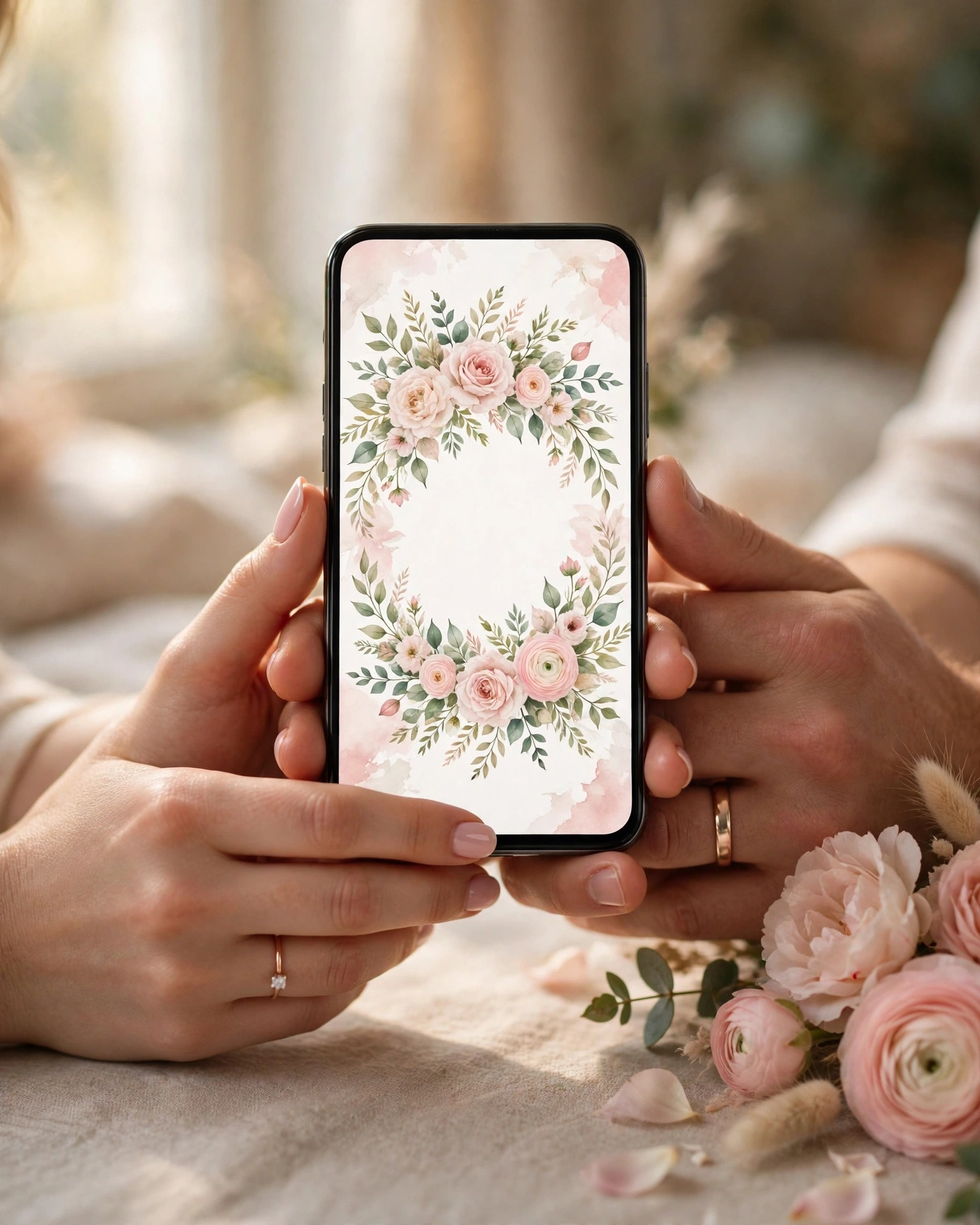
- Browse the designs on MyIndiAura and shortlist themes that match your wedding.
- Choose your form: cinematic, app, or suite.
- Enter your names, dates, venues, and wording, and upload your photos.
- Preview the full invitation on your phone, section by section.
- Share it with family first for a final check, then send it to all your guests.
Create your wedding invitation on MyIndiAura, and share your wedding with one beautiful link.
Related reading
Found this useful? Share it with someone planning a celebration.
Share