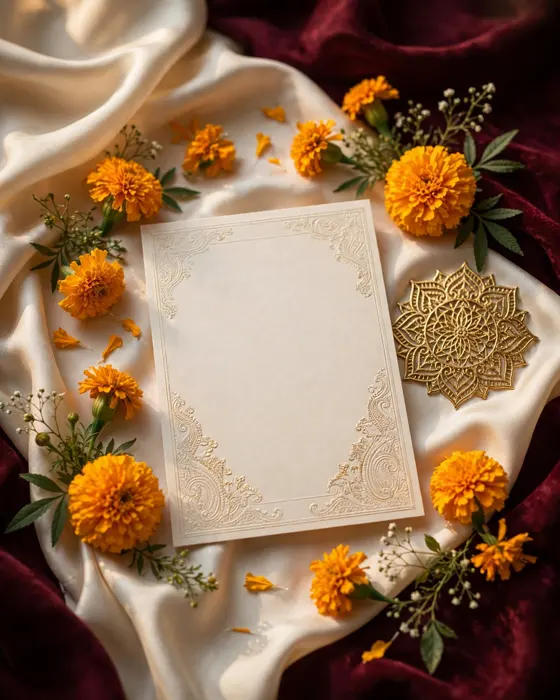
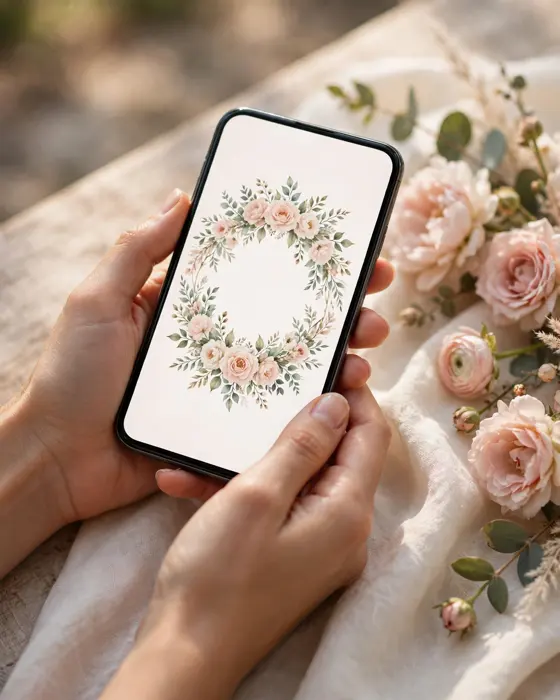
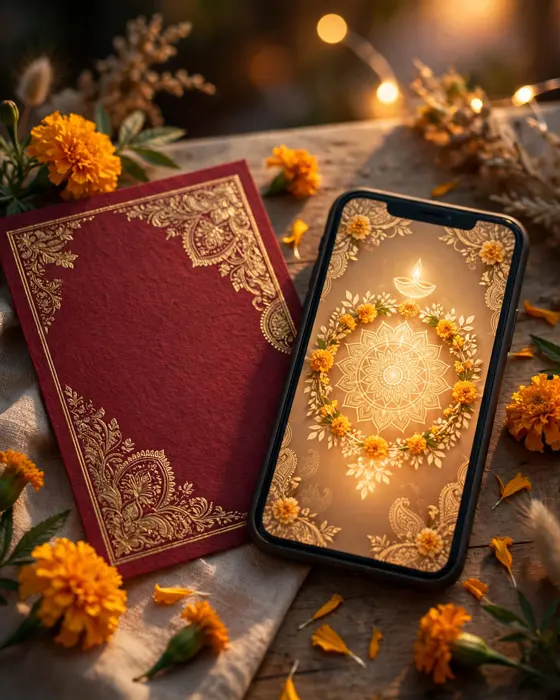
Modern Wedding Invitation Templates for Indian Couples
Modern Indian templates keep tradition in the details and modernity in the layout: clean type, honest photos, and events that read clearly on a phone.
In short
Choose a template by your wedding mood first, and by trend last.
Check the template on a phone before you fall in love with it on a laptop.
Keep traditional motifs, but give them modern space and clean type.
What it means
A modern wedding invitation template is a ready design that couples customise with their own names, photos, and details. Modern templates differ from older ones in layout: larger type, more empty space, fewer borders, and sections that scroll naturally on a phone. The Indian character comes from colour, motif, and wording, not from crowding.
Templates save time and decision fatigue. Instead of designing from zero, couples pick a structure they like and make it theirs. The risk is picking a template that looks good as a thumbnail but reads poorly as a full invite, so always preview the whole journey before committing.
What your invitation can do
A MyIndiAura invite can carry your story in more than words. It can open with a short entrance film, then move through your events, your venue details, and your photos in one smooth scroll. It can include an RSVP button so guests confirm in a tap, a map link so nobody gets lost, and a photo gallery from your pre wedding shoots. You can share it on WhatsApp, and you can update a detail later without reprinting anything.
Modern templates on MyIndiAura also let you preview the whole invite journey on your phone before you share it, so you see the opening, the events, and the RSVP exactly as guests will.
Options to consider
- A minimal modern template, with clean type and one motif.
- A photo led template, opening on the couple's favourite portrait.
- A cinematic template, opening with a short film and scrolling events.
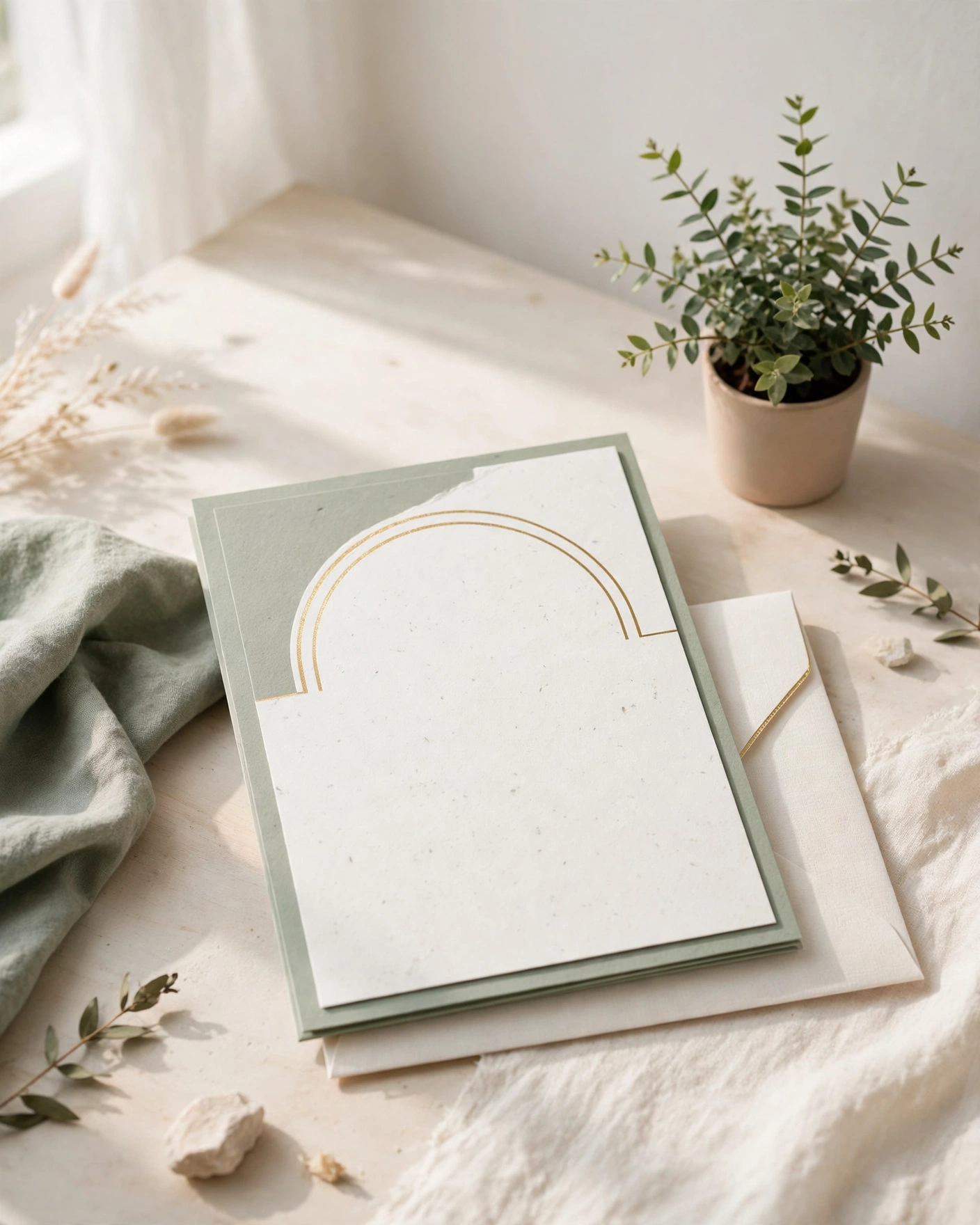
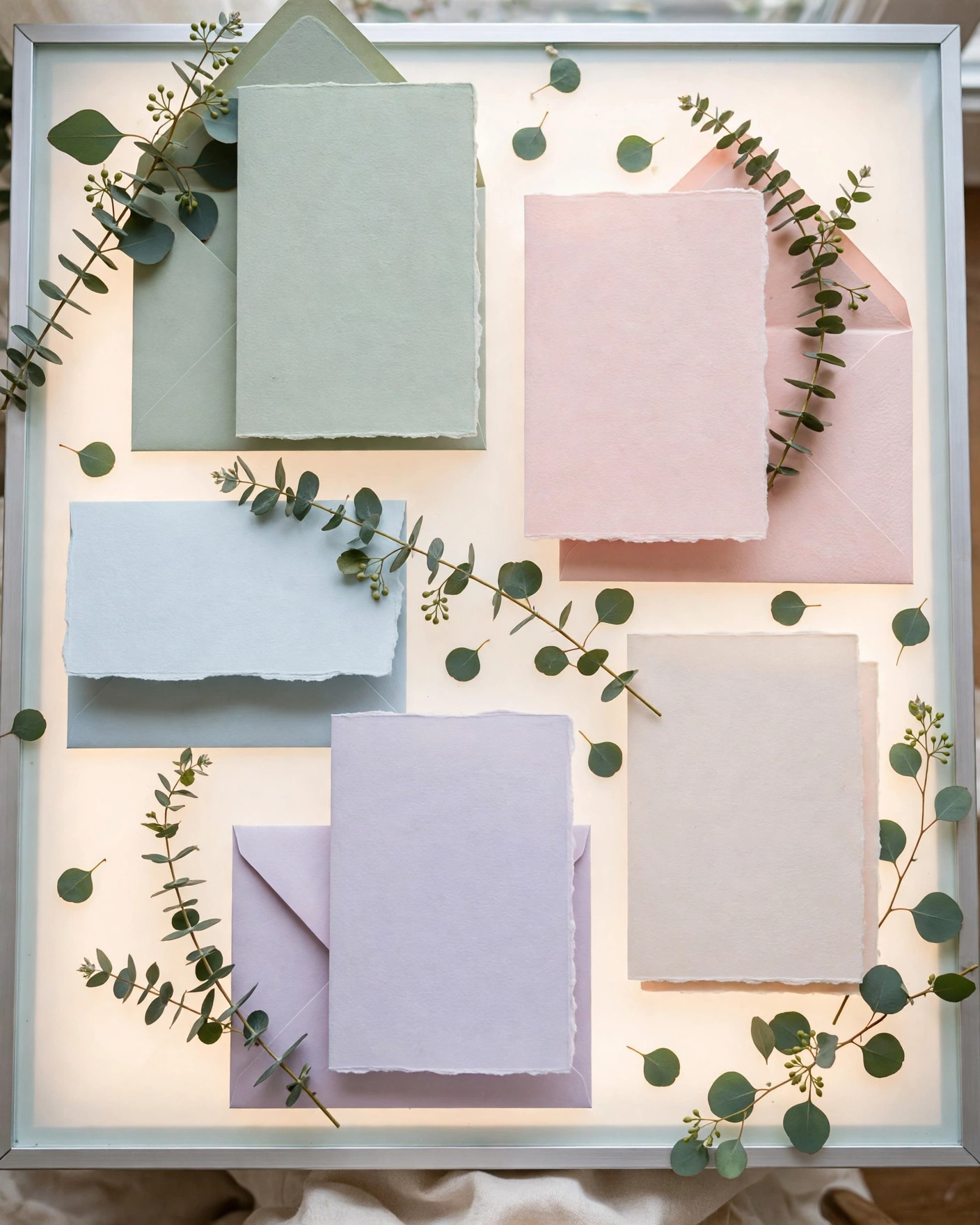
- A pastel modern template, in blush, sage, and ivory for daytime weddings.
Style tips
Match the template to your venue and time of day. A dark jewel template suits an evening palace wedding. A light pastel template suits a morning garden wedding. When template and venue agree, the invite feels like a preview of the day, not a separate design.
Customise beyond names. Swap in your own photos, adjust the colour accent to your wedding palette, and rewrite the wording in your voice. A template should be a starting point, not a finished identity. Guests should recognise your wedding in it, not just a nice design.
A good template disappears into your wedding. A bad one makes your wedding disappear into it.
What you need
- Your wedding mood: traditional, modern, romantic, or festive.
- Your venue and time of day, to match the template palette.
- Your photos, chosen and high quality, for photo led templates.
- Your full event list, dates, and venues.
- Your wording, in your voice, not just the template default.
- A full phone preview of the template before you commit.
How to share it
- Share with parents and close family first, so they hear it from you.
- Send to outstation guests next, since they need the most time to plan travel.
- Send to friends and colleagues after that, in small batches you can track.
- Follow up once, politely, with guests who have not replied.
- Keep one final list of who confirmed, so the venue count stays accurate.
What it costs
A MyIndiAura invitation comes in three options. A Cinematic Invite costs ₹499, an Invite App costs ₹399, and an Invitation Suite costs ₹99. Pick the one that fits how you want guests to open the invite, and pay only for that option. There are no struck through prices and no hidden extras in the price you see.
How to create yours
- Pick a design from the designs page that matches your wedding style.
- Add your names, your events, your dates, and your venue details.
- Add your photos and check every spelling, especially names and dates.
- Preview the invite on your phone, exactly as a guest will see it.
- Fix anything that looks off, then confirm your order.
- Share the finished invite with your guests, starting with family.
Create your wedding invitation
Related reading
Found this useful? Share it with someone planning a celebration.
Share