Traditional and Digital Wedding Invitations Together: A Practical Plan for Indian Families
You do not have to choose between a printed card and a digital invite. This plan shows how Indian families use both, with print for elders and close family, and digital for everyone else.
In short
Give printed cards to elders, close family, and guests who value a keepsake.
Send a digital invite to everyone else, especially outstation and younger guests.
Keep one wording, one event list, and one date across both, so nobody gets two different stories.
What it means
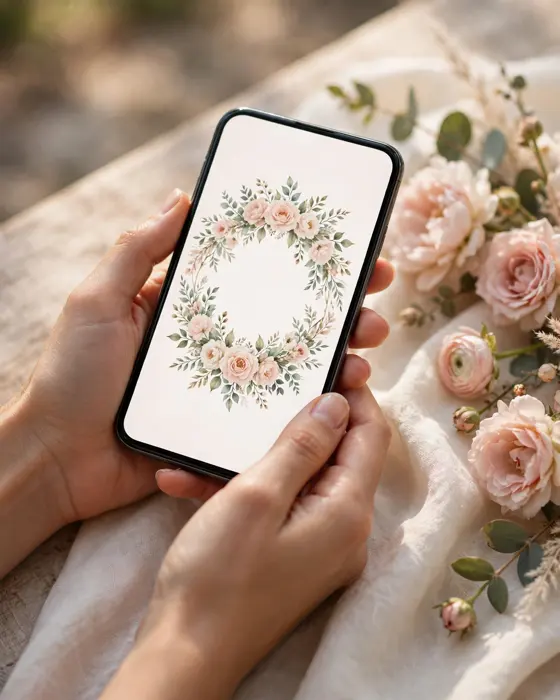
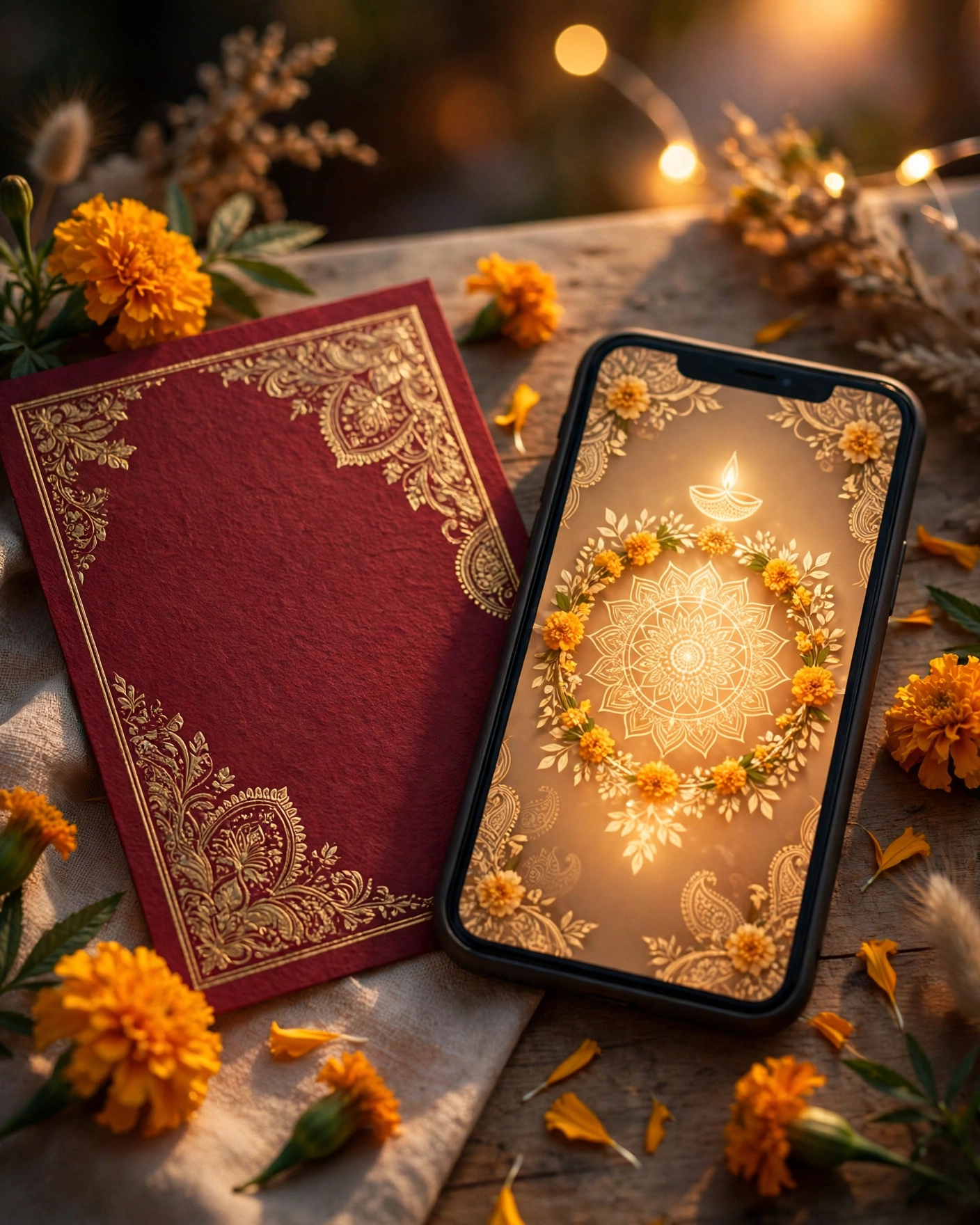
A hybrid invitation plan means you print a small number of cards and send a digital invite to the rest of your list. The printed card is the keepsake. The digital invite is the working copy that guests actually use on the wedding week, because it holds the map, the schedule, and the RSVP in their phone.
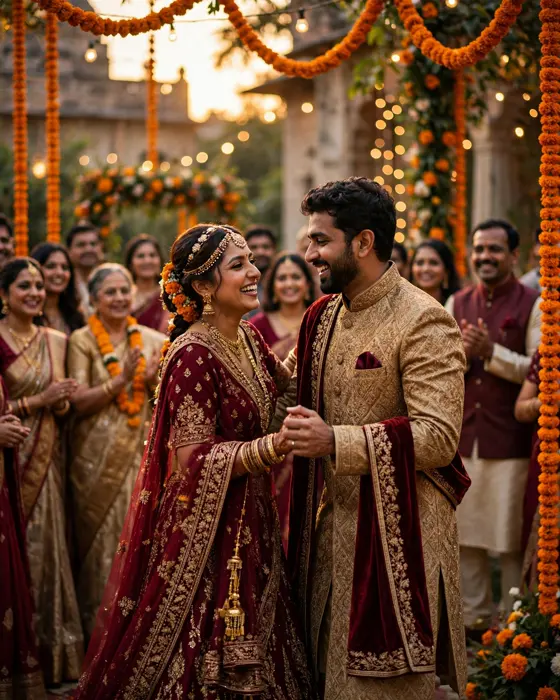
This is not a compromise for couples who cannot decide. It is how many families already work. Grandparents keep a card on the mantelpiece. Cousins abroad open a link, check the venue, and confirm in a tap. Both groups feel properly invited, because each got the format that suits them.
What your invitation can do
A MyIndiAura invite can carry your story in more than words. It can open with a short entrance film, then move through your events, your venue details, and your photos in one smooth scroll. It can include an RSVP button so guests confirm in a tap, a map link so nobody gets lost, and a photo gallery from your pre wedding shoots. You can share it on WhatsApp, and you can update a detail later without reprinting anything.
Options to consider
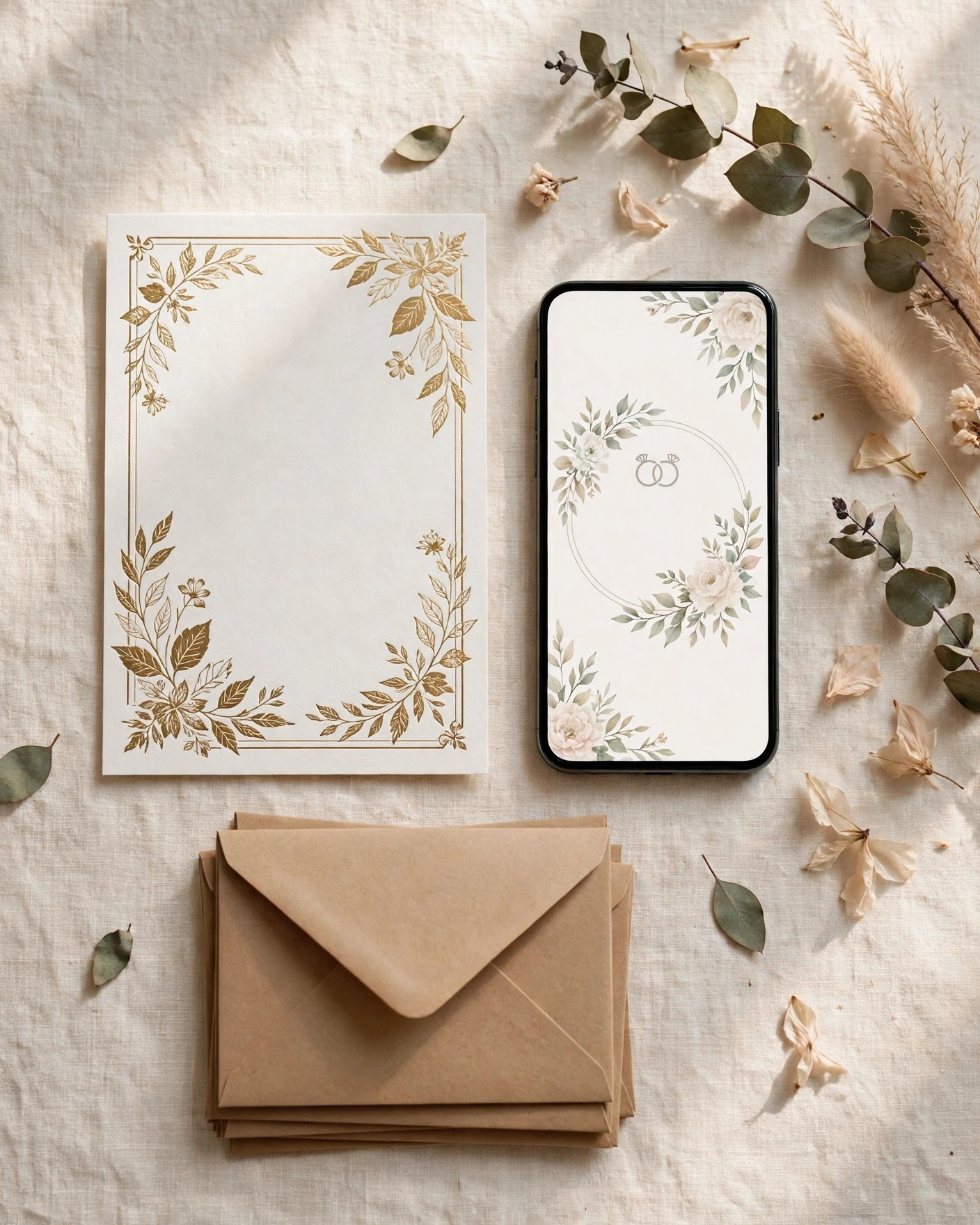
- Printed cards for elders and VIP guests, ordered in a small batch.
- A cinematic digital invite for the full guest list, with film, photos, and events.
- An invite app for multi day weddings, where guests need every event in one place.
- A simple suite card for colleagues and acquaintances, short and elegant.
Style tips
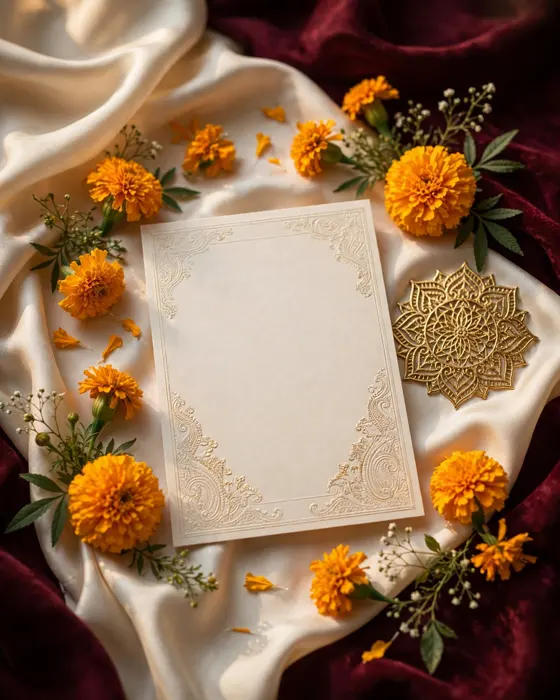
Match the printed card and the digital invite in colour and motif, so guests recognise them as one wedding. If the card is deep burgundy with gold, the digital invite should carry the same pairing. A guest who sees both should feel they belong to the same celebration, not two different ones.
Keep the wording identical in both formats. Names, dates, venues, and the order of events must match word for word. When a detail changes, update the digital invite at once and tell the printed card holders personally, since their card cannot update itself.
A printed card is kept. A digital invite is used. A good wedding gives guests both, in the right measure.
What you need
- A final guest list, split into print guests and digital guests.
- One approved wording for names, events, dates, and venues.
- A colour and motif choice that works in print and on a phone screen.
- Venue addresses and map links for every event.
- A photo set for the digital invite, chosen before you order print.
- A budget split between the print batch and the digital invite.
How to share it
- Share printed cards in person where you can, since the visit is part of the invitation.
- Send the digital invite to outstation guests first, so travel planning starts early.
- Send to friends and colleagues next, in small batches you can track.
- Follow up once, politely, with guests who have not replied.
- Keep one final list of who confirmed, so the venue count stays accurate.
What it costs
A MyIndiAura invitation comes in three options. A Cinematic Invite costs ₹499, an Invite App costs ₹399, and an Invitation Suite costs ₹99. Pick the one that fits how you want guests to open the invite, and pay only for that option. There are no struck through prices and no hidden extras in the price you see.
How to create yours
- Pick a design from the designs page that matches your wedding style.
- Add your names, your events, your dates, and your venue details.
- Add your photos and check every spelling, especially names and dates.
- Preview the invite on your phone, exactly as a guest will see it.
- Fix anything that looks off, then confirm your order.
- Share the finished invite with your guests, starting with family.
Create your wedding invitation
Related reading
Found this useful? Share it with someone planning a celebration.
Share