Wedding Invitation Messages from the Bride and Groom
Messages from the couple themselves feel personal and modern. They work best for friends, colleagues, and intimate weddings where the couple is the host.
In short
The couple speaks directly, by first name or full name, depending on the guest list.
Keep it personal but complete: date, time, venue, and RSVP must still be there.
Use parents' messages for elders and formal family, and couple messages for friends.
What it means
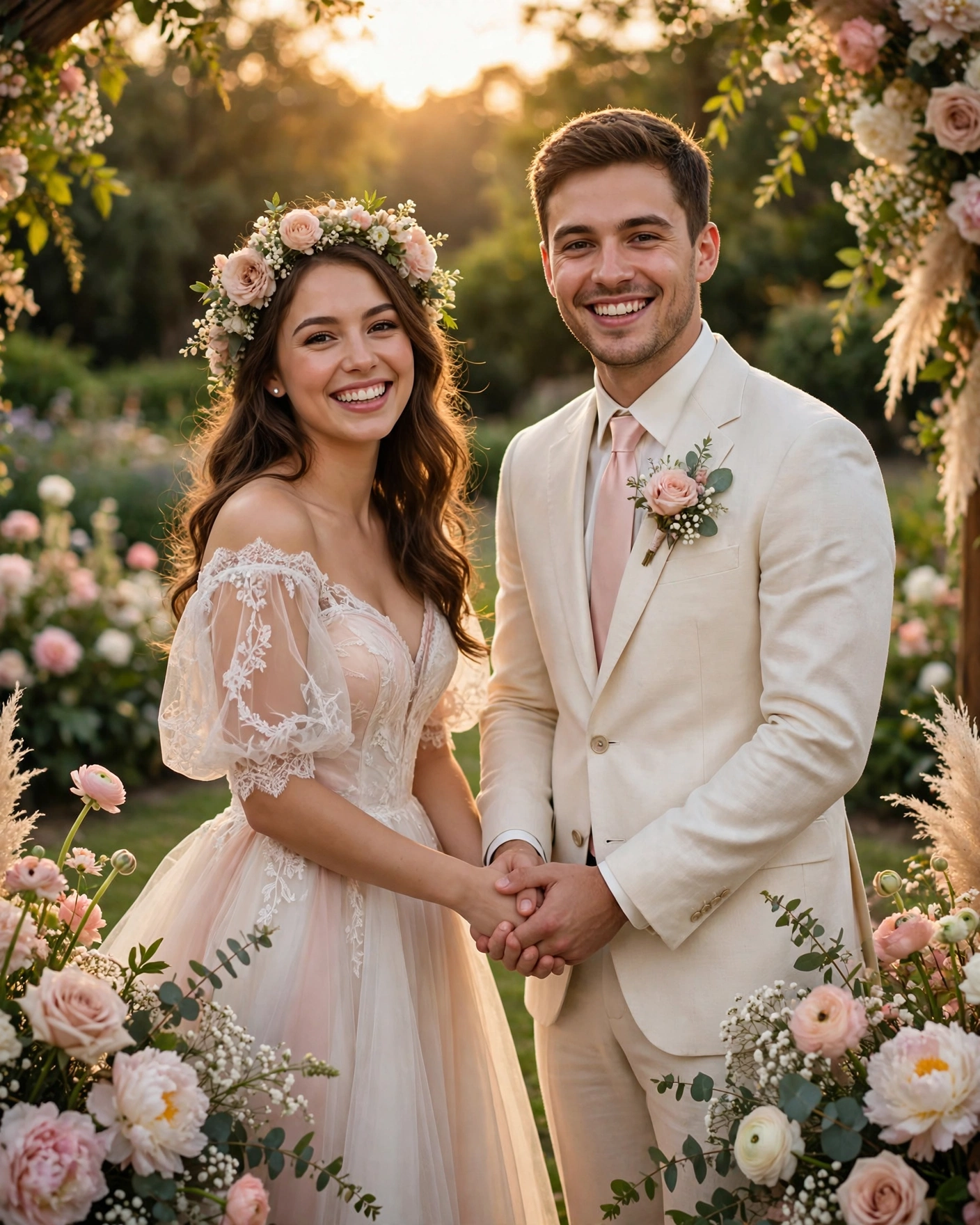
A message from the bride and groom is an invitation issued by the couple themselves. It usually opens with their names, shares their joy, and gives the wedding details in a direct, personal tone. It often closes with a simple line like asking friends to come and celebrate with them.
This form suits intimate weddings, court marriages followed by a celebration, and friend and colleague circles where a formal family message would feel distant. It can sit alongside parents' messages: elders get the family invite, friends get the couple's own words.
What your invitation can do
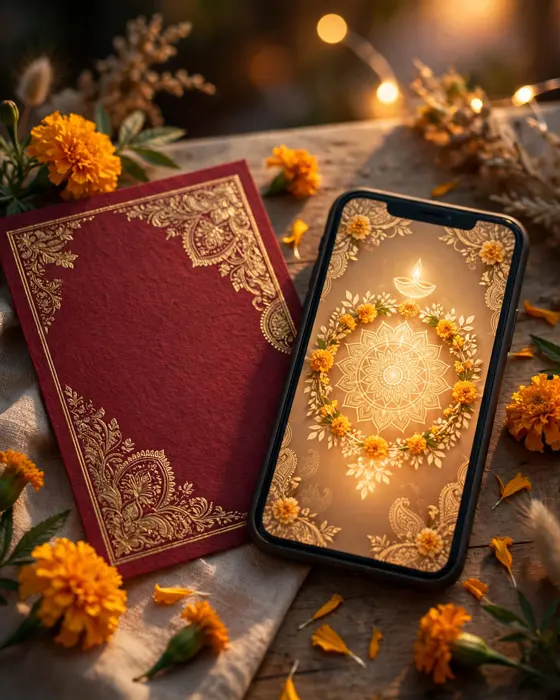
A MyIndiAura invite can carry your story in more than words. It can open with a short entrance film, then move through your events, your venue details, and your photos in one smooth scroll. It can include an RSVP button so guests confirm in a tap, a map link so nobody gets lost, and a photo gallery from your pre wedding shoots. You can share it on WhatsApp, and you can update a detail later without reprinting anything.
Options to consider

- A warm personal message, written as the couple speaking together.
- A playful message for close friends, with humour kept gentle.
- A short message for WhatsApp, with the link and key details up front.
- An intimate wedding message, explaining the small guest list with grace.
Style tips
Sound like yourselves, not like a template. If you are quiet people, a quiet message is perfect. If you are the funny couple in your group, a light line is honest. Guests can tell when a message was written by the couple and when it was copied, and the first kind is always received better.
Keep the personal tone out of formal family invites. A message that charms your friends can confuse an elder who expects family names and blessings. Split the lists and match the voice to the guest. That is not two faced. It is respectful.
When the couple writes the invitation, every guest hears their voice before the wedding begins.
What you need
- The couple's names, exactly as they should appear.
- Date, time, and venue for each event.
- A guest split: who gets the couple's message and who gets the family message.
- The tone choice, honest to how the couple actually speaks.
- An RSVP method the couple will monitor.
- A proofread, even for a casual message, since names and dates must be right.
How to share it
- Share with parents and close family first, so they hear it from you.
- Send to outstation guests next, since they need the most time to plan travel.
- Send to friends and colleagues after that, in small batches you can track.
- Follow up once, politely, with guests who have not replied.
- Keep one final list of who confirmed, so the venue count stays accurate.
What it costs
A MyIndiAura invitation comes in three options. A Cinematic Invite costs ₹499, an Invite App costs ₹399, and an Invitation Suite costs ₹99. Pick the one that fits how you want guests to open the invite, and pay only for that option. There are no struck through prices and no hidden extras in the price you see.
How to create yours
- Pick a design from the designs page that matches your wedding style.
- Add your names, your events, your dates, and your venue details.
- Add your photos and check every spelling, especially names and dates.
- Preview the invite on your phone, exactly as a guest will see it.
- Fix anything that looks off, then confirm your order.
- Share the finished invite with your guests, starting with family.
Create your wedding invitation
Related reading
Found this useful? Share it with someone planning a celebration.
Share