Short and Elegant Wedding Invitation Messages
Short messages work because guests read them fully. Four lines can carry everything: who, when, where, and a warm closing.
In short
Four lines are enough: hosts, couple, details, and a warm closing.
Cut adjectives before you cut information. Guests need facts, not flourish.
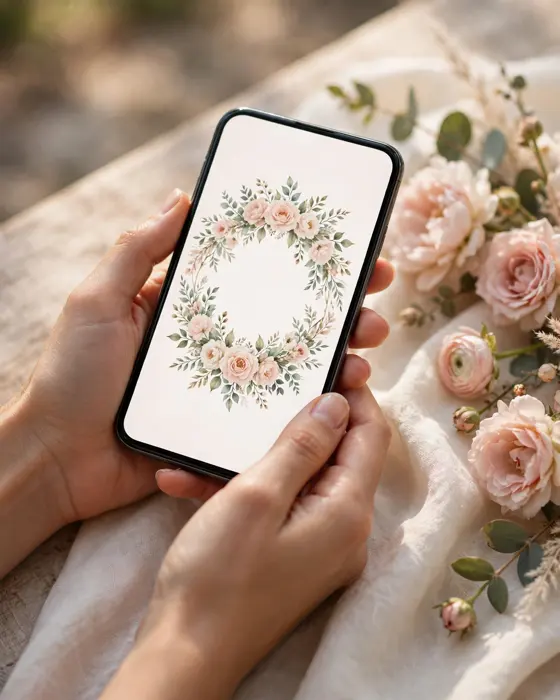
Test the message on a phone screen. If it needs scrolling, it is too long.
What it means
A short and elegant invitation message gives guests everything they need in the fewest words that still feel warm. It names the hosts and the couple, gives the date, time, and venue, and closes with one graceful line. It leaves out long blessings, long family lists, and decorative sentences.
Short messages suit WhatsApp invites, modern weddings, and busy guest lists. They also reduce mistakes, since there are fewer words to proofread and fewer places for a date or name to go wrong. Elegance here comes from precision, not from length.
What your invitation can do
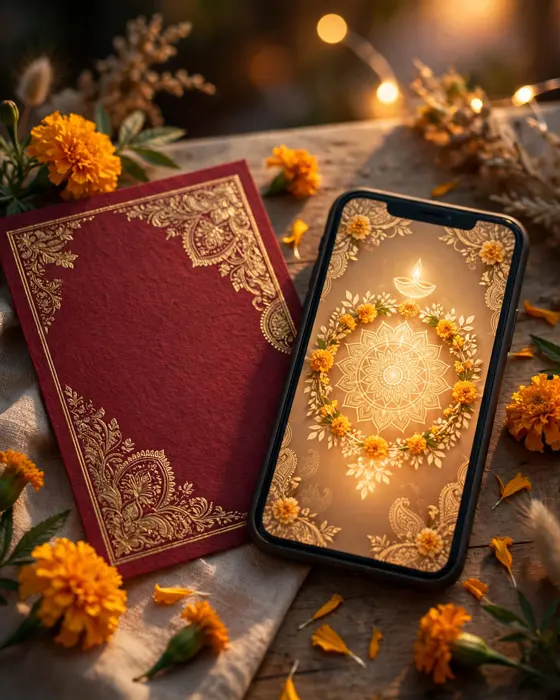
A MyIndiAura invite can carry your story in more than words. It can open with a short entrance film, then move through your events, your venue details, and your photos in one smooth scroll. It can include an RSVP button so guests confirm in a tap, a map link so nobody gets lost, and a photo gallery from your pre wedding shoots. You can share it on WhatsApp, and you can update a detail later without reprinting anything.
Options to consider
- A four line formal message, with hosts, couple, details, and closing.
- A warm short message, with one personal line and the facts.
- A WhatsApp short message, with the link first and details after.
- A short message for a single event, like a reception only invite.
Style tips
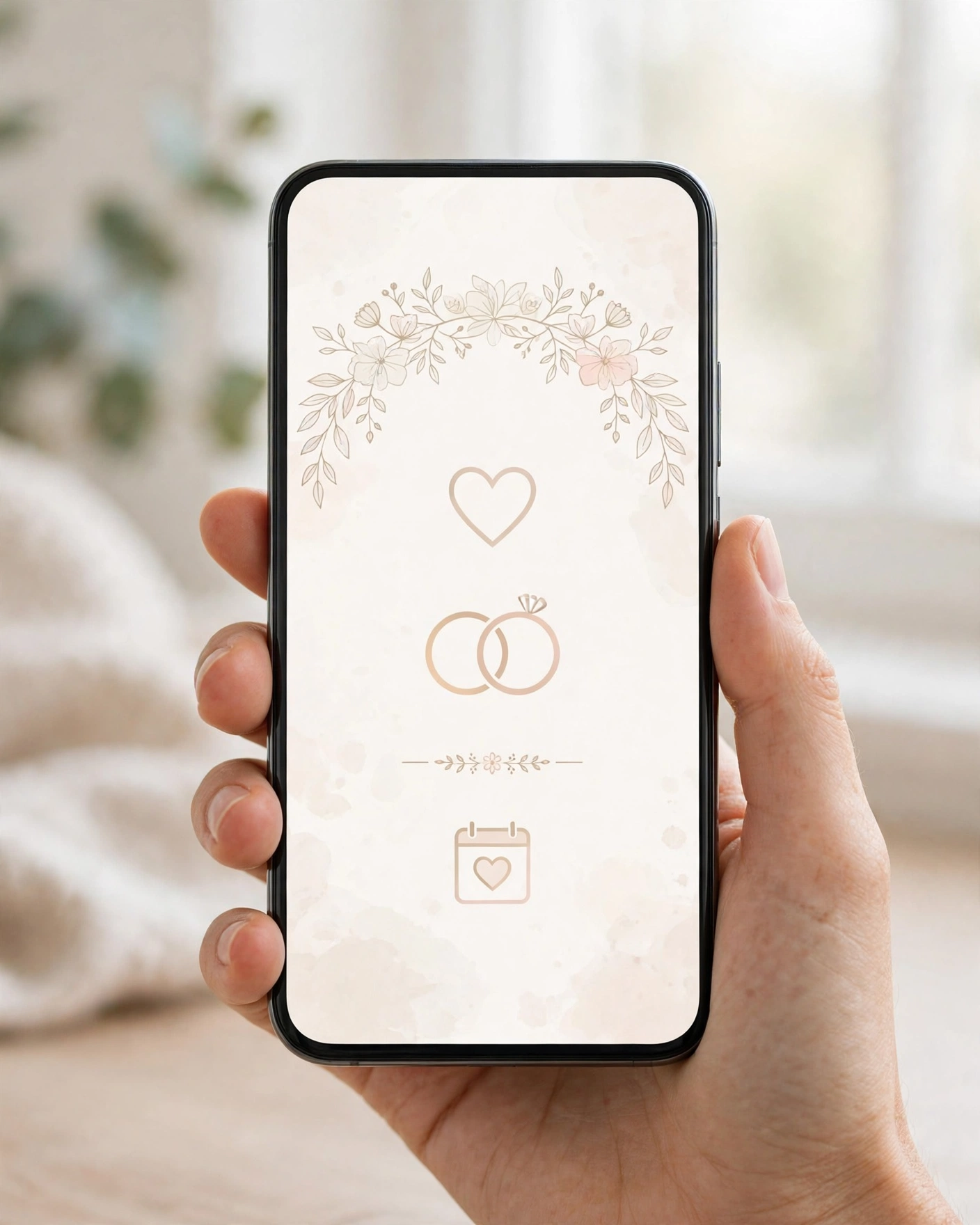
Write the full message first, then cut it in half, then cut it once more. Each cut should remove decoration, never information. If a sentence does not tell the guest something new, it can go. What remains will feel sharper and more confident.
Keep one beautiful line, not five. A single image, like two families becoming one, carries more feeling than a paragraph of praise. Place that line at the start or the end, where it frames the facts, and let the middle stay purely practical.
Brevity is not coldness. A short message, carefully chosen, feels more respectful of a guest's time.
What you need
- The hosts' and couple's names, in agreed order.
- Date, time, and venue, checked and final.
- An RSVP method, in one short phrase.
- One beautiful line, chosen deliberately.
- A phone screen test, to confirm it reads without scrolling.
- A final proofread, since short text shows every error.
How to share it
- Share with parents and close family first, so they hear it from you.
- Send to outstation guests next, since they need the most time to plan travel.
- Send to friends and colleagues after that, in small batches you can track.
- Follow up once, politely, with guests who have not replied.
- Keep one final list of who confirmed, so the venue count stays accurate.
What it costs
A MyIndiAura invitation comes in three options. A Cinematic Invite costs ₹499, an Invite App costs ₹399, and an Invitation Suite costs ₹99. Pick the one that fits how you want guests to open the invite, and pay only for that option. There are no struck through prices and no hidden extras in the price you see.
How to create yours
- Pick a design from the designs page that matches your wedding style.
- Add your names, your events, your dates, and your venue details.
- Add your photos and check every spelling, especially names and dates.
- Preview the invite on your phone, exactly as a guest will see it.
- Fix anything that looks off, then confirm your order.
- Share the finished invite with your guests, starting with family.
Create your wedding invitation
Related reading
Found this useful? Share it with someone planning a celebration.
Share