How to Make a Personalised Wedding Invitation Video
Make a video that could only be yours: one story idea, your photos, your words, and your events, in a film under a minute.
In short
You make a personalised invitation video by choosing one story idea, gathering your photos and event details, picking a theme that fits, and building the invitation around them. Personalisation comes from specifics: your first meeting, your favourite song, your family's welcome, and the exact events your guests will attend. Keep it under a minute, and end with the date and venue on screen.
What it means
A personalised wedding invitation video is a short film built around a specific couple. It is not a generic template with names swapped in. It uses the couple's own photos, their own words, and their own event list, so guests feel they are being invited by people they know, not by a design. Most personalised videos are watched on phones and forwarded on WhatsApp, so they are designed for small screens, with large text and clear sound.
What your invitation can do
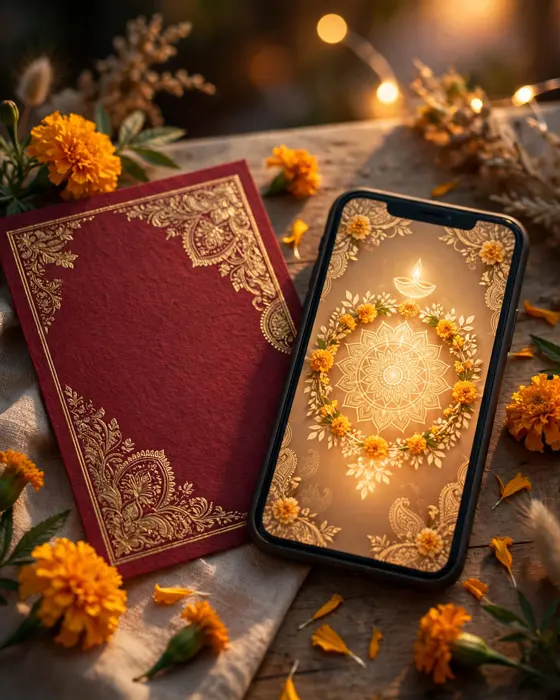
A MyIndiAura cinematic invite is built for personalisation. It can open with an entrance sequence in your theme, then move through your story, your photos, and each of your events. It can include a welcome from family, a line in your own words, and venue details for every event. Because the invitation lives as a link, you can refine it after family feedback, and every guest sees the latest version. Personalisation is not a single feature. It is the sum of every choice you make inside the invitation.
Options to consider
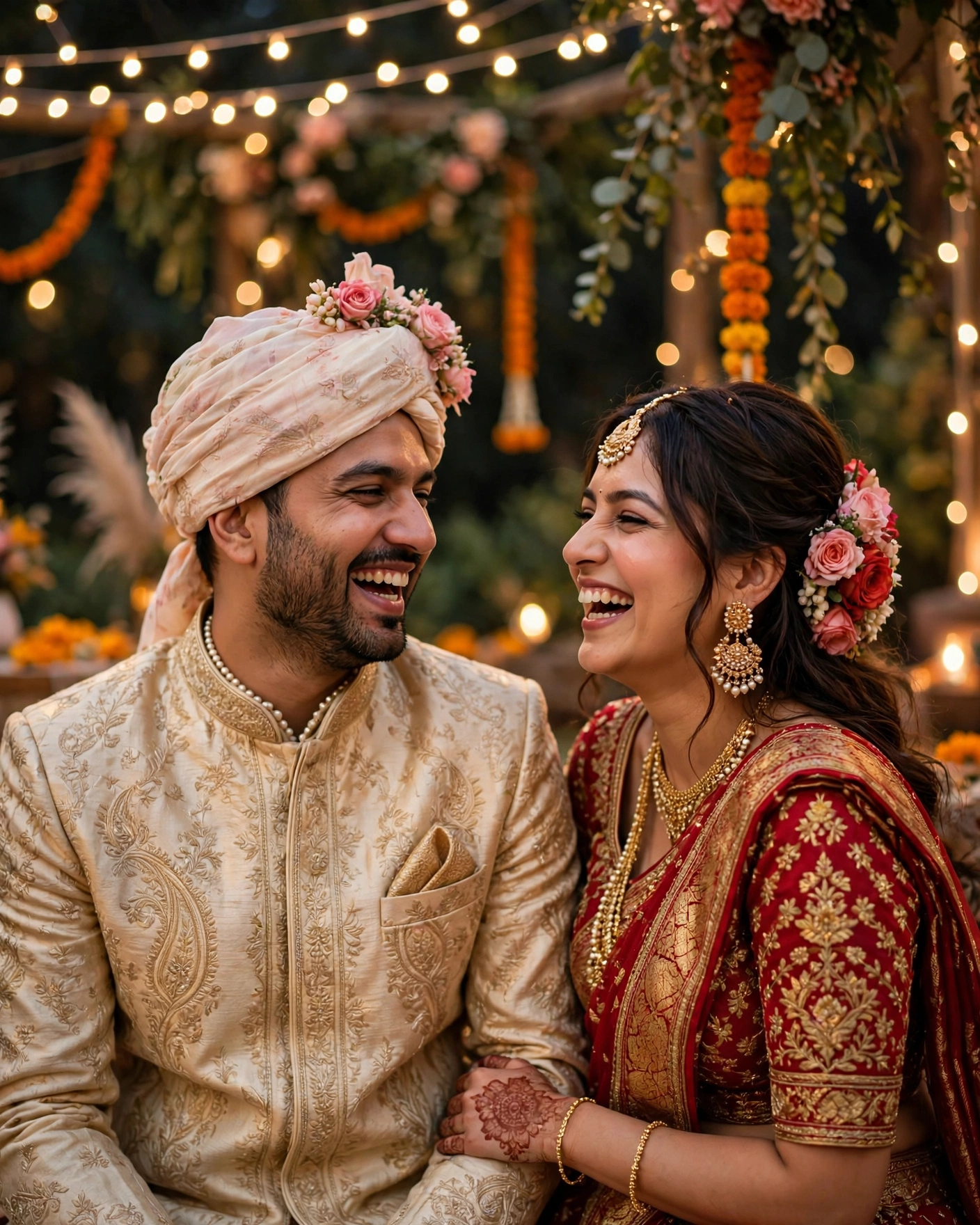
Personalisation takes several forms, and you can combine two of them.
- Your story in photos. Favourite photos in sequence, from meeting to proposal, with short captions.
- A family welcome. Parents or siblings welcome guests, then the couple appears with the date.
- Your events as scenes. Each event gets its own short visual moment, in order, ending on the wedding.
- Your words on screen. A line the couple wrote themselves, shown at the opening or the close.
- Your music. A song that means something to the couple, rather than a generic track.
Style tips
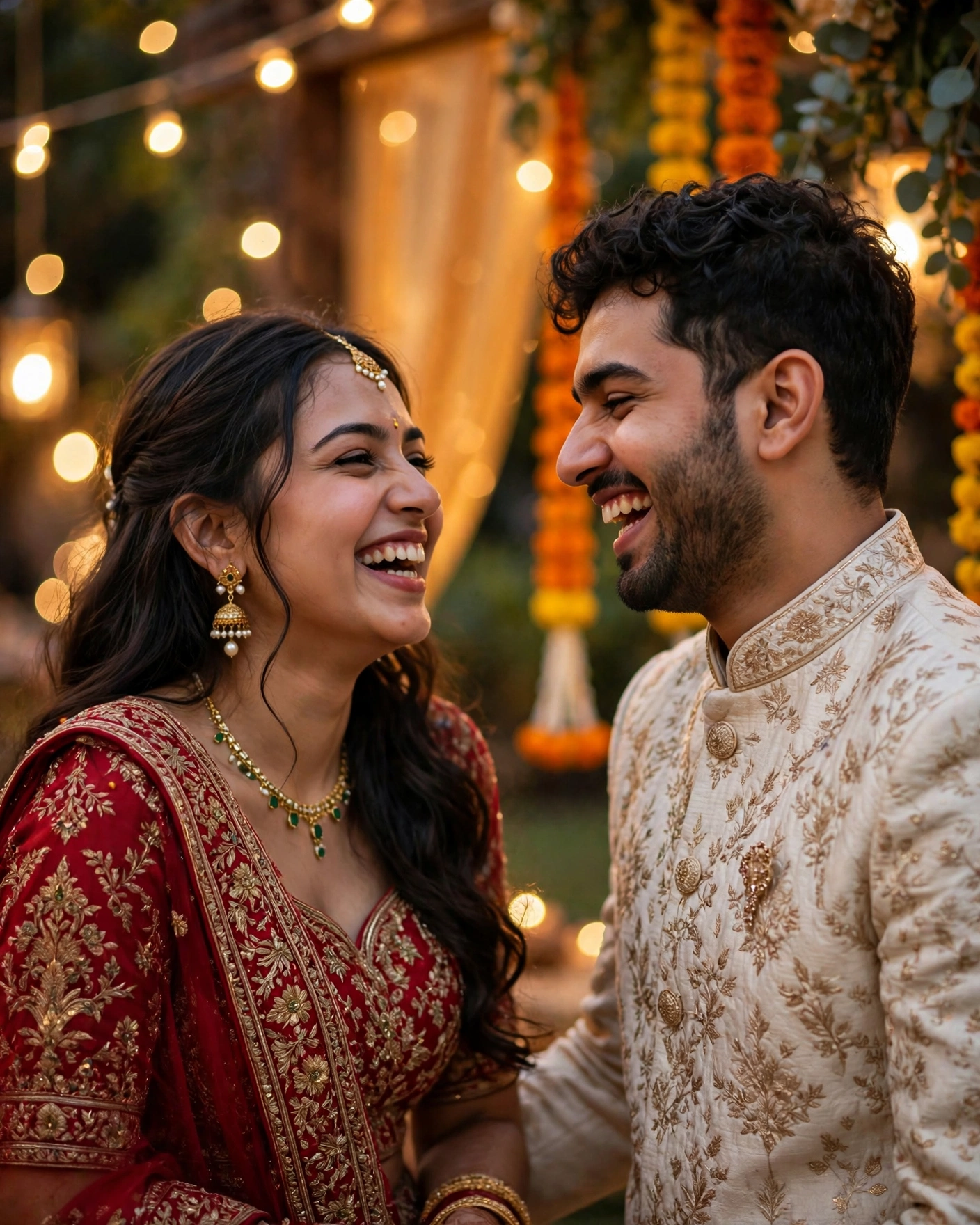
Specifics are what make a video personal, so be brave about them. A line like "We met at a college fest in Delhi" beats "Two hearts became one". Use photos where you look like yourselves, laughing or relaxed, not only posed portraits. Keep text short on every frame, because guests read on phones and long sentences get skipped. And do not personalise everything: pick two or three personal touches and let the theme do the rest. A video with twenty personal details feels cluttered, while a video with three strong ones feels unmistakably yours.
Guests do not remember a video because it was fancy. They remember it because it could only have been yours.
What you need
- The couple's names and the wedding date, confirmed by both families
- The event list, with dates, timings, and venues
- Ten to fifteen photos that tell your story
- One or two personal lines, in your own words
- A music preference, or a song with meaning for you
- A welcome line from family, if you want one
How to share it
- Build a first version and watch it with your partner, on a phone.
- Show it to both families, and confirm every name, date, and spelling.
- Adjust the personal touches based on what they loved most.
- Share the finished invitation with close family first.
- Share with friends and wider circles, and send a reminder before the wedding.
What it costs
A personalised video invitation on MyIndiAura follows the prices: ₹499 for a Cinematic Invite, ₹399 for an Invite App, and ₹99 for an Invitation Suite. The cinematic form is the natural home for a film led personal invitation, while the app form suits a personal invitation with many sections to explore.
How to create yours
- Choose your story idea, and note two or three personal touches.
- Gather your photos, event details, and personal lines.
- Browse the designs on MyIndiAura and pick a theme that fits your story.
- Build the invitation, preview the film on your phone, and check the date and venue frames.
- Share with family first, then with all guests.
Create your wedding invitation on MyIndiAura, and make a video that could only be yours.
Related reading
Found this useful? Share it with someone planning a celebration.
Share