How to Choose the Perfect Wedding Invitation Theme
Choose a theme by starting with your venue and ceremonies, then mood, then colour, and previewing three finalists on your phone.
In short
Choose a theme by starting with your venue and your ceremonies, then narrowing by mood, then by colour. Shortlist three themes, preview each on your phone, and pick the one you both keep returning to. A theme that fits your wedding will feel obvious once you see your own names and photos inside it.
What it means
A wedding invitation theme is the complete visual world of your invitation: its artwork, colours, motifs, typefaces, and motion. On MyIndiAura, themes range from royal and traditional to floral, modern, minimal, and playful. The theme does not change your facts, your dates and venues stay the same, but it changes how guests feel when they open the invitation. A royal theme feels grand. A floral theme feels romantic. A minimal theme feels calm and modern.
What your invitation can do
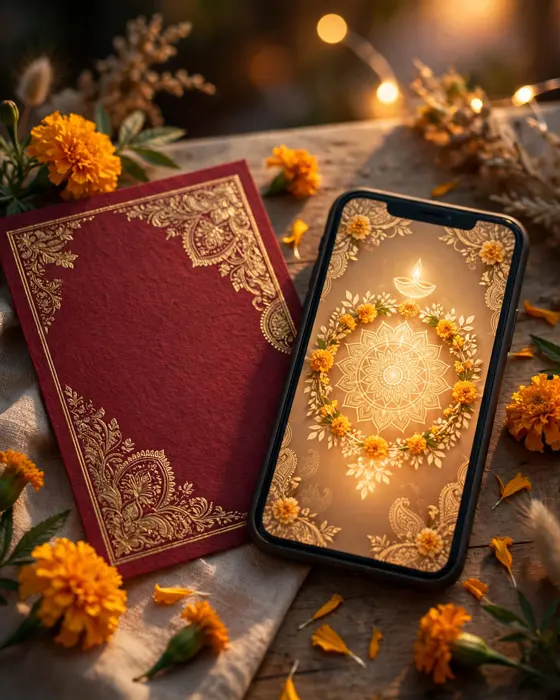
A MyIndiAura theme carries your whole invitation. It sets the opening reveal, the section backgrounds, the motifs beside your event details, and the mood of the photo gallery. Some themes are built around a signature idea, such as an arch, a mandala, or a garden, and that idea repeats gently through the invitation so it feels designed rather than decorated. Choosing well means your invitation looks intentional from the first screen to the last.
Options to consider
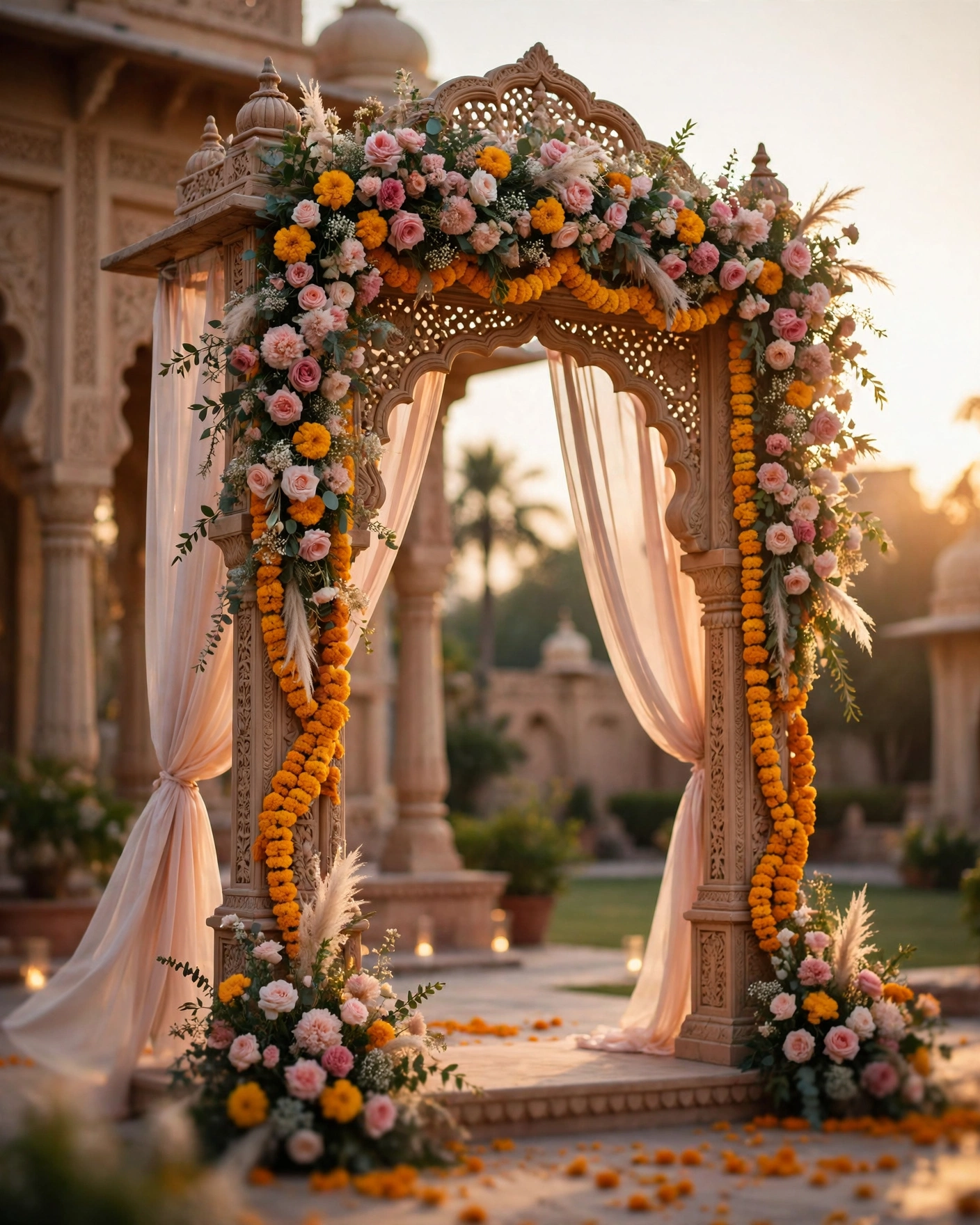
Themes group naturally by the weddings they suit.
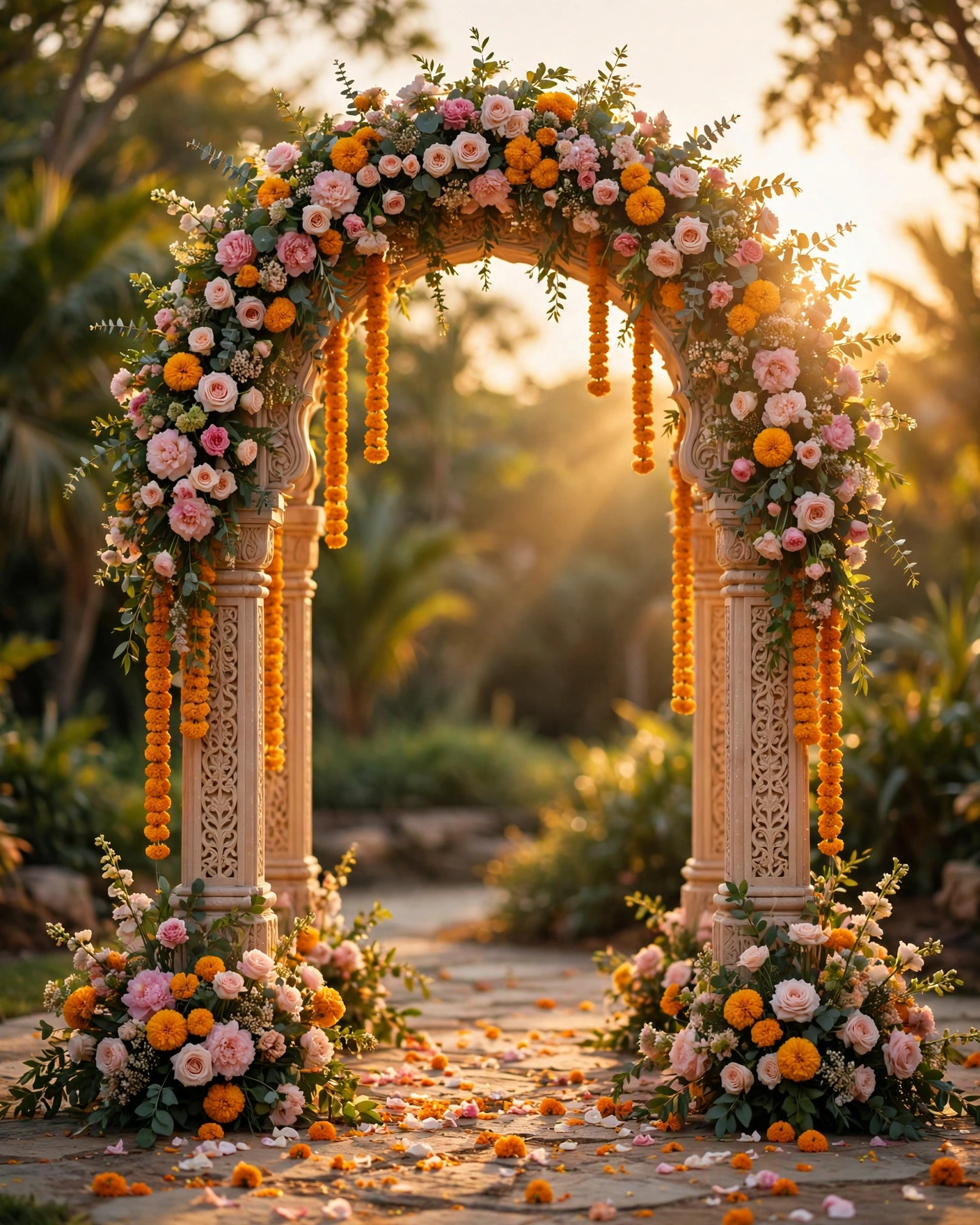
- Royal and heritage. Deep colours, gold detail, palace and arch motifs. Best for palace, fort, and heritage venues.
- Floral and romantic. Blush, ivory, and botanical artwork. Best for garden, daytime, and outdoor weddings.
- Traditional and devotional. Rich colours and sacred motifs. Best for temple weddings and classic ceremonies.
- Modern and minimal. Light palettes, clean lines, generous space. Best for contemporary venues and smaller weddings.
- Playful and colourful. Bright colours and lively artwork. Best for Sangeet heavy weddings and joyful families.
- Destination and scenic. Coastal, mountain, or city artwork. Best for destination weddings.
Style tips
Start with the venue, not with a favourite colour. A palace wedding in a minimal theme feels wrong, and a beach wedding in a royal theme feels heavy. Next, consider your ceremonies: a wedding with a big Baraat and Sangeet suits energy and colour, while a quiet ceremony suits calm and restraint. Then look at your outfits, because the invitation and the wedding should feel like one celebration. Finally, preview with your own names and a real photo, not the demo, because a theme that looks good with demo content may feel different with yours.
The perfect theme is not the prettiest one in the gallery. It is the one that looks like your wedding.
What you need
- Your venue name and type, and whether events are indoors or outdoors
- Your ceremony list, and which events matter most to you
- Your outfit colours, or the mood you want guests to feel
- Two or three photos you would like in the invitation
- A shortlist of three themes to compare
How to share it
- Shortlist three themes that fit your venue and ceremonies.
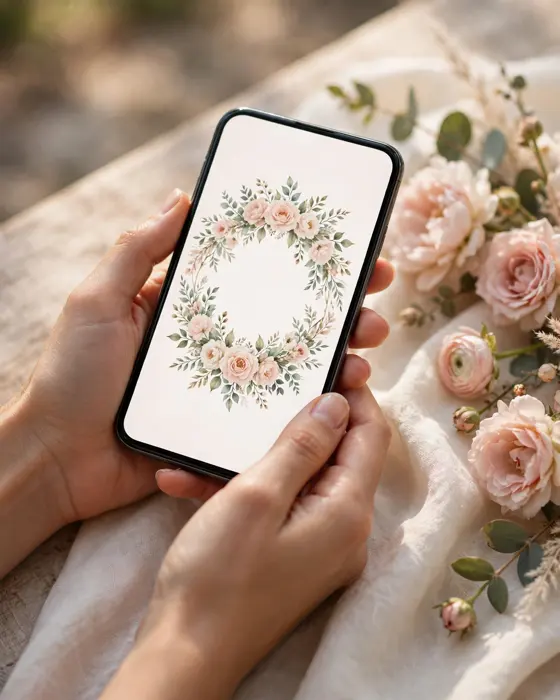
- Preview each one on your phone, with your names in mind.
- Show the shortlist to your partner and to parents, and listen for the one everyone returns to.
- Pick that theme, and do not keep browsing after you have chosen.
- Share the finished invitation with family first, then with all guests.
What it costs
Themes do not change the price on MyIndiAura. The prices are ₹499 for a Cinematic Invite, ₹399 for an Invite App, and ₹99 for an Invitation Suite. Pick the theme that fits your wedding, and the form that fits how much detail and motion you want.
How to create yours
- Note your venue, ceremonies, and mood in a few words.
- Browse the designs on MyIndiAura and shortlist three themes.
- Preview each theme on your phone, and pick the one you keep returning to.
- Add your names, dates, venues, and photos.
- Share with family first, then with all guests.
Create your wedding invitation on MyIndiAura, and find the theme that feels like your wedding.
Related reading
Found this useful? Share it with someone planning a celebration.
Share