Wedding Planning Apps and Tools for Indian Couples
The right planning tools keep the guest list, the budget and the vendor calls in one place, so here are the apps and tools that actually help Indian couples.
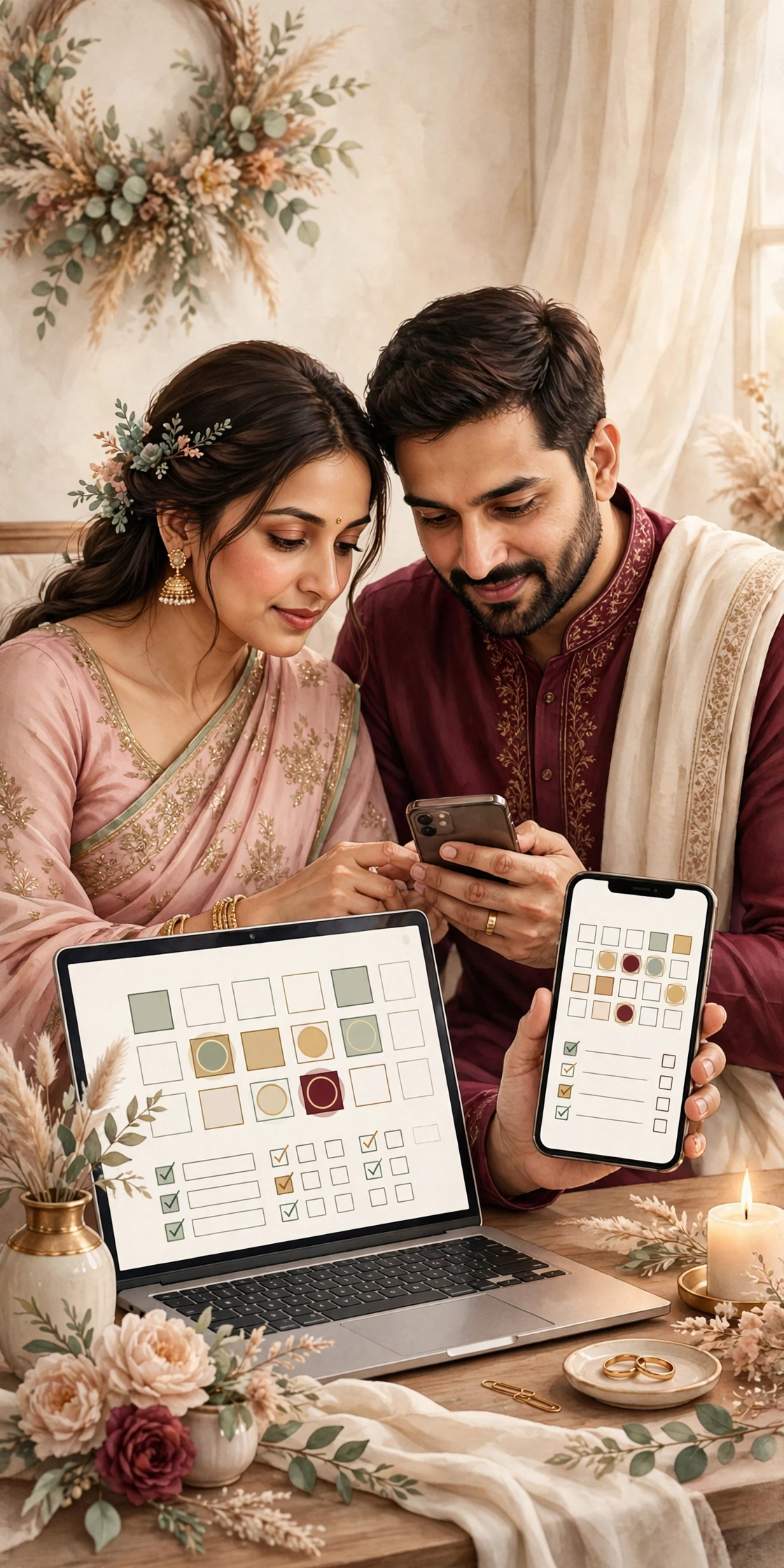
What a planning tool should do for you
A wedding creates a hundred small records: guest names, vendor numbers, payment dates, outfit trials, and function timings. Without a tool, those records live in five notebooks, three phone chats, and one person's memory. With a tool, they live in one place, and anyone in the family can find them. That is the whole job of a planning app: one place, kept current, that the whole family can read.
The best tool is the one the family will actually use. A complicated app that nobody opens is worse than a simple sheet that everyone checks. Before choosing, ask who will update it. If one person will do the updating, a detailed app works. If several people will update it, a shared sheet with clear columns works better. The tool should fit the family, not the other way round.
Indian weddings need a few things that generic tools often miss: a guest list split by family side, functions across several days, a muhurat time that matters, and payments in stages. Whatever tool you choose, check that it can hold these. A tool that cannot split the guest list by family side will force the family to keep a second list elsewhere, and the second list is where mistakes begin.
The tools that cover the whole wedding
A shared spreadsheet is the most useful single tool for most Indian weddings. One sheet for the guest list, with columns for name, family side, function, RSVP status, and table. One sheet for the budget, with columns for item, vendor, quoted amount, paid amount, and amount due. One sheet for vendors, with names, numbers, dates, and payment stages. A sheet is free, it works on every phone, and both families can read it at the same time. Its only weakness is that someone must keep it current, so name one owner for it.
A wedding planning app adds reminders and checklists to the same records. The good ones let you set a timeline, tick off tasks, and store vendor contacts with their quotes. Use the app for the timeline and the tasks, and keep the sheet for the money and the guest list. When one tool tries to do everything, it usually does the money and the guest list badly, and those are the two records that cannot be wrong.
A shared calendar holds the dates: the vendor meetings, the outfit trials, the tastings, the functions, and the travel. Put every wedding date on one calendar that both families can see, with the muhurat and the function timings marked clearly. A calendar prevents the most common scheduling mistake: two important things booked at the same hour because nobody checked.

Invitations, RSVPs, and the guest app
A digital invitation is itself a planning tool, because it carries the RSVP. When the invitation has a built in RSVP button, every reply lands in one place, with the guest's name attached. The family stops counting replies from five different chats, and the caterer gets a number the family can trust. The invitation should also carry the venue map and the function timings, so the same link answers the questions guests ask most.
For the day itself, a shared chat group for the family, and a separate one for the vendors, keeps the communication clean. The family group carries the timings and the changes. The vendor group carries the setup and the deliveries. Mixing the two means vendors see family arguments, and the family sees vendor logistics. Keep them apart, and name one person to post the updates in each group.
How to choose without downloading everything
Do not download ten apps and hope one sticks. Choose one tool for the list, one for the money, and one for the dates, and use them for two weeks before deciding if they work. If the family is not updating the tool after two weeks, the tool is wrong, not the family. Change it, and keep the records moving to the new tool the same day, so nothing is lost in between.
Check three things before committing to a paid app. First, can both families use it without paying separately. Second, can the records be exported, so the family keeps its guest list and budget if the app closes. Third, does it work well on a phone, because most of the family will use it on a phone, not a computer. An app that fails any of these three will cause more work than it saves.
The simplest setup, and the one most families end up with, is a shared sheet for the list and the money, a shared calendar for the dates, and a digital invitation with RSVP for the guests. That setup costs nothing, works on every phone, and covers the whole wedding. Fancier tools are worth it only when the wedding is very large, or the families live in different countries and need more structure.

What it costs
On MyIndiAura, a Cinematic Invite is ₹499, an Invite App is ₹399, and an Invitation Suite is ₹99. Choose by what your invitation needs to do, not by price alone. A cinematic invite suits a wedding with a film led opening, while an invite app suits a full week of functions with RSVP and maps.
How to create your wedding invitation
- Pick a design from the designs page at myindiaura.com/designs.
- Add the names, the venue, the order of events, and the RSVP button.
- Add photos of the couple, the venue map, and the travel guidance for outstation guests.
- Preview the invitation on your own phone, then share the link on WhatsApp. See myindiaura.com/create to start, and myindiaura.com/pricing for the full price list.
Details to check before you send
- One tool for the guest list, one for the money, one for the dates, all chosen
- The guest list split by family side, with RSVP status and table columns
- The budget sheet current, with quoted, paid, and still due amounts
- The calendar shared with both families, with the muhurat and functions marked
- The digital invitation carrying the RSVP button, the map, and the timings
- One owner named for each record, so every list stays current
Frequently asked questions
Do we need a paid wedding planning app?
Usually not. A shared sheet for the list and the money, a shared calendar for the dates, and a digital invitation with RSVP cover most Indian weddings well. Pay for an app only when the wedding is very large, or the families live in different countries and need more structure.
What is the most important planning tool?
One master guest list, in one place, with one owner. It decides the venue, the food, and the budget, and it becomes the seating plan and the RSVP record. Every other tool matters less than getting this list right and keeping it current.
How do we keep both families using the same tools?
Choose tools that work on a phone, keep them simple, and name one owner for each record. Share the links in the family group, and post a short update every week so everyone sees the tools working. If a tool is not used after two weeks, change it rather than forcing it.
MyIndiAura theme showcase
These Cinematic Invites from MyIndiAura fit this wedding. Each one is ₹499.
- Music Box: a musical opening for a celebration full of song.
- The Wedding Post: a posted letter opening that carries the details beautifully.
- Blush Bow: a soft modern opening for a stylish celebration.
Related reading
- How to Create a Wedding Website for Your Guests
- Indian Wedding Planning Checklist: 12 Months to the Wedding Day
- The First 30 Days: A Wedding Planning Checklist for Starting Late
One place for every record, and the wedding stays calm.
Explore invitation designs
Choose a design and preview it free with your own names.



Found this useful? Share it with someone planning a celebration.
Share