How it works
Your Cinematic Invite, step by step
Preview free with your names. Pay ₹499 only when you love it, then fill in the rest from your dashboard.
Step 1
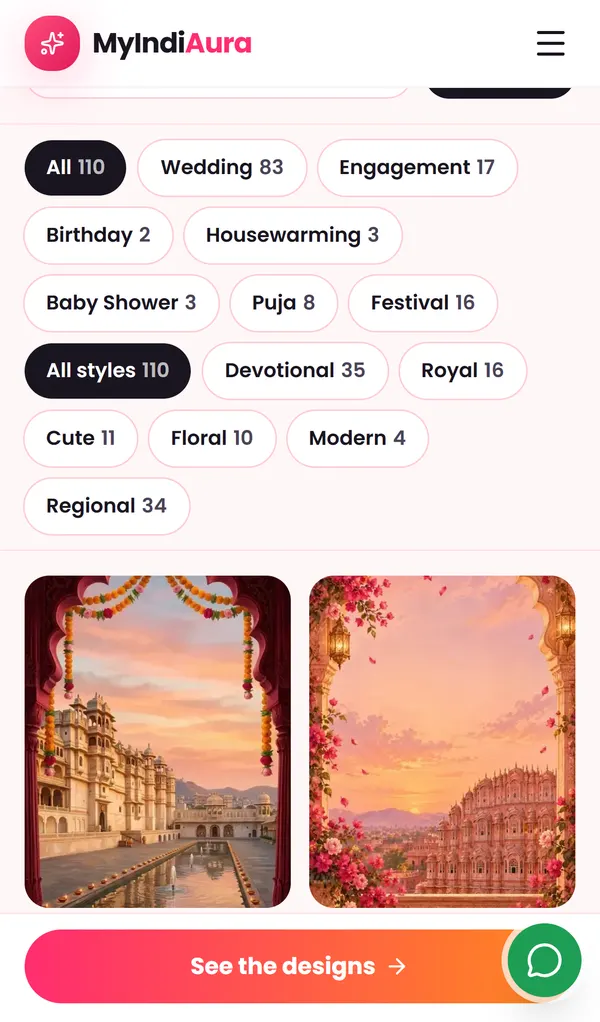
Pick a film
Open Cinematic Invites and filter by occasion and style. Tap Preview on any design to watch it play exactly as your guests will see it.
See the cinematic invites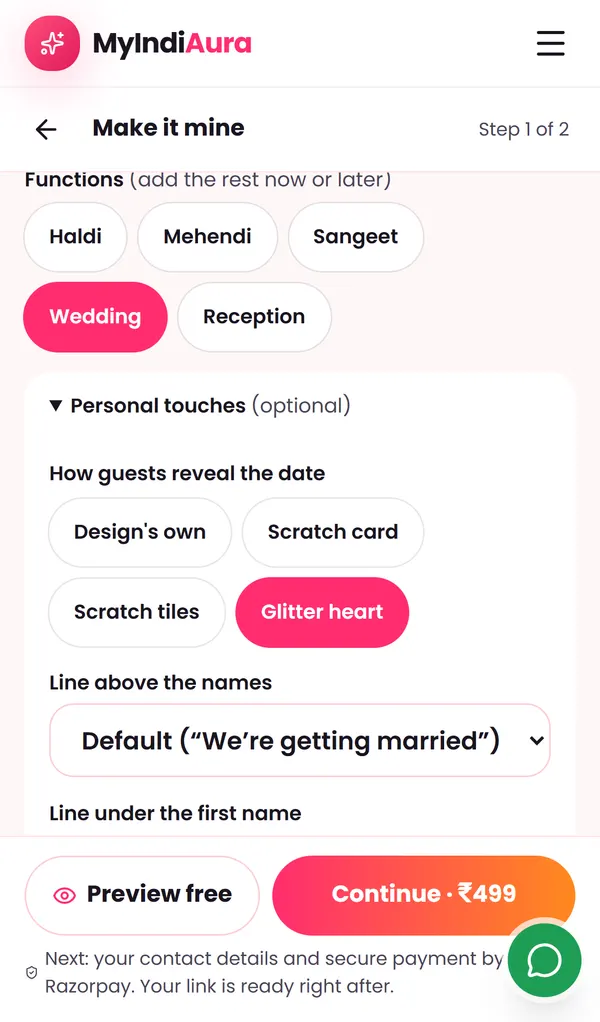
Step 2
Add your names and preview free
Type your names; the date and city are optional. Under Personal touches you can choose how guests reveal the date, change or hide the line above your names, and add “son of / daughter of” under each name. Preview free before you pay.
Step 3
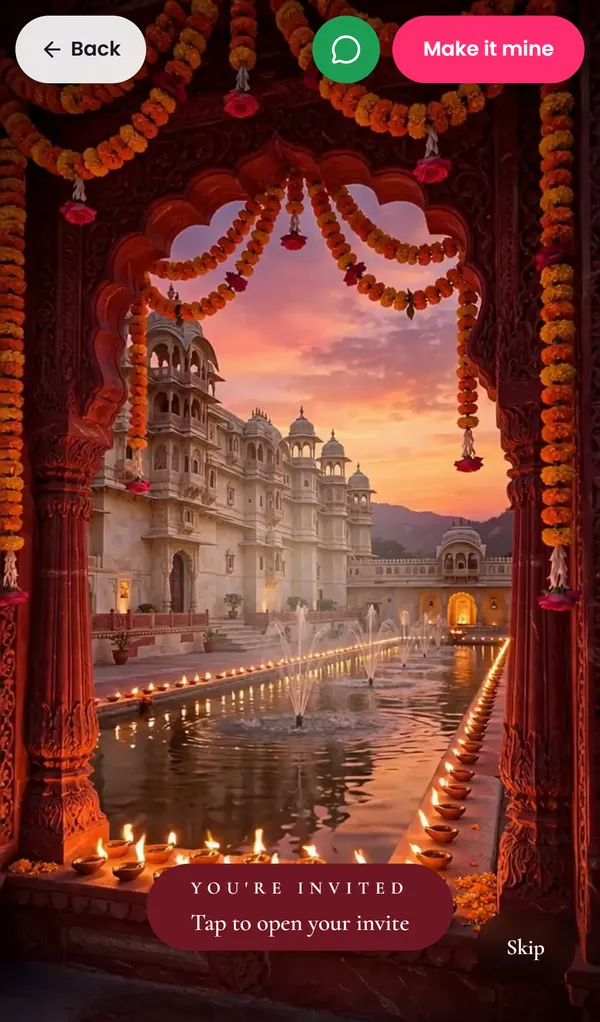
Your guests tap, the film plays
Everyone gets one link on WhatsApp. It opens in the phone's browser, nothing to install. The filmed opening plays with their name on the envelope when you send personal links.
Step 4
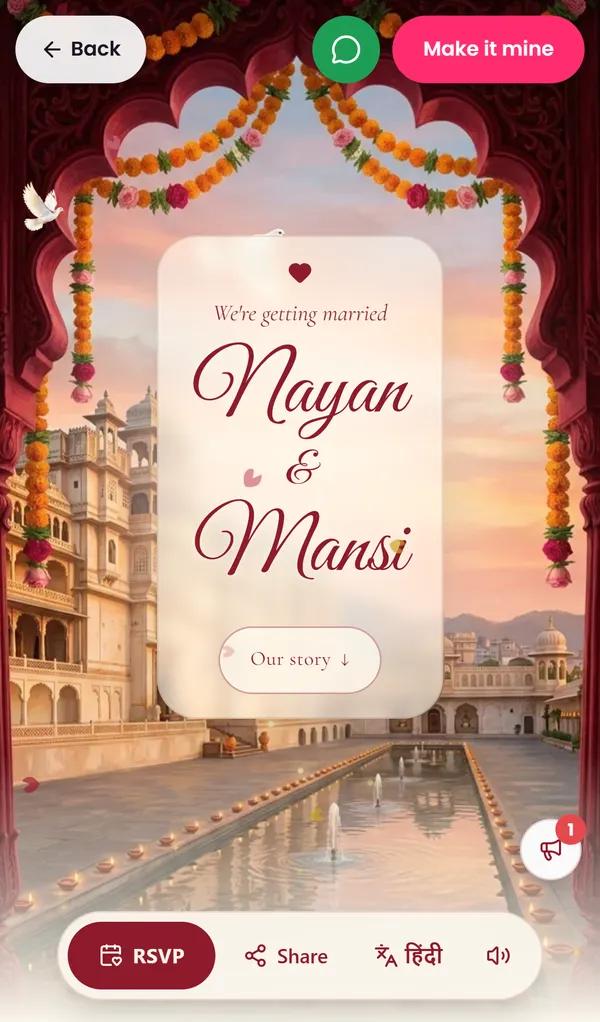
Your names, then your story
After the film come your names, the date reveal and a countdown, then your story and photos.
Step 5
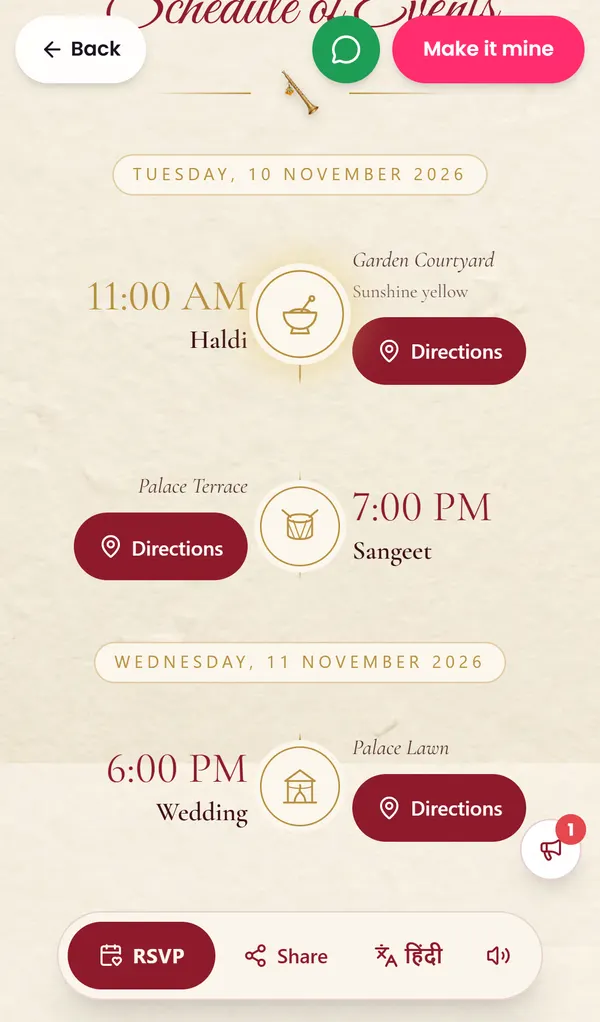
Every function, with a map
Haldi, Mehendi, Sangeet, the wedding: each with its time, venue, dress code and a Directions button that opens the guest's maps.
Step 6
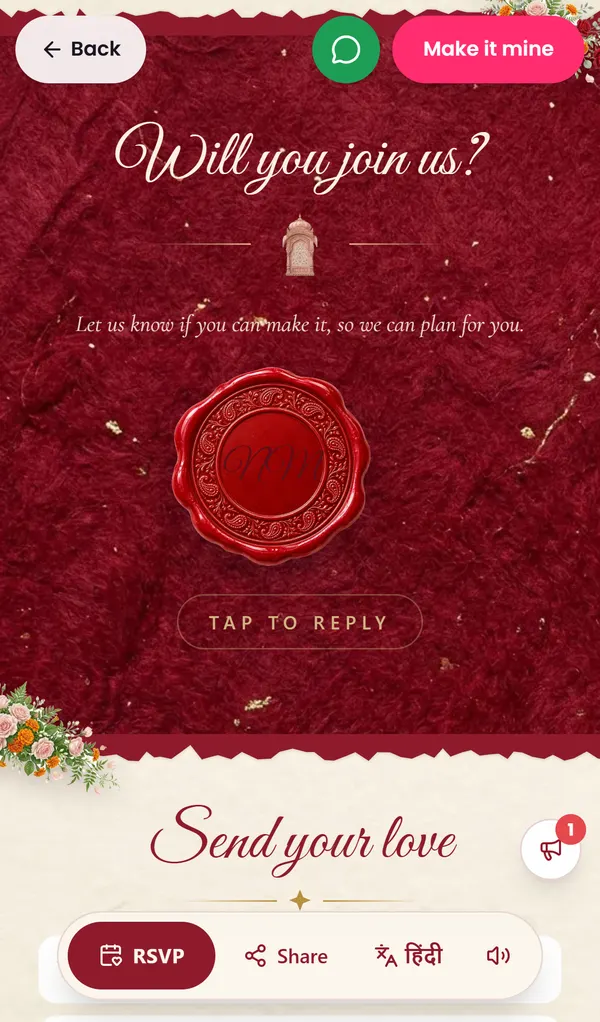
RSVP in one tap
Guests break the wax seal to reply, choose the functions they will attend and how many are coming. You see every reply in your dashboard and can download the list.
Step 7
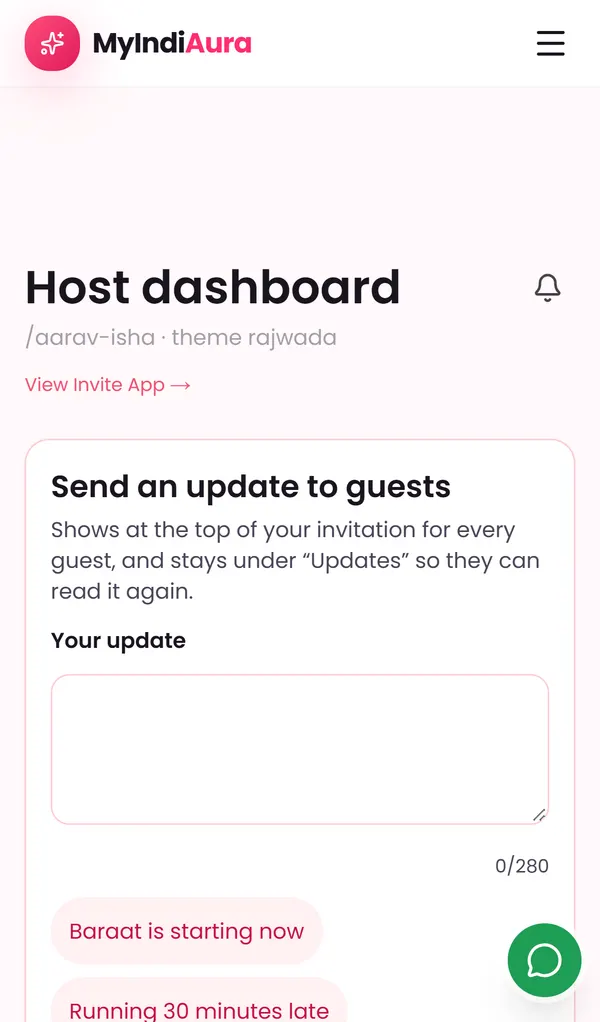
Your dashboard: change anything, any time
After paying you get a private dashboard link. Fill in the rest there, send a live update to every guest (“Baraat is starting now”), and watch replies and blessings arrive. Every change shows to guests at once.
Before you pay
Enough to see your own invite.
- Your names
- Main date and city (optional)
- Functions (Haldi, Mehendi, Sangeet, Wedding, Reception)
- Personal touches: date reveal, line above the names, son of / daughter of
After you pay, from your dashboard
All optional, all editable any time.
- Time, venue and map for every function
- Your photos: couple photo, our story, photo wall
- Family contacts and the line inviting guests
- Dress code and colours per function
- Stay, travel and parking notes
- UPI ID for digital shagun
- Music, Hindi words, live-stream link
- Which sections show (tick or untick any section)
- Personal links per family, with their name on the envelope
Stuck anywhere?
Message us on WhatsApp. A person helps you fill it in, in Hindi or English.