Reception Invitation Messages for WhatsApp
The reception is the evening everyone meets the couple as newlyweds. On WhatsApp, the message should be short, gracious, and complete.
In short
The reception is the evening everyone meets the couple as newlyweds. On WhatsApp, the message should be short, gracious, and complete.
This guide gives you ready wording, design ideas, and a simple checklist, so your invitation is done in one sitting.
With MyIndiAura, the same invitation can carry every event, every venue, and an RSVP, and it travels on WhatsApp in one tap.
What it means
The reception usually follows the wedding, and it is the event with the widest guest list: colleagues, neighbours, and family friends who may not attend the wedding itself. The message therefore needs to be clear for people who know the couple less well.
A good reception message names the couple, gives the date, time, and venue in full, and ends with a warm line of welcome. Avoid inside jokes or family shorthand, since many reception guests are meeting the families for the first time.
What your invitation can do
A MyIndiAura invitation is built for a real wedding week, so it carries more than a single card can. It opens with an animated welcome that sets the mood before any detail appears.
It holds every event in one place, each with its own date, time, and venue, so guests never juggle separate cards. It shows venue details and directions, so out of town guests find their way without a follow up call.
It collects RSVPs, so you know who is coming without chasing replies across groups. It holds photos of the couple and the family, and it shares on WhatsApp in one tap, which is how most guests receive it today.
Options to consider
- A formal card naming both families and the couple.
- A short WhatsApp message with the invite link and the venue written out.
- A combined wedding and reception card for guests invited to both.
- A reception only card for colleagues and neighbours.
Wording examples
- Formal: We request the pleasure of your company at the wedding reception of our children. Dinner follows the ceremony of greetings.
- Warm: The wedding is done, and now it is time to celebrate together. Join us at our reception evening for dinner and good company.
- Short WhatsApp version: You are cordially invited to our wedding reception on Sunday evening. Venue and details inside.
Style tips

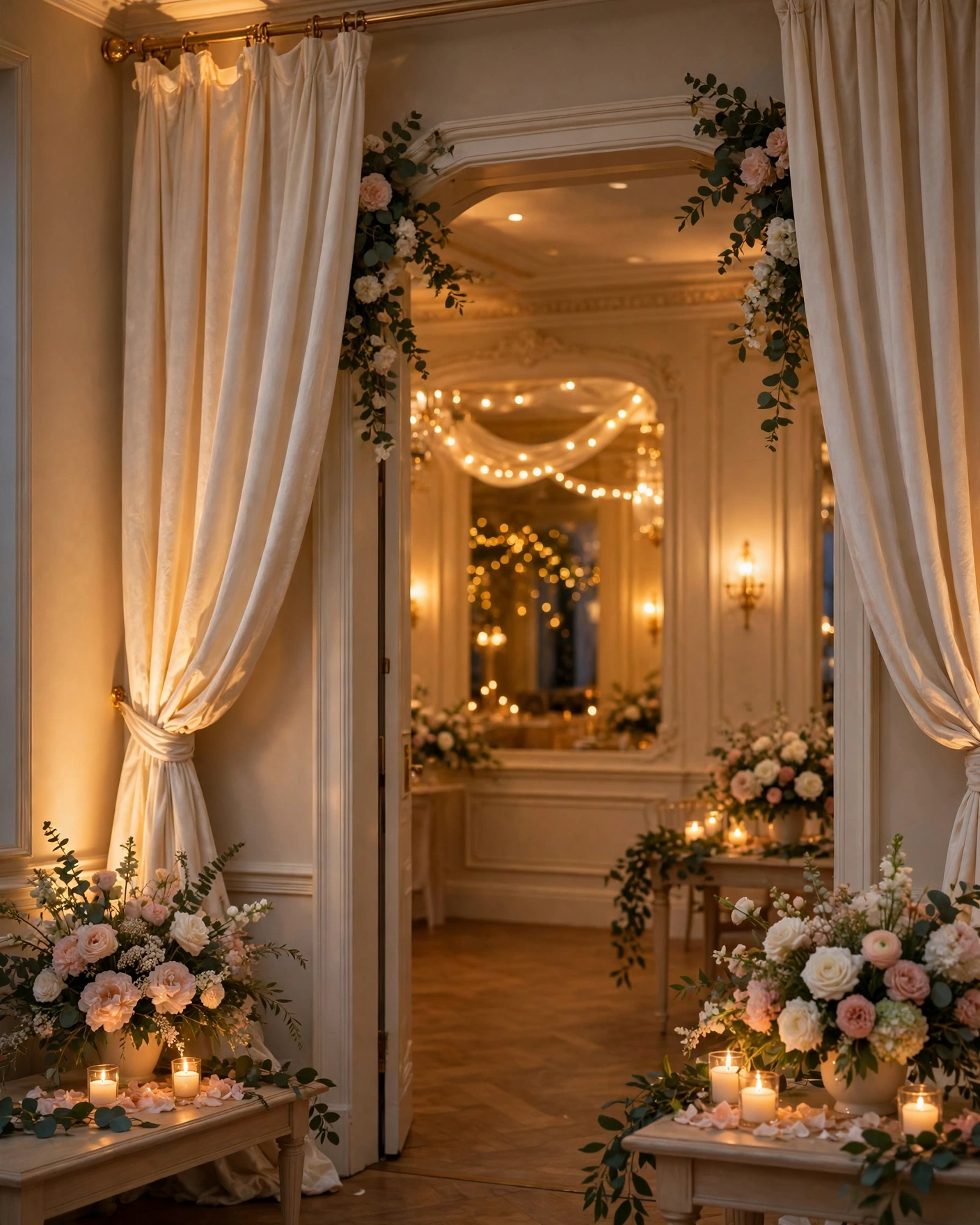
Reception design suits a calmer, more formal palette than sangeet: ivory, sage, and gold, with an arch or floral frame. Keep the couple's names prominent and the layout spacious, so the card reads as elegant rather than busy.
A reception message is a welcome, not an announcement, so write it like you are greeting the guest at the door.
What you need
- [ ] The couple's names and both families' names
- [ ] The reception date, start time, and full venue address
- [ ] A note on dinner timings, if dinner has a fixed window
- [ ] A contact number for venue directions
How to share it
- Open your finished invitation on your own phone and check every event, venue, and name.
- Send it first to one family member and ask them to confirm the link opens cleanly.
- Share it in family groups with a short personal line, not just the link on its own.
- Send a separate short message to elders, with the date, time, and venue written out in the message itself.
- Send one gentle reminder the day before the event, and no more.
What it costs
If price matters to your choice, MyIndiAura keeps it simple with three options. The Cinematic Invite costs ₹499 and is the flagship animated invitation. The Invite App costs ₹399. The Invitation Suites cost ₹99. Pick the one that fits your celebration, and the price you see is the price you pay, with no struck through original price.
How to create yours
- Browse the invitation designs and pick the style that fits your ceremony.
- Add your names, your families' names, and each event with its date, time, and venue.
- Choose your wording from the examples in this guide and adjust it to your own voice.
- Preview the invitation on your phone and check every detail once.
- Share it on WhatsApp with a short personal message.
Create your ceremony invitation. Browse the designs, build your invitation, and share it with the people who matter.
Related reading
Found this useful? Share it with someone planning a celebration.
Share