Sangeet Invitation Wording and Messages
Sangeet is the night both families dance together. The wording should carry that energy from the first line.

In short
Sangeet is the night both families dance together. The wording should carry that energy from the first line.
This guide gives you ready wording, design ideas, and a simple checklist, so your invitation is done in one sitting.
With MyIndiAura, the same invitation can carry every event, every venue, and an RSVP, and it travels on WhatsApp in one tap.
What it means
Sangeet is the musical evening before the wedding, where both families perform, compete in friendly dance battles, and celebrate together. It is usually the biggest pre wedding event, and often the one guests look forward to most.
Sangeet wording works best when it sounds like an invitation to dance, not a formal notice. Name the evening, give the time and venue clearly, and add one line about performances or music so guests know what kind of night it will be.
What your invitation can do
A MyIndiAura invitation is built for a real wedding week, so it carries more than a single card can. It opens with an animated welcome that sets the mood before any detail appears.
It holds every event in one place, each with its own date, time, and venue, so guests never juggle separate cards. It shows venue details and directions, so out of town guests find their way without a follow up call.
It collects RSVPs, so you know who is coming without chasing replies across groups. It holds photos of the couple and the family, and it shares on WhatsApp in one tap, which is how most guests receive it today.
Options to consider
- A full invitation card with the sangeet as the main event.
- A wedding week card where sangeet appears alongside haldi, mehndi, and the wedding.
- A short WhatsApp message with the invite link for friends and cousins.
- A formal family card that names both families and the hosts of the evening.
Wording examples
- Energetic: Get ready to dance. Our sangeet night is here, with music, performances, and both families on one stage.
- Warm: Two families, one stage, and a night of music. We would love you to join our sangeet celebration.
- Short WhatsApp version: Sangeet night, this Friday, 7 pm onwards. Music, dance, and dinner. Details inside.
Style tips
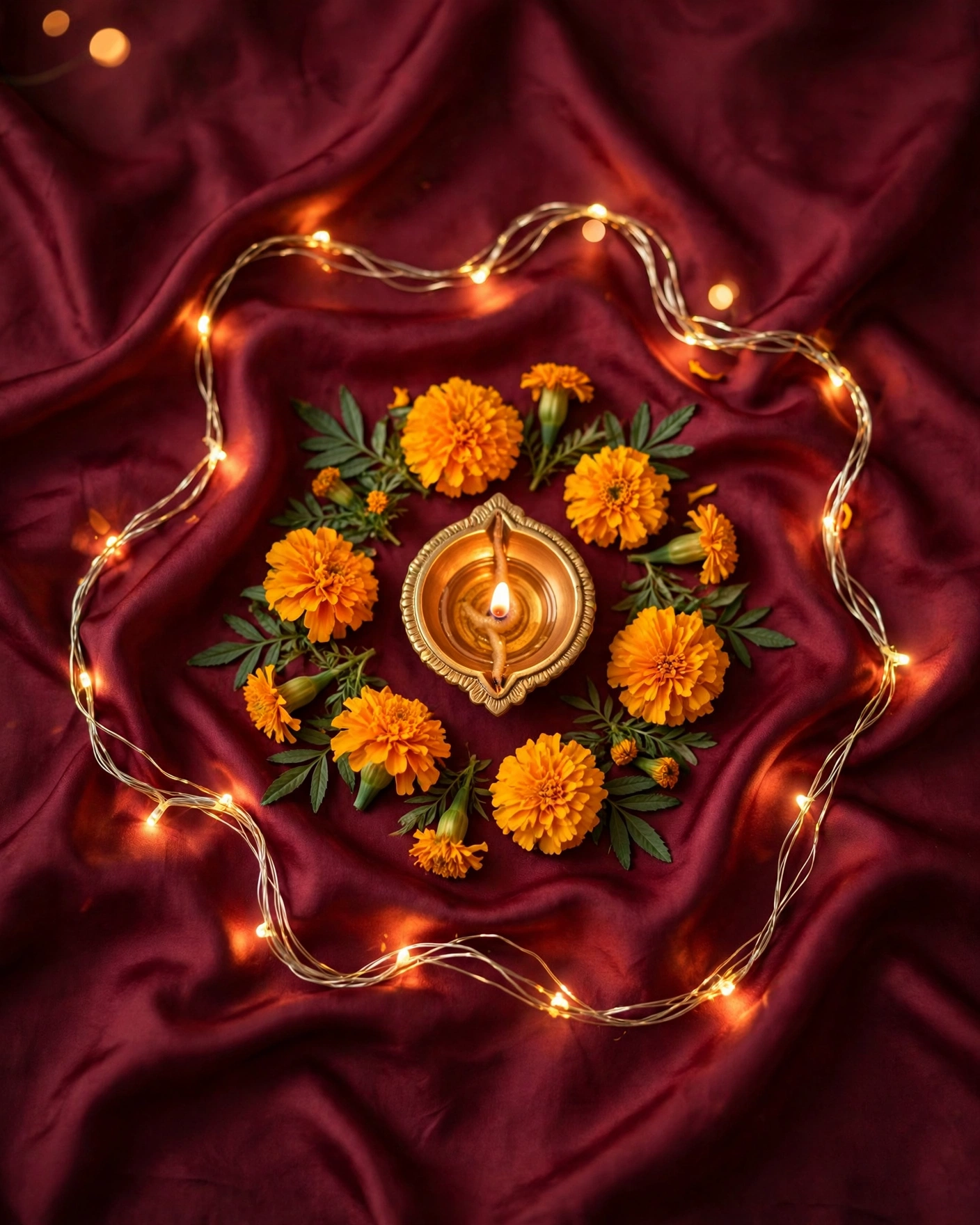
Sangeet design can be bolder than the other ceremonies. Deep burgundy, gold, and a hint of sparkle suit a stage lit evening. If you add dance or music motifs, keep them elegant, a single pair of dancing silhouettes or a delicate mandala, rather than a crowded scene.
A sangeet invite should make the guest want to dance before they even reach the venue.
What you need
- [ ] The sangeet date, start time, and venue
- [ ] The names of the hosts, if one family is hosting the evening
- [ ] A note on dinner, if dinner follows the performances
- [ ] A contact number for guests travelling from out of town
How to share it
- Open your finished invitation on your own phone and check every event, venue, and name.
- Send it first to one family member and ask them to confirm the link opens cleanly.
- Share it in family groups with a short personal line, not just the link on its own.
- Send a separate short message to elders, with the date, time, and venue written out in the message itself.
- Send one gentle reminder the day before the event, and no more.
What it costs
If price matters to your choice, MyIndiAura keeps it simple with three options. The Cinematic Invite costs ₹499 and is the flagship animated invitation. The Invite App costs ₹399. The Invitation Suites cost ₹99. Pick the one that fits your celebration, and the price you see is the price you pay, with no struck through original price.
How to create yours
- Browse the invitation designs and pick the style that fits your ceremony.
- Add your names, your families' names, and each event with its date, time, and venue.
- Choose your wording from the examples in this guide and adjust it to your own voice.
- Preview the invitation on your phone and check every detail once.
- Share it on WhatsApp with a short personal message.
Create your ceremony invitation. Browse the designs, build your invitation, and share it with the people who matter.
Related reading
Found this useful? Share it with someone planning a celebration.
Share