Live Stream Your Wedding: Guide for Remote Guests
A live stream lets far away family watch the wedding as it happens. Here is the setup, the sound, and the day of plan that actually works.
Who a live stream is for
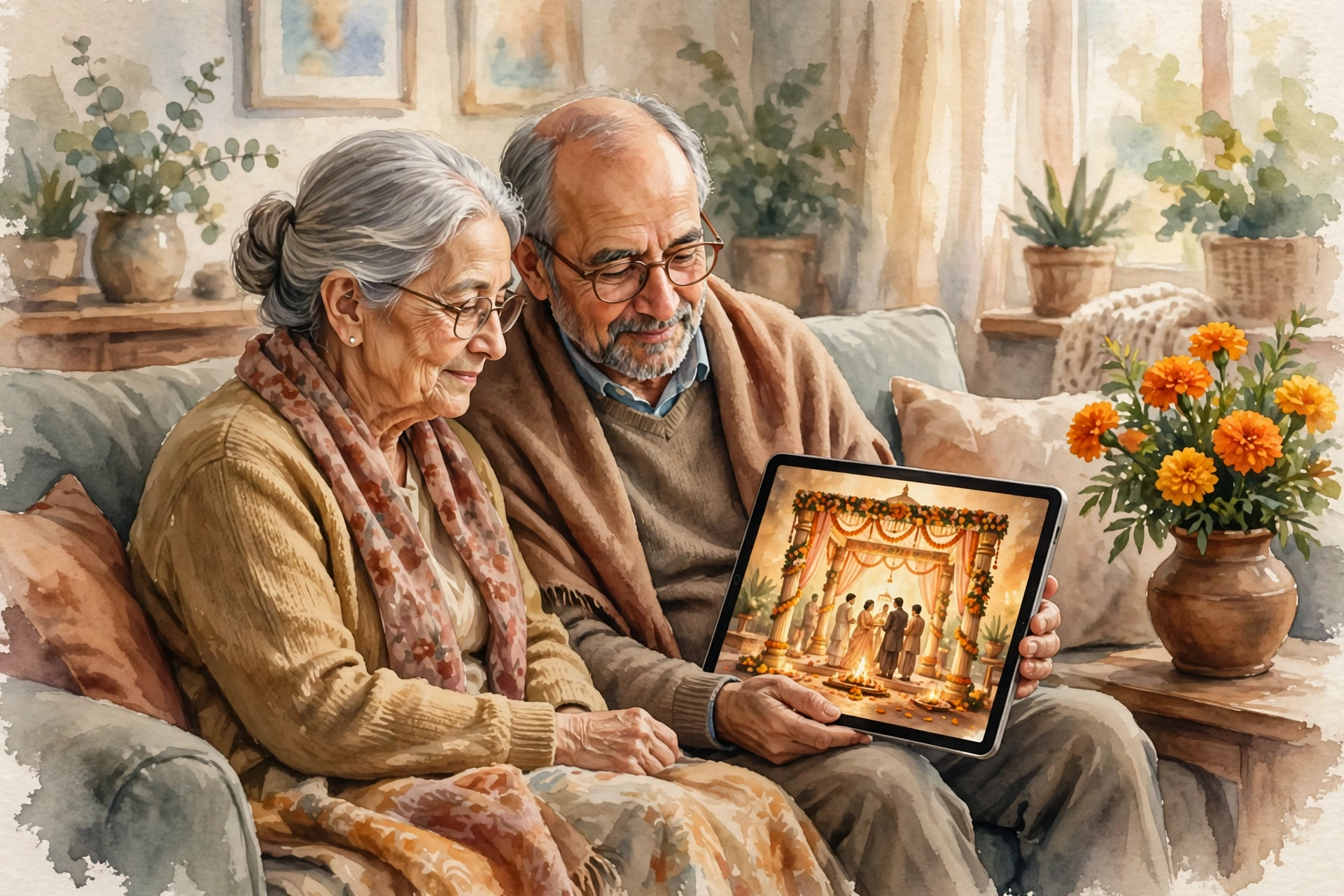
A live stream is for the people who cannot be in the room: grandparents who cannot travel, family abroad, friends in another city, and elders who would find a long day too tiring. It is not a replacement for coming. It is a way to include the people who wish they could come.
Tell guests early that there will be a stream. Put the link on the invitation, with the time in their timezone if they live abroad. A guest in Toronto needs to know the muhurat is 3 in the morning their time, so they can set an alarm or watch the recording later.
Picking the setup
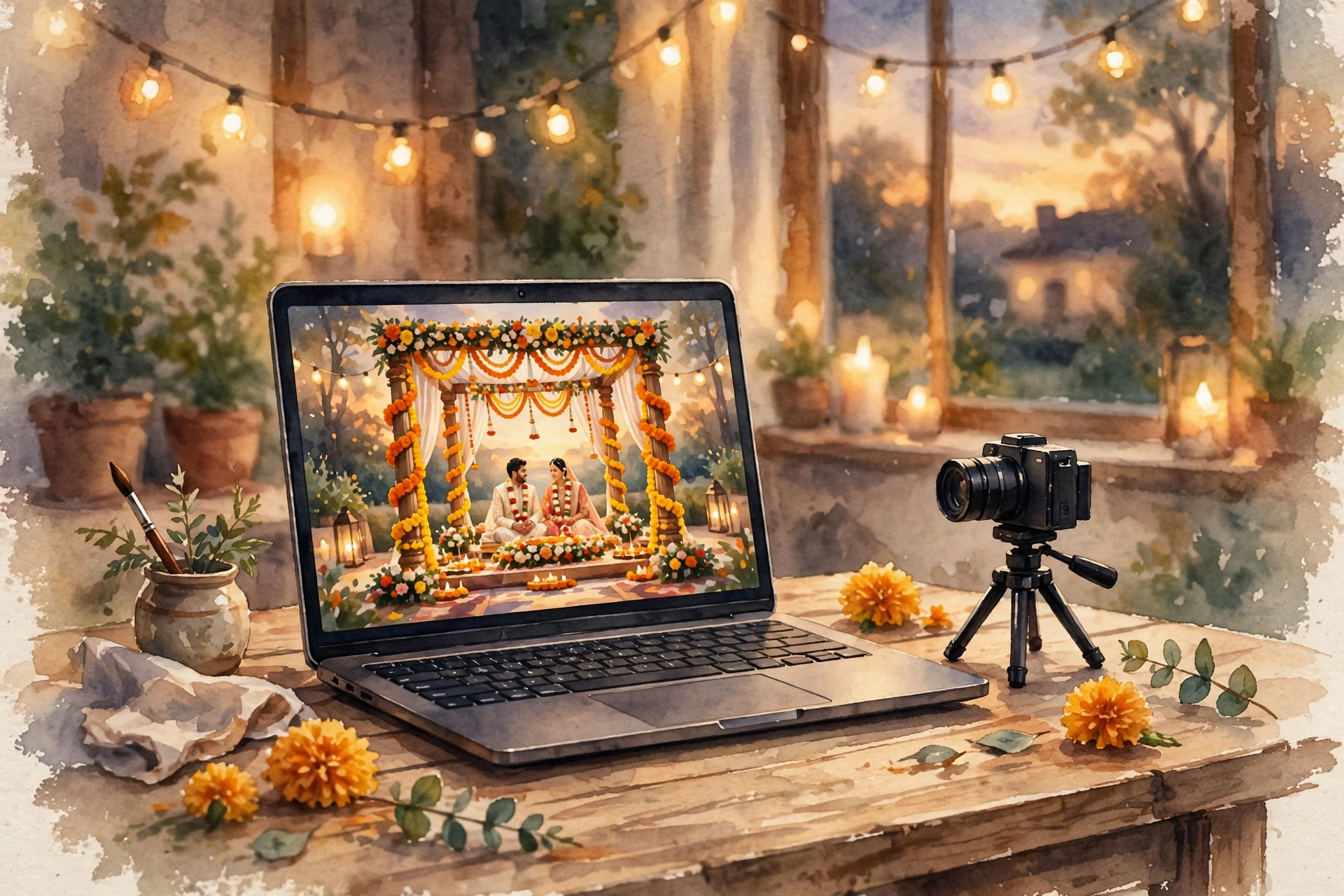
You do not need a film crew. You need a steady camera, good sound, and a strong connection. A phone on a tripod can work for a small ceremony, but a laptop with a webcam gives a steadier picture for a long event. A second phone, kept charged, is your backup.
The stream should come from one account only, so guests have one link. YouTube and Zoom both work. YouTube is simpler for guests, because they only need the link. Zoom is better when you want the remote guests to talk to the couple after the ceremony. Pick one, test it at the venue, and stick with it.
The stream day checklist
Test everything the day before, at the venue, at the same time of day. Light changes fast in a mandap, and a test at noon will not tell you how the evening looks.
- Camera on a tripod, at eye level, facing the couple and the priest.
- Sound from a microphone near the priest, not from the camera. The mantras matter more than the picture.
- Power: a full charge, a charger plugged in, and a spare battery.
- Internet: the venue wifi password, tested, with mobile data as backup.
- One person in charge of the stream, who does nothing else during the ceremony.
Give that person a chair, a charger, and a printed list of the ceremony order, so they know when to move the camera and when to leave it alone.
Sound and light
Sound fails more often than picture. The priest's voice is soft, the hall is noisy, and the camera microphone picks up everything except the mantras. A small lapel microphone on the priest, or a microphone placed near the havan, fixes most of it. Test the sound with headphones, not with the laptop speakers.
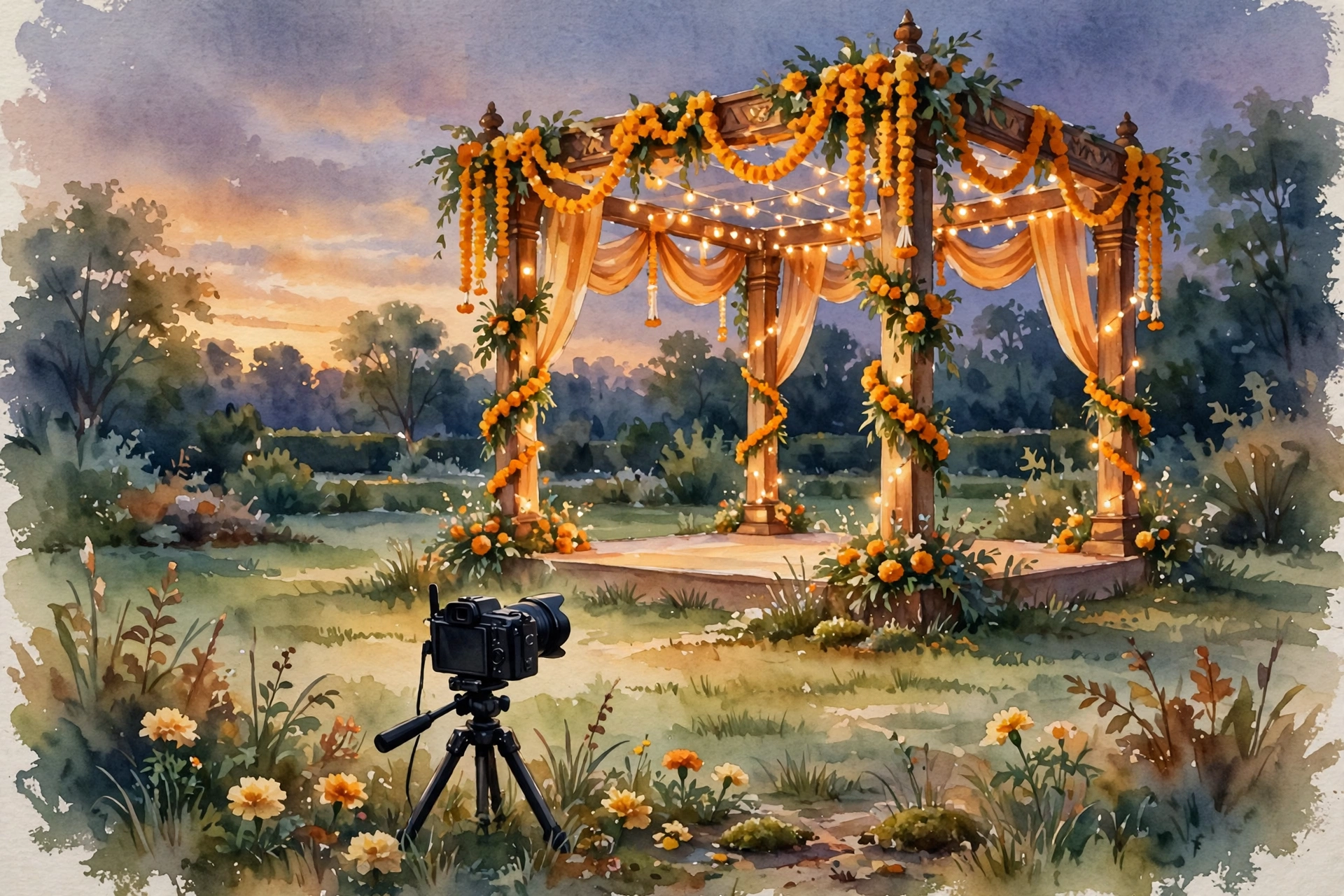
Light is the second problem. A mandap lit for photographs is often too dark for video, or lit from behind so the couple becomes a shadow. Ask the decorator for one soft light facing the couple, and keep the camera out of direct sun. A short test with a family member sitting in the couple's place will show you the problem before the guests do.
What remote guests need
Remote guests need three things: the link, the time, and a way to send love. Put the link on the invitation, send it again the morning of the wedding, and add the time in words, not only in numbers. Morning in India, evening in London, night in Toronto, is clearer than a list of time zones.
Add a message box or a WhatsApp number where remote guests can send blessings during the ceremony. Reading their messages aloud after the muhurta makes them feel present, not just watching. And record the stream. Many guests will watch it later, at a kinder hour, and the recording becomes a keepsake for the couple too.
The recording
Record from the start, not from the muhurta. The early moments, the families arriving, the priest preparing, are the parts remote guests love most. Keep the recording unlisted, and share the link only with family. A public link invites strangers, and a wedding is not a public show.
After the wedding, send the recording link with a thank you message. Guests who watched live will watch again, and guests who missed it will finally see it. That one message closes the circle.
What it costs
On MyIndiAura, a Cinematic Invite is ₹499, an Invite App is ₹399, and an Invitation Suite is ₹99. The stream link can go on the invitation at no extra cost. The stream itself costs whatever your setup costs: nothing if you use a phone and a free YouTube stream, more if you hire a videographer with a proper camera and sound.
How to add a live stream to your invitation
- Build your invitation at myindiaura.com/create, and add the stream link to the details page.
- Test the stream at the venue the day before, with sound checked on headphones.
- Send the link again on the wedding morning, with the time in words.
- Record the ceremony and share the recording link the next day. See myindiaura.com/pricing for the full price list.
Details to check before you send
- The stream link is on the invitation, tested and working
- The time is written in words, with the timezone for guests abroad
- The camera, sound and power are tested at the venue
- One person is in charge of the stream, and only the stream
- The recording is set to save, and the link is unlisted
- A message box or number is ready for remote guests to send blessings
Frequently asked questions
Should I live stream the whole wedding or just the ceremony?
Just the ceremony, and the reception entry if you like. Streaming every function for a week is too much for guests to follow, and too much for the person running the stream. Pick the moments that matter, and tell guests which ones they are.
What if the internet fails during the ceremony?
Keep recording on the camera itself, even while streaming. If the stream drops, the recording survives, and you can share it later. Tell remote guests in advance that the recording will follow, so a drop does not become a panic.
Do I need the photographer's permission to stream?
Yes, talk to your photographer and videographer first. Some have rules about other cameras, and some will run the stream for you as part of their package. Agree it before the day, not on the morning.
How do I keep the stream private?
Use an unlisted link, and share it only with family and close friends. Do not post it in a public group. An unlisted link can still be forwarded, so keep the circle small and trusted.
What time should I tell guests abroad?
Give the time in their city, in words, and repeat it the morning of the wedding. Morning in India, evening in London, night in Toronto is clearer than a list of numbers, and guests are far less likely to miss it.
MyIndiAura theme showcase
These Cinematic Invites from MyIndiAura fit this wedding. Each one is ₹499.
- Rose Film: a film led opening, made for a ceremony worth watching.
- Music Box: a musical opening, gentle and warm.
- Midnight Manor: an evening celebration, grand and glowing.
Related reading
Explore invitation designs
Choose a design and preview it free with your own names.



Found this useful? Share it with someone planning a celebration.
Share