How to Create Animated Wedding Invitation Cards
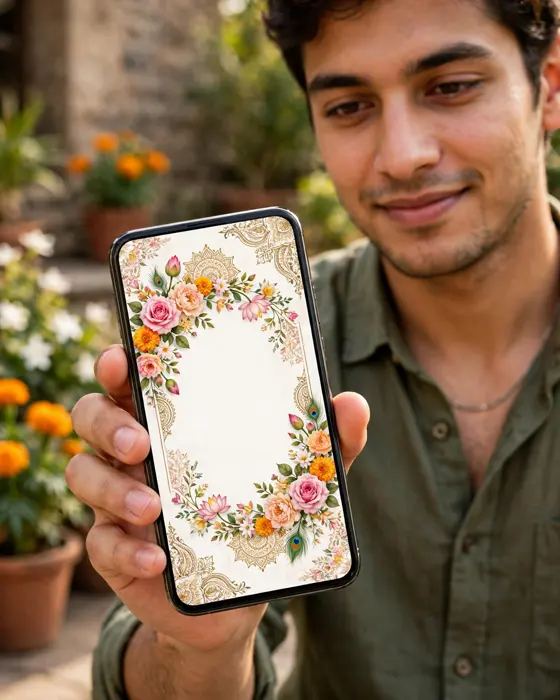
An animated wedding invitation card moves, opens and reveals your story in sequence, and this guide shows how to plan and create one that feels personal rather than busy.

In short
An animated wedding invitation card is a short moving design that reveals your wedding details in sequence.
You plan the order first, then add names, dates, photos and music, then check it on a phone before sharing.
A calm pace and one clear style matter more than the number of effects you use.
What it means
An animated wedding invitation card is a digital invitation that moves. Instead of one still image, guests see an opening scene, then the couple names, then the events, one after another. The movement can be as simple as petals falling, an envelope opening, or a soft fade between scenes. The point is not the effect itself. It is the order in which guests learn things, first who is getting married, then when and where, then what happens across the wedding days.
What your invitation can do
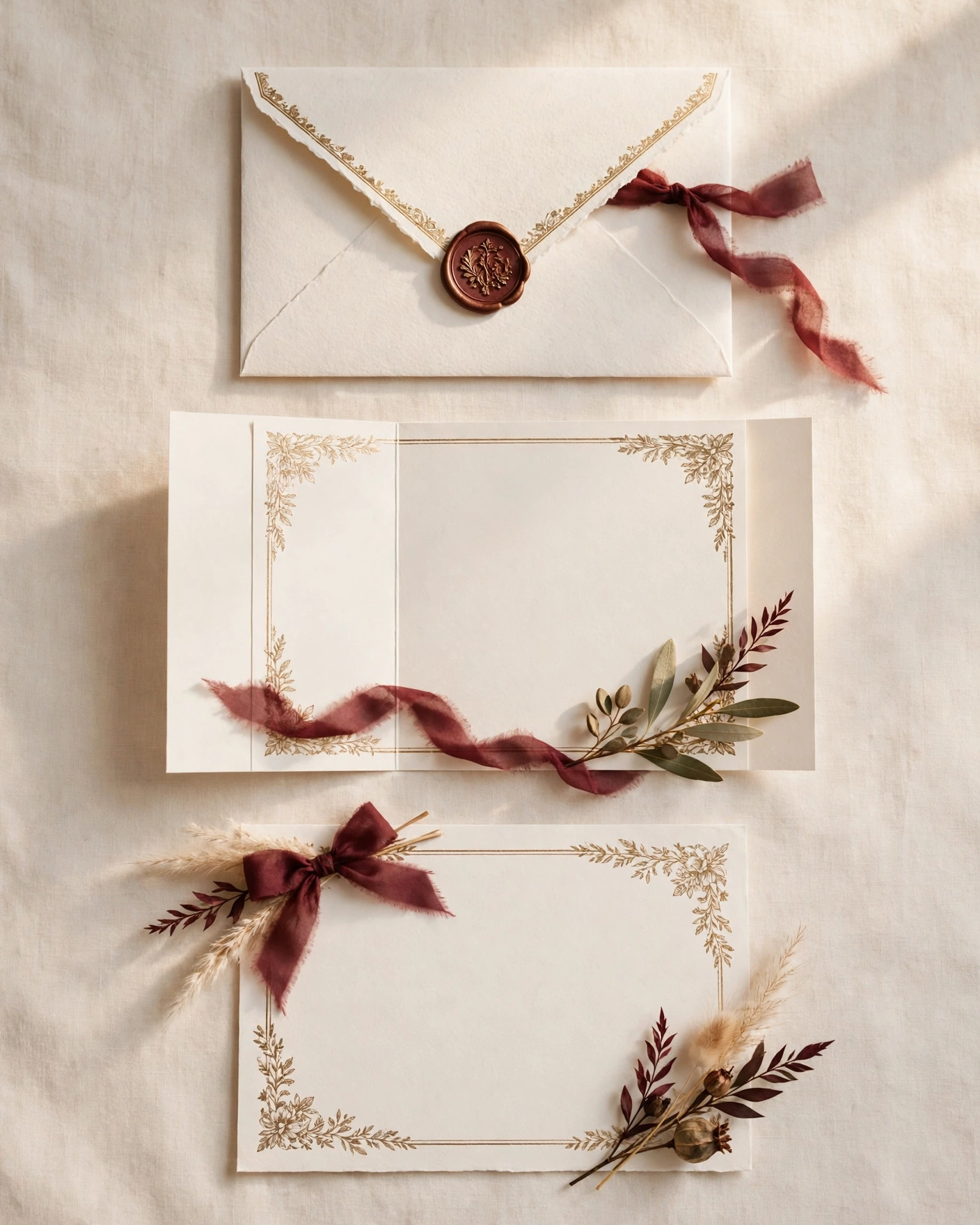
- An opening scene that sets the mood before any detail appears.
- Event cards for each ceremony, with its date, time and venue in plain words.
- Photos of the couple placed inside the design, not pasted on top of it.
- A shareable link that guests can open on any phone without an app download.
Options to consider
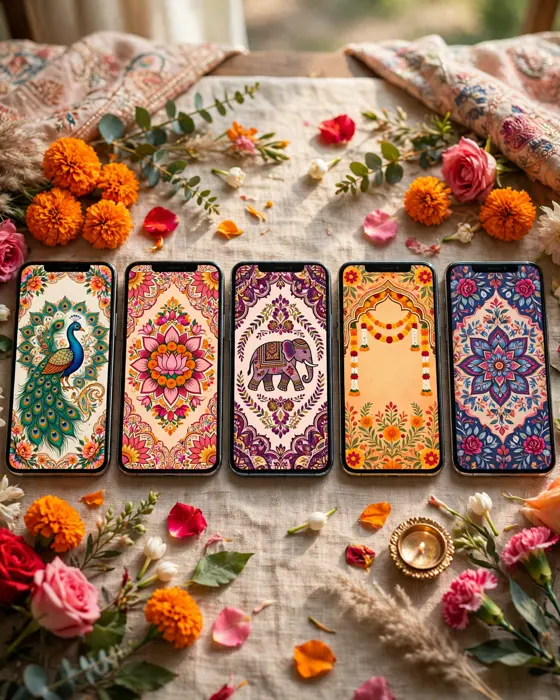
Animated cards come in a few clear forms. A short film style card plays like a small movie, with scenes that follow each other. A scrolling card lets guests move down at their own pace, with gentle motion as each section appears. A single scene card keeps one beautiful image and adds only light movement, such as falling petals or a soft glow. Choose the film style for a big reveal, the scrolling card for many events, and the single scene card when you want something calm and classic.
Style tips
Match the animation to your wedding, not to a trend. A palace wedding suits slow, grand movement and warm light. A garden wedding suits petals, leaves and soft colour. A modern city wedding suits clean lines and quick, quiet transitions. Keep the palette to two or three colours so the movement stays readable. If a guest has to watch twice to catch the date, the animation is too busy.
Let the card move the way your wedding will feel, calm, warm and unhurried.
What you need
- Couple names, exactly as you want them printed.
- Wedding date and each event with its time and venue.
- Two or three good photos you both like.
- A short welcome line in your own words.
- The phone numbers or contact details you want guests to use.
How to share it
- Finish the card and check it on your own phone first.
- Send it to your parents and closest family first, so any correction comes early.
- Share it with the wider guest list in small groups, not one huge forward.
- Follow up personally with elderly guests who may need help opening it.
What it costs
MyIndiAura offers three clear options. A Cinematic Invite costs ₹499, an Invite App costs ₹399, and an Invitation Suite costs ₹99. Pick the one that matches how much you want the invitation to do, and pay only for that option. There are no struck through prices and no hidden extras in this list.
How to create yours
- Browse the designs and pick the style that fits your celebration.
- Add your names, dates, venue and event schedule.
- Add your photos and any message you want guests to read.
- Check every detail on a phone screen before you share it.
- Share your invitation link with your guests.
Create your digital invitation. Start with the designs, add your details, and share a finished invitation you are proud of.
Related reading
Found this useful? Share it with someone planning a celebration.
Share