Best Wedding Invitation Video Formats for WhatsApp
Not every video plays well on WhatsApp, so this guide explains which formats, lengths and shapes work best, and how to keep your invitation sharp without making the file huge.
In short
For WhatsApp, a short vertical video that plays instantly on a phone beats a long, heavy, sideways film.
Keep it under a minute where you can, keep faces and dates large, and keep the file light enough to forward.
Always test on your own phone first, with sound on and sound off.
What it means
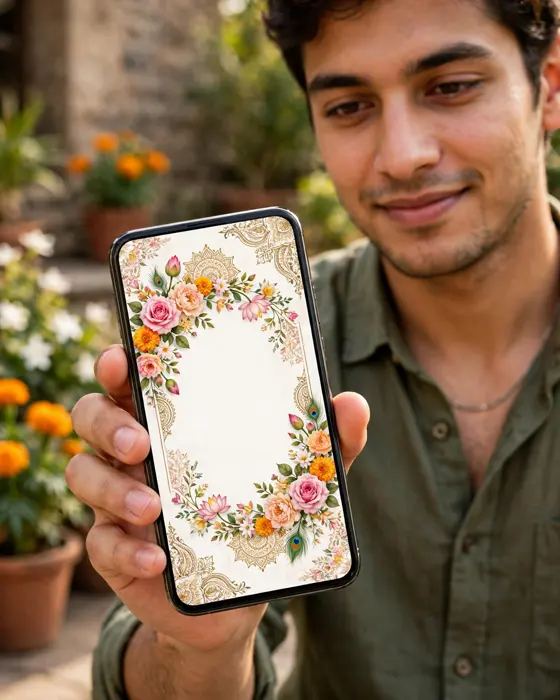
A video format is the shape, length and file type of your invitation video. WhatsApp compresses videos when they are sent, which can soften detail and sound. A vertical video, the tall shape of a phone screen, fills the screen and needs no turning. A square video works in groups and feeds. A wide, sideways video looks grand on a television but small on a phone, and guests often skip it. The goal is a video that survives compression, opens fast, and still reads clearly on a small screen.
What your invitation can do
- A vertical version made for phones, so guests watch without rotating anything.
- A short version that carries the couple, the date and the venue in under a minute.
- A link version for guests with slow connections, so nobody misses the invitation.
- A shareable file that family can forward without losing the message.
Options to consider
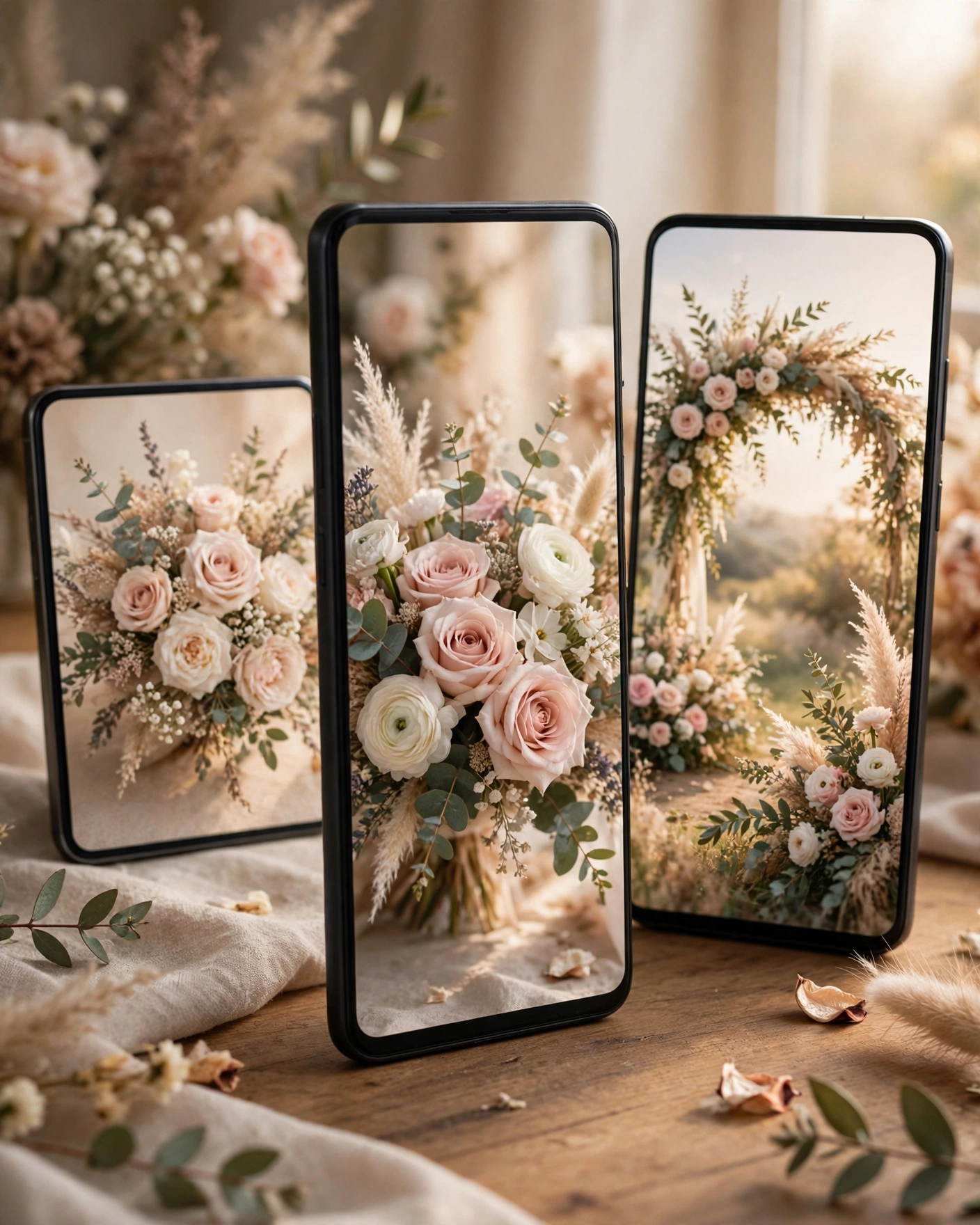
The main choices are vertical, square and wide. Vertical suits a personal invitation sent in chat, because it fills the phone. Square suits group shares and status updates, where it sits neatly in a feed. Wide suits a big screen at a family gathering, but it is the weakest choice for WhatsApp chat. Length matters too. A short film under a minute is watched fully. A film over two minutes is often skimmed, and the venue details at the end are missed.
Style tips
Design for the smallest screen first. Make names and dates large, and keep them on screen long enough to read twice. Put the most important detail, the wedding date, early, not only at the end. Use captions or clear visuals for the venue, because many guests watch with sound off first. Keep the background music gentle, so it adds warmth without hiding a spoken message.
If it does not play beautifully on one ordinary phone, it is not ready to send.
What you need
- The finished video in its vertical version.
- The wedding date, venue and event times written out plainly.
- A test phone, ideally an older one, to check playback.
- A short message to send with the video.
- A link version as a backup for guests with slow internet.
How to share it
- Play the video on your own phone first, with sound on and sound off.
- Send it to one family member and ask if it opened clearly.
- Share the video in personal chats first, then in groups.
- If a guest reports blur or no sound, send the link version instead.
- Send one reminder a week later, not a daily repeat.
What it costs
MyIndiAura offers three clear options. A Cinematic Invite costs ₹499, an Invite App costs ₹399, and an Invitation Suite costs ₹99. Pick the one that matches how much you want the invitation to do, and pay only for that option. There are no struck through prices and no hidden extras in this list.
How to create yours
- Browse the designs and pick the style that fits your celebration.
- Add your names, dates, venue and event schedule.
- Add your photos and any message you want guests to read.
- Check every detail on a phone screen before you share it.
- Share your invitation link with your guests.
Create your digital invitation. Start with the designs, add your details, and share a finished invitation you are proud of.
Related reading
Found this useful? Share it with someone planning a celebration.
Share