Romantic Anniversary Invitation Video Ideas
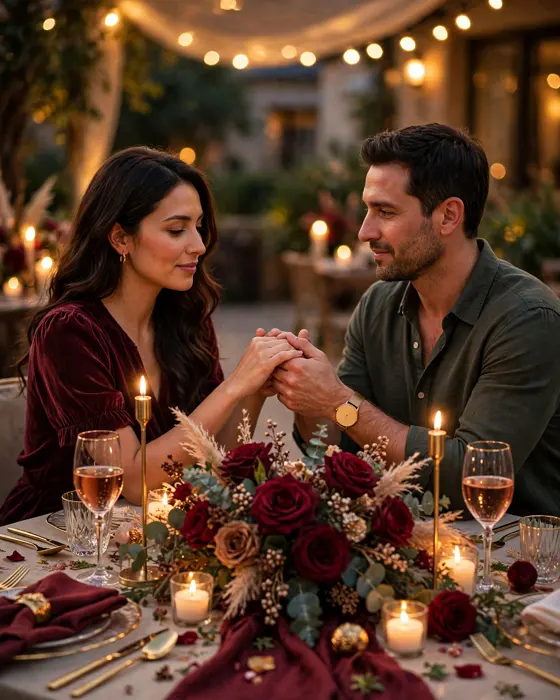
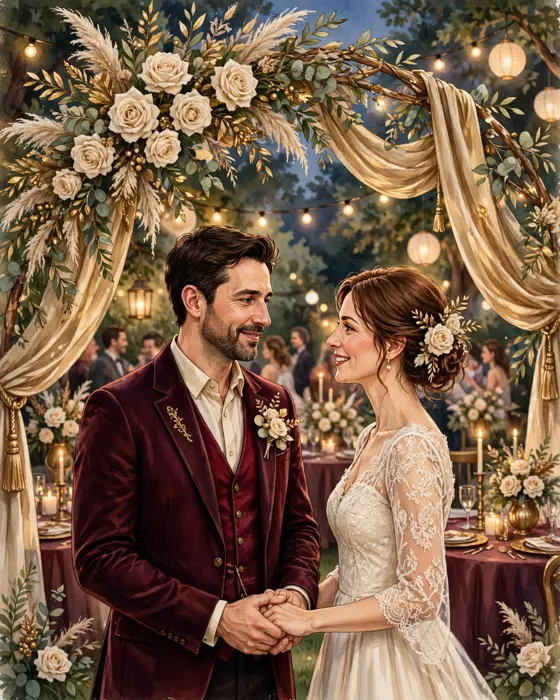
A romantic anniversary video tells a love story in under a minute, from the wedding day to today, ending with an invitation to celebrate what comes next.
In short
A romantic anniversary video should open with the couple, not with the details.
Photos across the years, set to one meaningful song, carry more romance than any effect.
End with the celebration details on screen, so guests can save the date at once.
What it means
An anniversary video has an advantage no other invite has, a whole love story to draw on. Wedding photos, holidays, family moments, and quiet everyday pictures all belong in it. Set to one song that means something to the couple, even a simple sequence of photos becomes deeply moving, because guests know the people in them.
Keep it short and honest. A minute of real moments beats three minutes of effects. Open with the wedding day, move through the years quickly, land on a recent photo of the couple together, and then show the celebration details. Guests should finish the video smiling, and already checking their calendar.
What your invitation can do
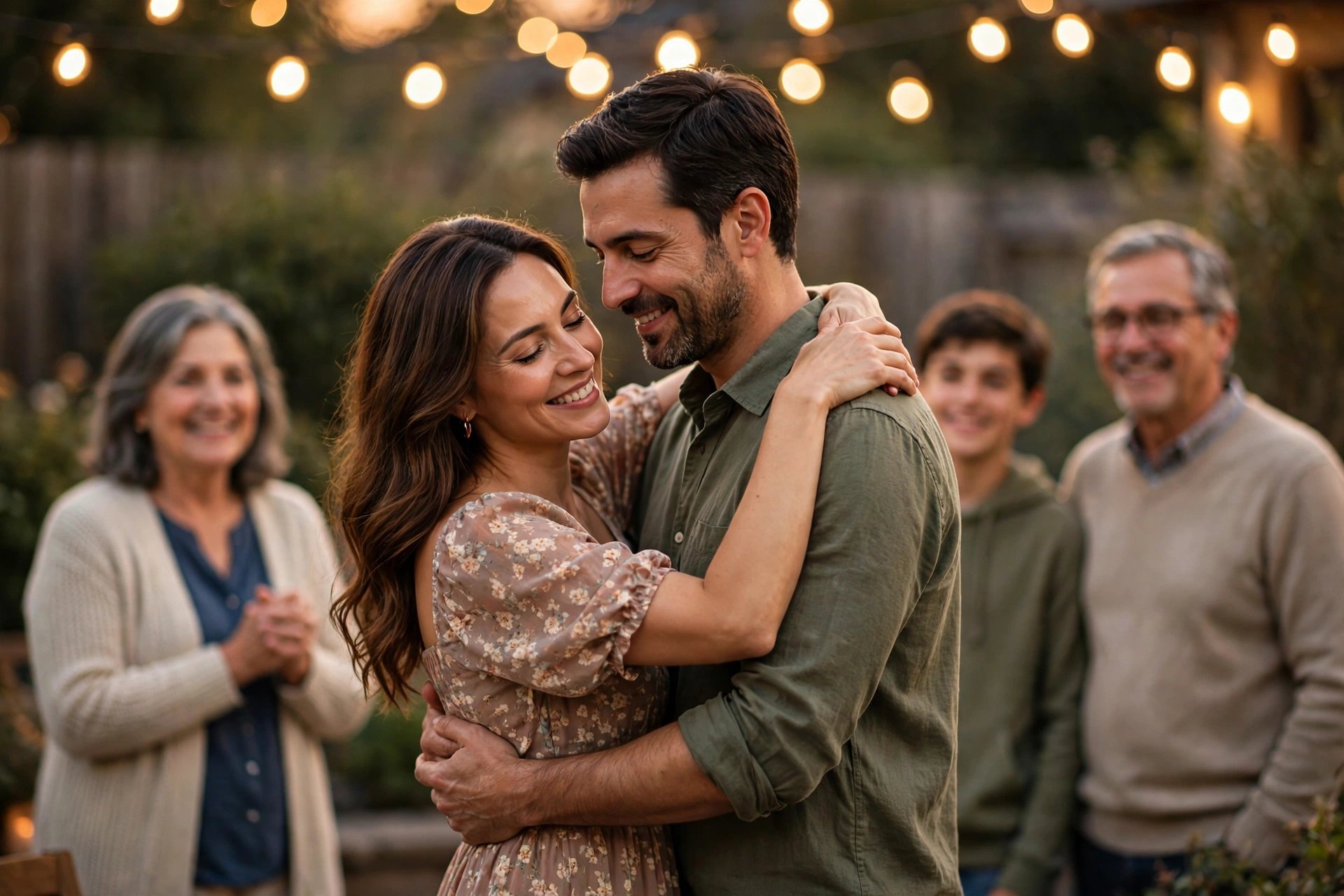
An opening moment that tells your story
The invite opens with a short animated moment built around the couple, so guests feel the years behind the celebration at once.
The celebration, in order
Welcome, cake cutting, dinner, and dancing each get their own moment, so guests know exactly how the evening will flow.
Venue and directions, without a separate message
The address and a map link sit inside the invite, so no guest needs to message and ask where to go.
Photos from across the years
A small gallery, from the wedding day to last year, turns the invite into a keepsake guests keep on their phones.
RSVP and a simple guest count
Guests confirm in the invite itself, which makes seating and catering far less of a guess.
Options to consider
- The photo journey: Photos from the wedding day to today, set to one song, ending with the details.
- The message from the couple: A short clip of the couple inviting guests in their own words.
- The family tribute: Messages and photos from children and family, woven into the video.
- The cinematic story: A gently animated sequence with the couple's story told in scenes, for a grand celebration.
Style tips
Choose the song with care, because guests will remember it. Pick a song the couple actually loves, not a generic romantic track. If the song is personal, the video becomes personal too, and guests feel it immediately.
A love story worth a minute of video is a love story worth celebrating in person.
What you need
- The couple's names and the anniversary year
- Photos from across the years, wedding day to today
- One meaningful song
- The date, time, and venue for the closing frame
- The RSVP date
How to share it
- Tell close family first, so the people who matter most hear it from you, not from a forwarded link.
- Share with friends next, in the group where the party is already being discussed.
- Send the wider circle last, once the date, time, and venue are final.
- If anyone asks a question, answer it in the same chat, so the answer travels with the invite.
What it costs
On MyIndiAura, three options cover most celebrations. The Cinematic Invite is ₹499, the Invite App is ₹399, and Invitation Suites are ₹99. Pick the one that fits how much you want to show and how you want guests to open it.
How to create yours
- Open the designs page and pick a style that matches the celebration.
- Add the names, date, time, and venue, exactly as you want guests to read them.
- Add photos or a short video moment that shows the spirit of the day.
- Preview the invite on your own phone, and read every line once, slowly.
- Share the invite link on WhatsApp, starting with close family.
Create your anniversary invitation on MyIndiAura. Browse designs on the designs page, then start on the creation page.
Related reading
Found this useful? Share it with someone planning a celebration.
Share