Neutral Baby Shower Invitation Designs
Ideas, examples and designs for neutral baby shower invitation designs, plus how to turn it into your own MyIndiAura invitation.
In short
This article answers one question in plain words, with examples you can use at once.
It gives you wording, choices, and a checklist, so you can move from reading to inviting.
It ends with MyIndiAura's prices and the steps to create your own invitation.
What it means
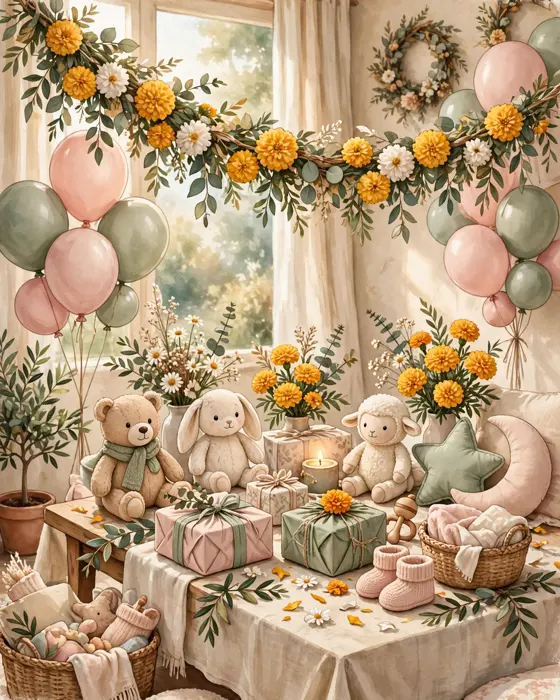
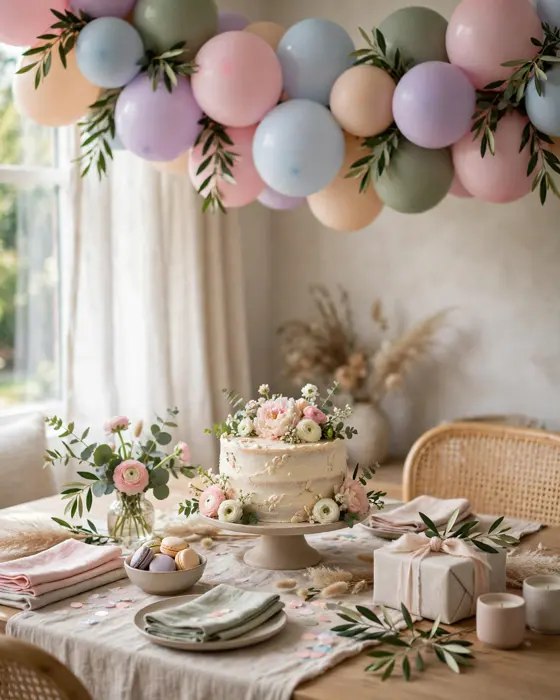
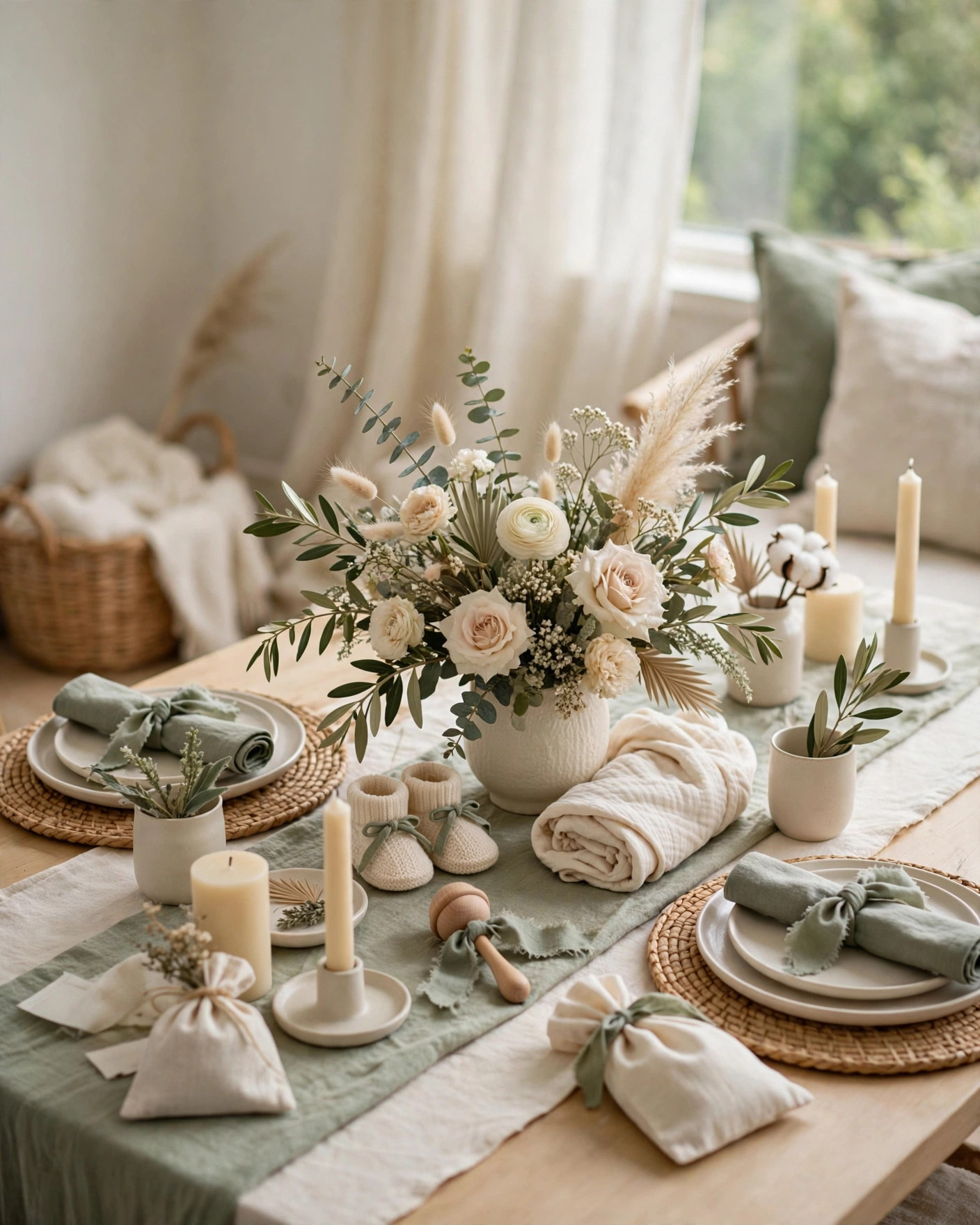
Neutral designs suit families who prefer not to announce a colour, or who simply love calm palettes. Cream, sage, beige, and soft grey carry the design, with flowers or botanical details doing the decorative work. Neutral never means plain, it means the beauty comes from texture, light, and type, not from a loud colour.
Start with what matters most to your guests, a clear invitation, a warm welcome, and an event that feels personal. When those three are right, the smaller details fall into place, and guests remember how the celebration felt, not just how it looked.
What your invitation can do
A MyIndiAura invitation carries more than a date. It opens with a short film style welcome, shows your photos, and walks guests through each event in order.
- Opening welcome: a short animated opening that sets the mood before any details appear.
- Photos and story: your favourite photos, arranged to tell the story behind the celebration.
- Event schedule: each event with its date, time, and venue, in one clear order.
- Venue and RSVP: venue details guests can find easily, with a simple way to reply.
- Easy sharing: the invitation shares on WhatsApp, so guests receive it where they already chat.
Options to consider
- A cream and sage design: calm green details on warm ivory.
- A beige and gold design: warm neutrals with gentle gold accents.
- A botanical design: leaves and soft flowers in muted tones.
- A minimal design: clean layout, one motif, and generous white space.
Style tips
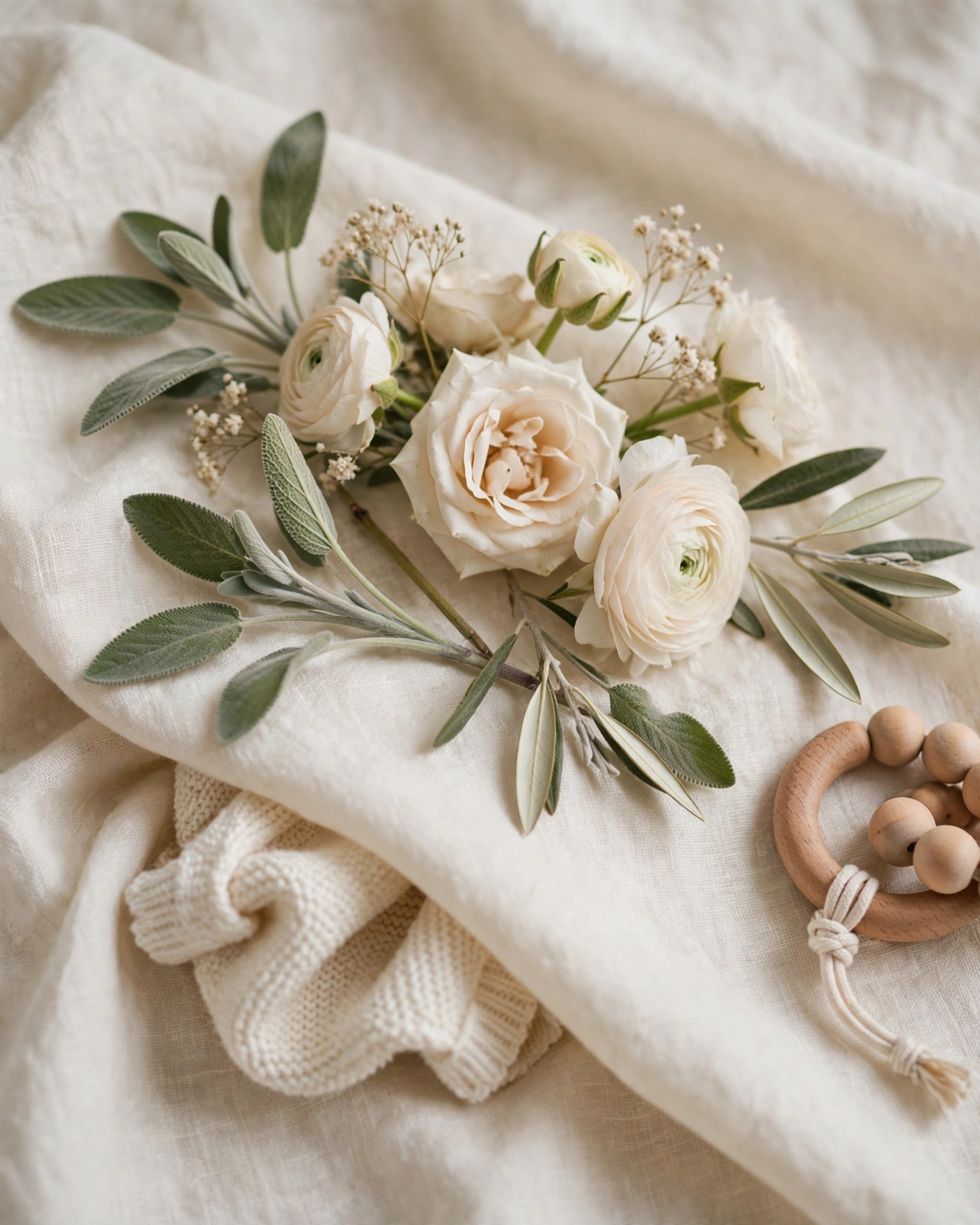
Choose the style that fits the people being celebrated, not the style that is most popular this season. A quiet family will enjoy a calm design more than a loud one, and a lively family will enjoy colour and music more than restraint. Match the invitation to the room, the food, and the mood, so guests feel one celebration, not three different ones.
The best invitation is the one that sounds like your family and looks like your celebration.
What you need
- Choose two neutrals and one accent, and stop there, to keep the design calm.
- Pick photos with soft, natural light, which suit neutral designs best.
- Write the wording first, so the design frames the words instead of crowding them.
- Check the design on a phone screen, since most guests will open it there.
- Keep the mother to be name large and clear, and details easy to find.
- Share the palette with the decorator, so the party matches the invitation.
How to share it
- Open your finished invitation and check it once on your own phone, reading every line.
- Share it first with one close family member, and fix anything they flag.
- Send it to guests on WhatsApp, in small groups or individually, with a short personal line.
- Send a gentle reminder two days before the event, repeating only the date, time, and venue.
- After the event, send a thank you message to guests who attended and blessed the occasion.
What it costs
MyIndiAura offers three options. The Cinematic Invite costs ₹499, the Invite App costs ₹399, and Invitation Suites cost ₹99. Choose the option that fits your celebration, and check the pricing page for what each option includes before you decide.
How to create yours
- Browse the designs and pick the style that fits your celebration.
- Add your names, dates, venues, and photos, checking spelling as you go.
- Write your invitation wording, using the examples in this article as a starting point.
- Preview the invitation on your phone, and read every line once before sharing.
- Choose your option, Cinematic Invite, Invite App, or Invitation Suites, and complete your order.
- Share the finished invitation on WhatsApp, and send a reminder two days before the event.
Create your baby shower invitation. Browse designs, see pricing, and create your invitation on MyIndiAura today.
Related reading
Found this useful? Share it with someone planning a celebration.
Share