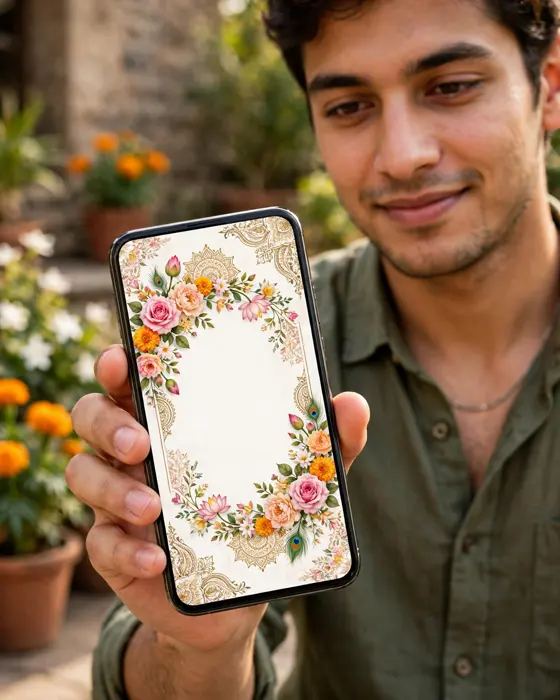
How to Make Wedding Invitations on Your Phone
How to make a wedding invitation on your phone, step by step, from picking a design to sharing it on WhatsApp.
In short
This article shows you how to make a wedding invitation on your phone, from design to sharing.
It needs no design skill, only your details, a few photos, and an hour of care.
Follow the steps here, and you will have an invitation ready to share on WhatsApp.
What it means
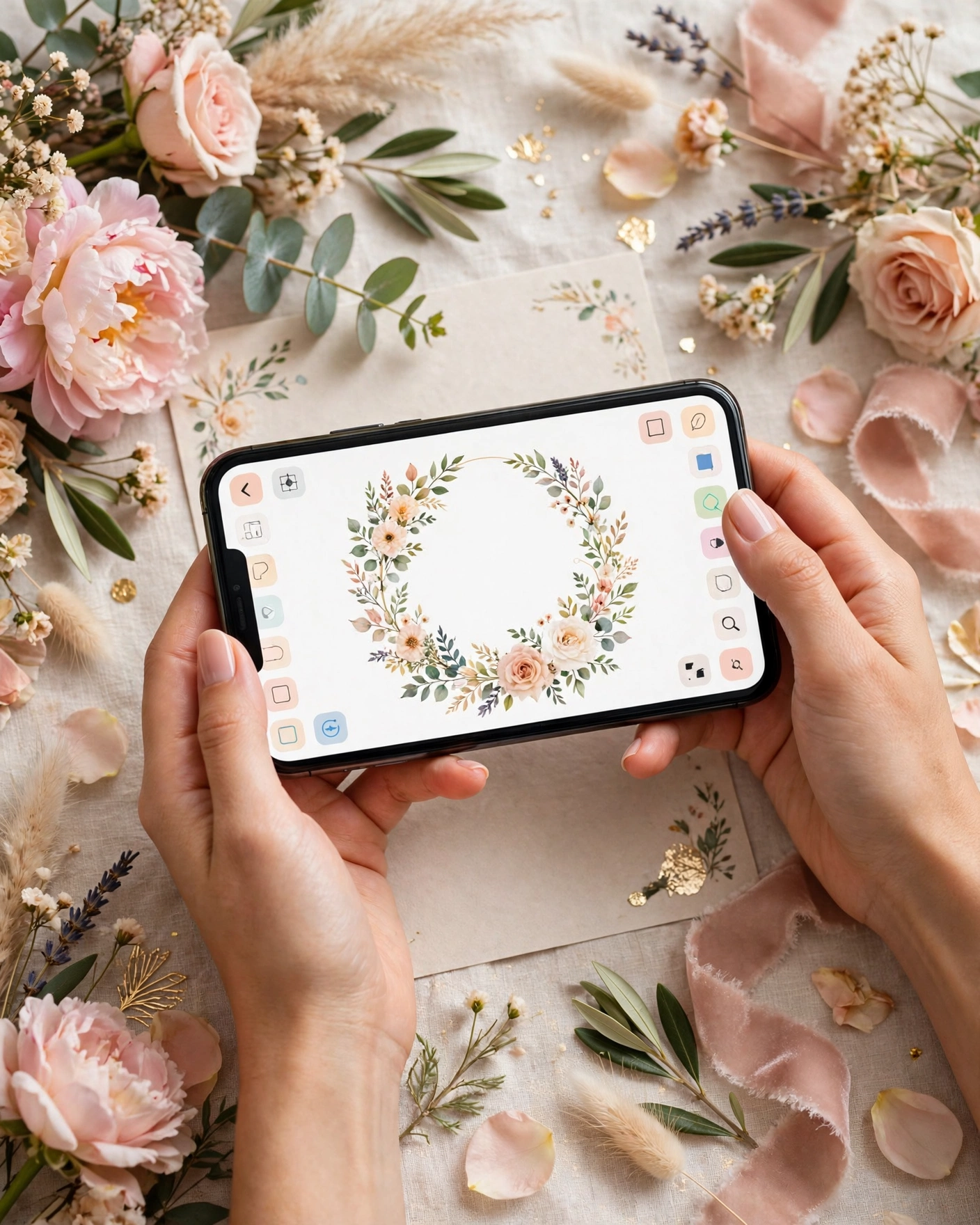
Making an invitation on your phone means building it in a browser or an app, on the device you already use every day. You pick a design, fill in the names, dates, venue, and events, add photos if you want them, preview it, and share the link. The whole process is designed to work on a small screen, with large previews and simple fields.
Phone made invitations suit Indian weddings well, because you can build them wherever you are, show drafts to family instantly, and fix a spelling error in minutes, without waiting for a designer. The key is to prepare your details before you start, so the build itself stays smooth.
What your invitation can do
A MyIndiAura invitation takes your wording and turns it into something guests can open, read, and reply to from their phones. It keeps the message, the event details, and the sharing in one place, so you do not have to send separate notes for each part.
- Lets you pick a design, fill in details, and preview the invitation, all on your phone.
- Shows every event, venue, and timing in one invitation guests can scroll on their phones.
- Shares as a single link on WhatsApp, straight from your phone.
- Lets you fix a spelling error or timing change quickly, without reprinting anything.
Options to consider
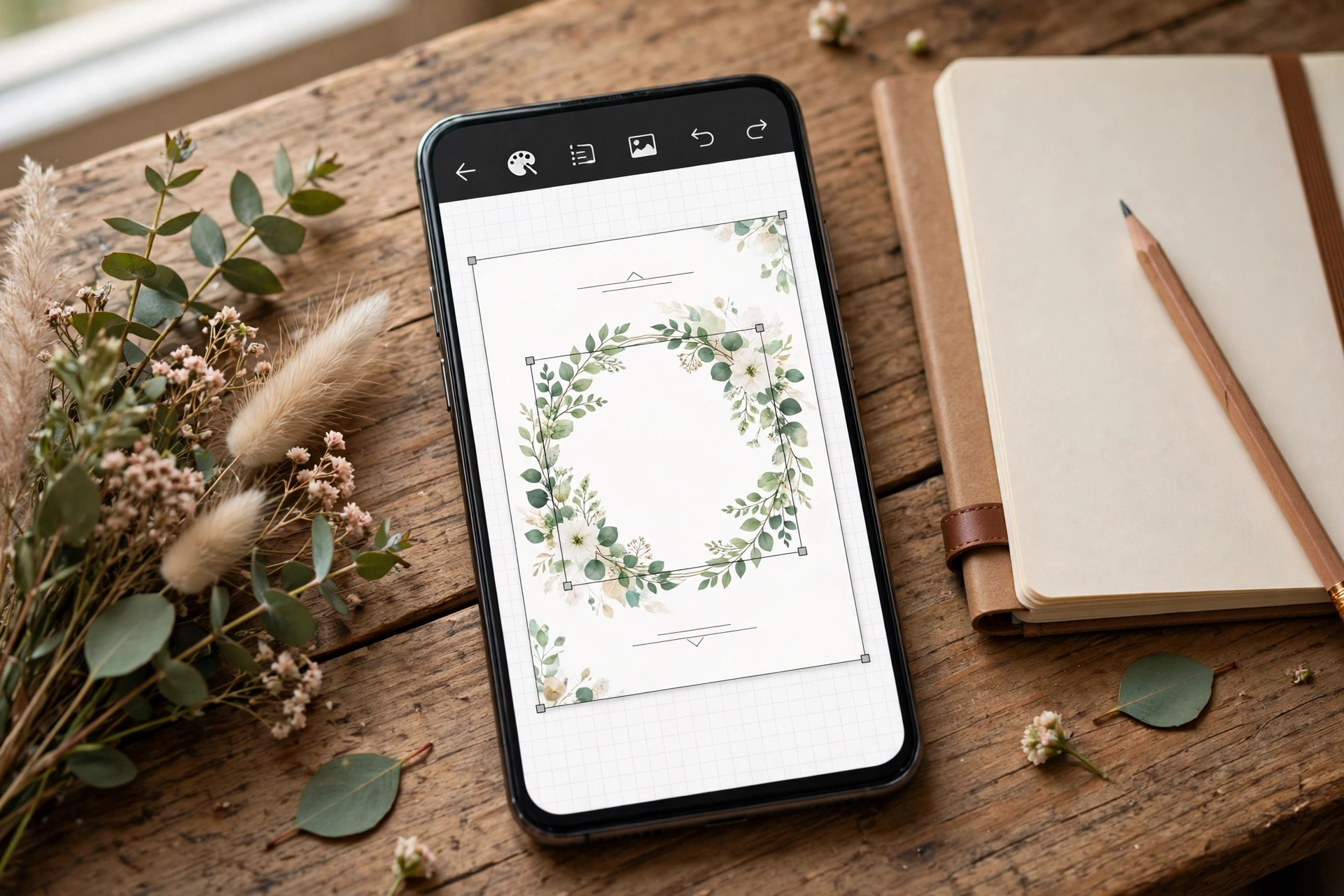
Phone invitations come in the same forms as other digital invitations, built entirely on your phone.
- Invitation Suite on your phone. A complete designed invitation, built and previewed on your phone.
- Invite App on your phone. A fuller invitation with more sections, still built from your phone.
- Cinematic Invite on your phone. A film led invitation, ordered and previewed from your phone.
- Video share from your phone. A shareable video version, made for WhatsApp forwarding.
Style tips
Prepare photos on your phone first, picking clear, well lit couple photos, and crop them before you start building.
Preview after every major section, not only at the end. Catching a spelling error early saves rebuilding later.
Ask one family member to open the preview on their own phone before you share it widely, to catch anything your screen hid.
Your phone already holds your photos, your contacts, and your guest list. It can hold your invitation too.
What you need
- The full names of the couple, exactly as they should appear.
- The host names, and whose side is sending this message.
- The wedding date, venue name, and venue city.
- The event schedule, with start times for each event.
- A contact number for questions about travel or timings.
- One final read through, by someone other than the writer, for spelling.
How to share it
- Finish the wording, the names, the date, the venue, and the event timings, and read the whole invite once on your phone.
- Send it first to one close family member and ask them to check every name, date, and spelling.
- Share it on WhatsApp in small groups rather than one large broadcast, so questions stay easy to answer.
- Send it at a time people are likely to read it, such as the early evening, and add one short personal line with it.
- Keep a list of who has replied, and follow up once, politely, with anyone who has not answered.
What it costs
Making your invitation on your phone with MyIndiAura costs ₹99 for an Invitation Suite, ₹399 for an Invite App, and ₹499 for a Cinematic Invite. The price is the same whether you build on a phone or a laptop, and the invitation you share is the same one guests open.
How to create yours
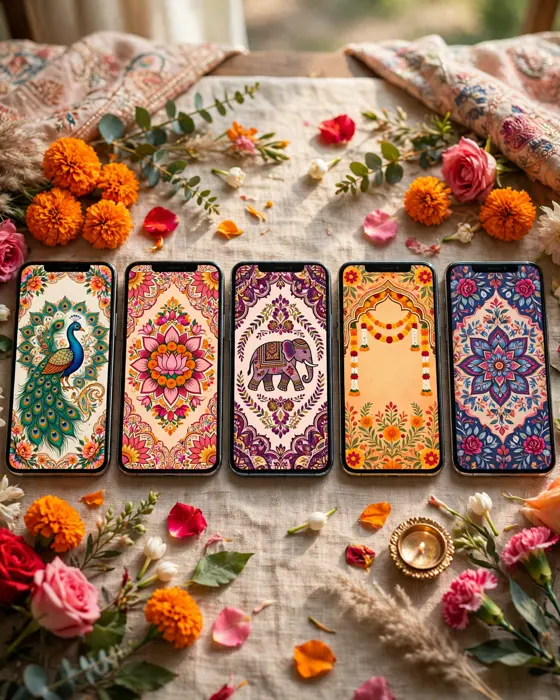
- Open the MyIndiAura designs page and pick a design that suits the tone of your message.
- Add the couple names, the host names, the date, the venue, and the event schedule.
- Paste in the wording from this article and adjust it to your own voice, keeping names and dates exact.
- Preview the invitation on your phone and check every line for spelling and timing.
- Choose your option, Cinematic Invite, Invite App, or Invitation Suite, and complete your order.
- Share the finished invitation link on WhatsApp or by message, and keep track of replies.
Create your digital invitation on MyIndiAura. Start with the wording you liked here, then build the invitation around it.
Related reading
Found this useful? Share it with someone planning a celebration.
Share