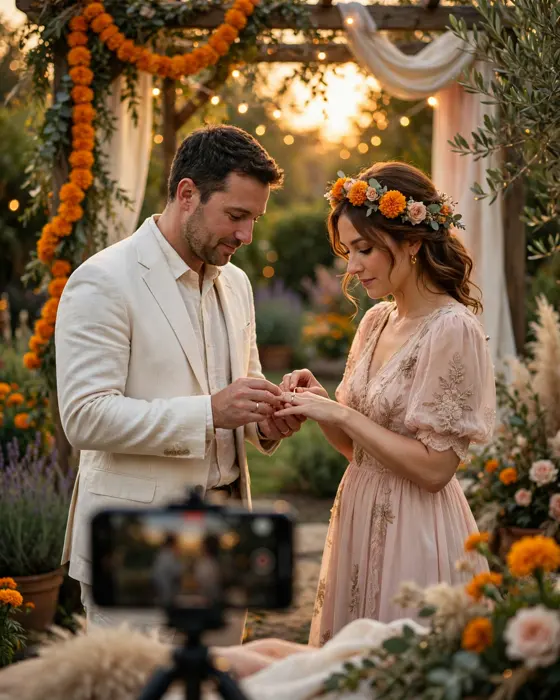
How to Invite Guests to a Ring Ceremony
Inviting guests to a ring ceremony is a matter of order and care, who hears first, how they hear it, and what they need to know. Get the order right, and every guest arrives feeling honoured, not informed late.
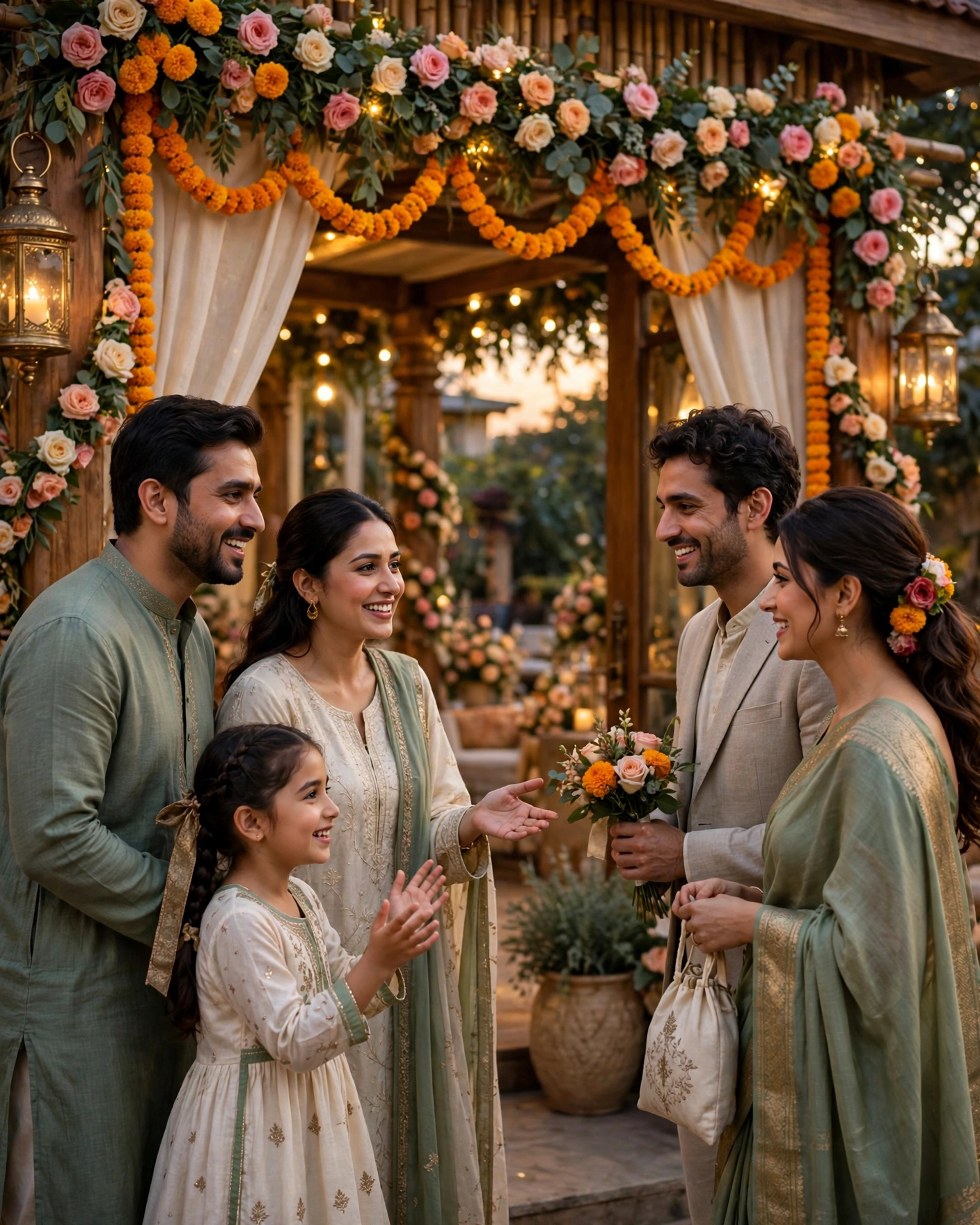
In short
Invite elders first, then close family, then friends, then wider guests, in that order, without exception.
Every guest needs the same core details, the couple, the date, the time, and the full venue, in one message.
Follow up personally with outstation guests and elders, who may need help with travel, stay, or opening a digital invitation.
What it means
Inviting guests to a ring ceremony means more than sending an invitation. It means deciding the guest list, choosing how each group will be invited, and making sure no one learns about the ceremony second hand. In Indian families, where several generations and two extended families are involved, the order of inviting is itself a sign of respect.
A ring ceremony guest list usually includes both families, close relatives, family friends, and the couple's friends. Some ceremonies are intimate, with fifty guests. Others are large, with several hundred. The inviting plan should fit the size, but the principle stays the same. Elders first, close family next, and everyone else with equal warmth.
What your invitation can do
- A video invitation. A Cinematic Invite turns your invitation into a short film style invitation that guests can watch and forward.
- An app invitation. An Invite App carries the invitation, the event details, and the schedule in one place guests can open on their phones.
- A suite of designs. Invitation Suites give you a matching set of designs for the occasion, so every message you send looks like part of one celebration.
On MyIndiAura, one finished invitation can be shared with every group, so the details stay identical for elders, family, and friends alike. The personal touch comes from the message and the order, not from different versions of the invitation.
Options to consider
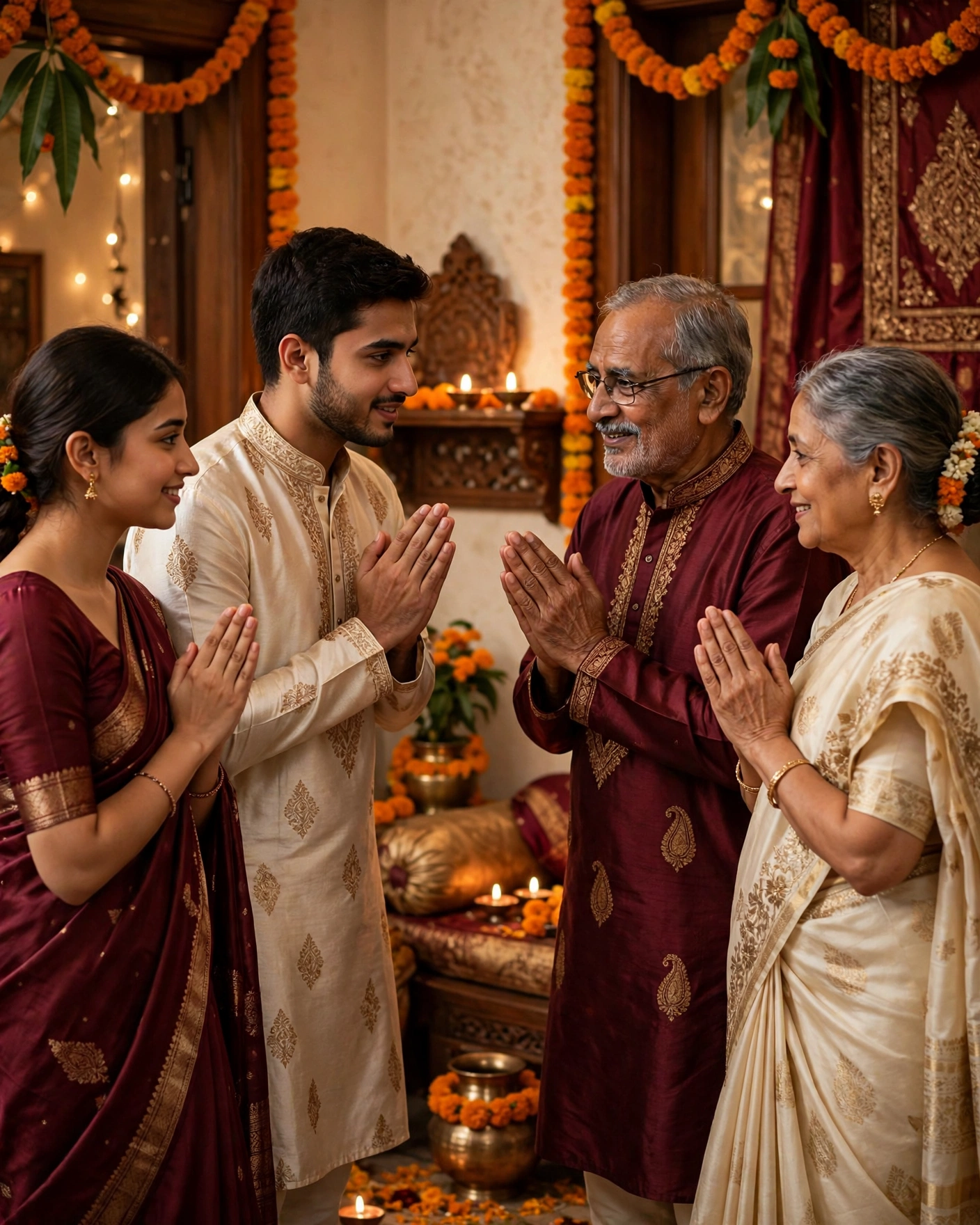
- Personal invitation. A call or a visit to elders and very close family, followed by the digital invitation. The most respectful form.
- Family group invitation. The digital invitation shared in the family group, with a warm line from the hosts, for extended family.
- Friend group invitation. A short, cheerful message with the invitation, for the couple's friends.
- Formal invitation. A full invitation with formal wording, for honoured guests, colleagues of parents, or community elders.
- Reminder invitation. A short reminder two days before, for every guest, with the date, time, and venue only.
Style tips
Treat the guest list as a living document, not a guess. Write it with both families, check it for missing elders, and freeze it a week before invitations go out. Late additions are hard to invite gracefully, and forgotten elders are hard to make up to.
For guests who are not comfortable with phones, arrange a personal call or a printed note in addition to the digital invitation. No guest should feel excluded by technology.
An invitation is not a broadcast. It is a series of personal welcomes, sent in the right order.
What you need
- [ ] A final guest list, agreed by both families.
- [ ] Contact numbers or groups for each guest category.
- [ ] The invitation itself, checked and ready to share.
- [ ] Travel and stay details for outstation guests.
- [ ] A list of elders who need a personal call or visit.
- [ ] A reminder plan for two days before the ceremony.
How to share it
- Invite elders personally first, by call or visit, then send the digital invitation.
- Invite close family next, in family groups or personally, as the family prefers.
- Invite friends with a short, warm message and the invitation together.
- Invite wider guests last, with the same warmth, and the same details.
- Send a reminder to every guest two days before, and follow up personally with anyone who has not replied.
What it costs
A MyIndiAura invitation comes in three options. A Cinematic Invite costs ₹499, an Invite App costs ₹399, and Invitation Suites cost ₹99. Pick the one that fits the occasion and the budget, and keep the rest of the budget for the event itself.
How to create yours
- Open the designs page and pick a design that suits the occasion.
- Add the names, the date, the venue, and the event details, exactly as they should appear.
- Read every line aloud once, and check names, dates, and spellings with one other person.
- Preview the invitation on your phone, the way your guests will see it.
- Choose a Cinematic Invite, an Invite App, or an Invitation Suite, and complete your order.
- Share the finished invitation with your guests, starting with the people closest to you.
Create your engagement invitation on MyIndiAura, and invite every guest in the right order, with the same beautiful invitation.
Related reading
Found this useful? Share it with someone planning a celebration.
Share