How to Create a Wedding Invitation Video with Music
How to create a wedding invitation video with music, step by step, from choosing the track to keeping the video short and sharing it on WhatsApp. Practical how to angle, distinct from the published video trends article.
Hero
How to Create a Wedding Invitation Video with Music
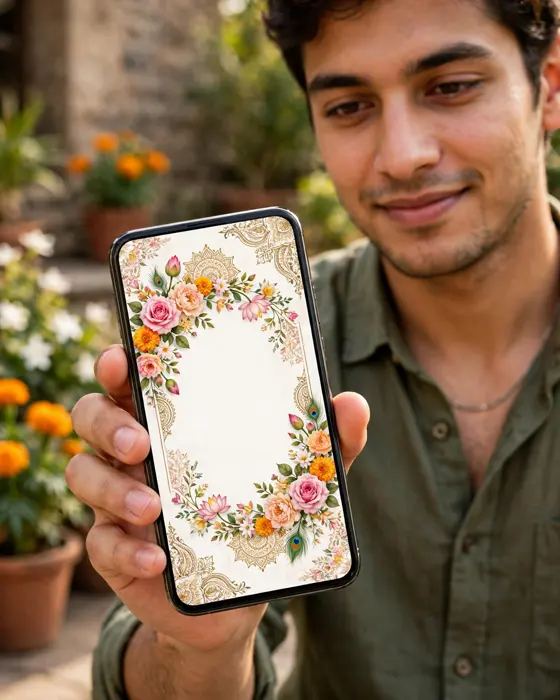
A wedding invitation video is the invitation guests actually watch to the end. Music, motion, and your own photos turn a card into a moment. This guide walks through creating one step by step, from choosing the music to sharing the finished video.
Reading time: 6 minutes.
In short
A wedding invitation video pairs your details with music and motion, so guests feel the celebration before they read a word.
The music should match the wedding's mood, and the video should stay short enough to watch fully on a phone.
A MyIndiAura cinematic invitation gives you that video without editing skills, ready to share on WhatsApp.
What it means
A wedding invitation video is a short video, usually under a minute, that announces a wedding. It opens with the couple's names, moves through photos or designed scenes, gives the events, venue, and dates, and closes with an invitation to attend. Music runs throughout, and it does half the emotional work: a soft instrumental says traditional and tender, while a lively track says celebration and dancing.
This article is a practical how to guide, not a trends roundup. The published video trends article covers what is popular this year. Here the focus is the making: the choices you make, the order you make them in, and the mistakes to avoid.
Couples choose video invitations because guests watch them. A card image gets glanced at. A video with music gets watched, forwarded to family groups, and replayed. For a wedding with guests across cities and countries, that attention is worth a lot.
What your invitation can do
A MyIndiAura cinematic invitation is built as a video first.
A cinematic opening. Your invitation opens like a short film, with music, motion, and your names presented beautifully.
All the details in one place. Events, venues, and times follow the opening, so guests get the feeling and the facts in one watch.
Easy RSVP. Guests confirm from the invitation itself, which makes the headcount far easier to manage.
Photo and story sections. Your photos become scenes in the video, so the invitation feels personal rather than templated.
Simple sharing. One link travels on WhatsApp to every guest, near and far, and the video plays on any phone.
Options to consider
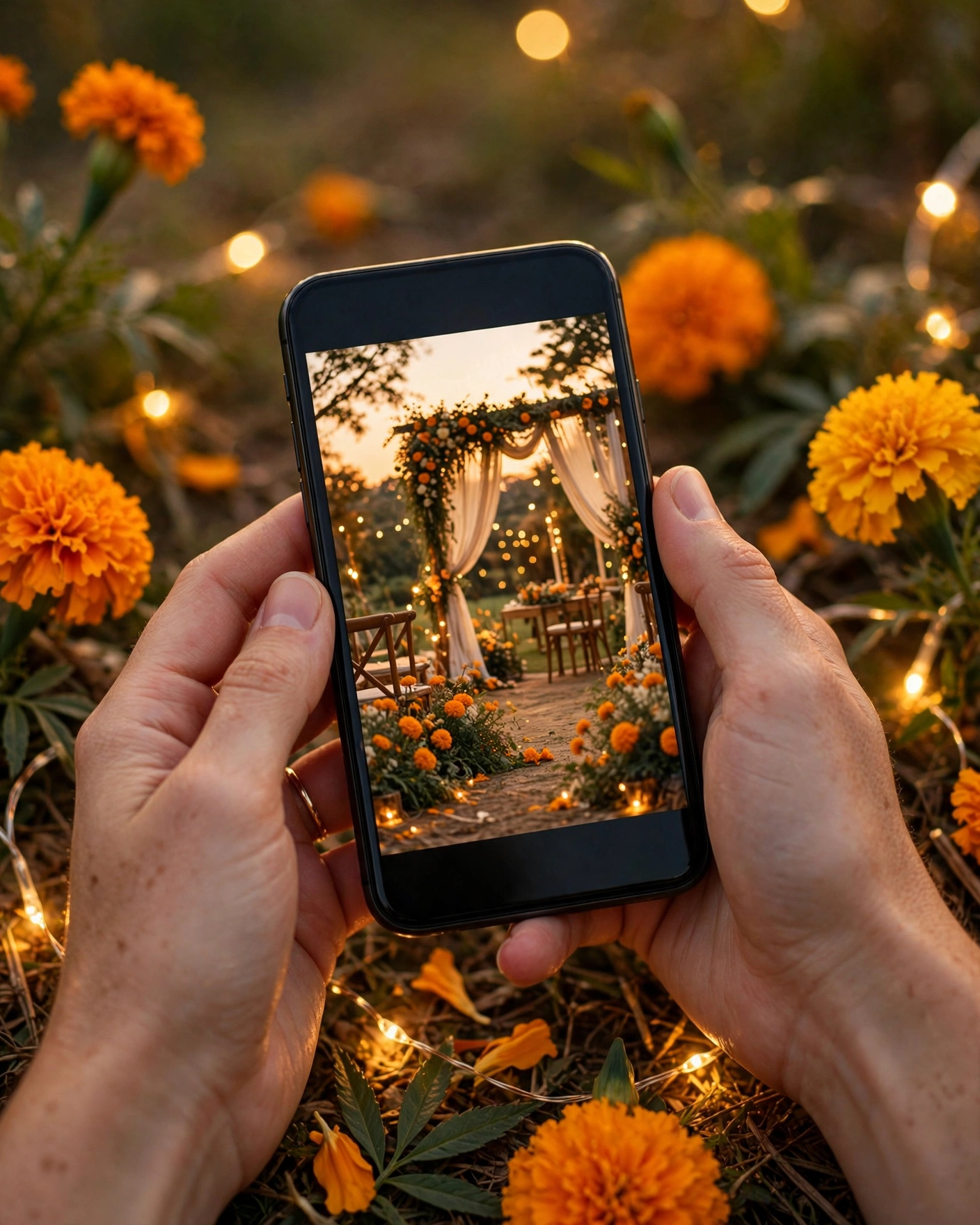
Cinematic video invitation. The full video experience, with music, motion, and designed scenes. Best for couples who want the invitation itself to be a celebration. This is the MyIndiAura Cinematic Invite.
Photo slideshow with music. Photos set to a chosen track, with names and details overlaid. Best for couples with beautiful photos who want something personal and simple.
Animated card video. A designed card that animates open, with music underneath. Best for couples who love traditional card design but want the reach of video.
Short teaser plus full invitation. A fifteen second teaser for Instagram and stories, linking to the full invitation. Best for couples who want social buzz and a complete invitation, without cramming everything into one video.
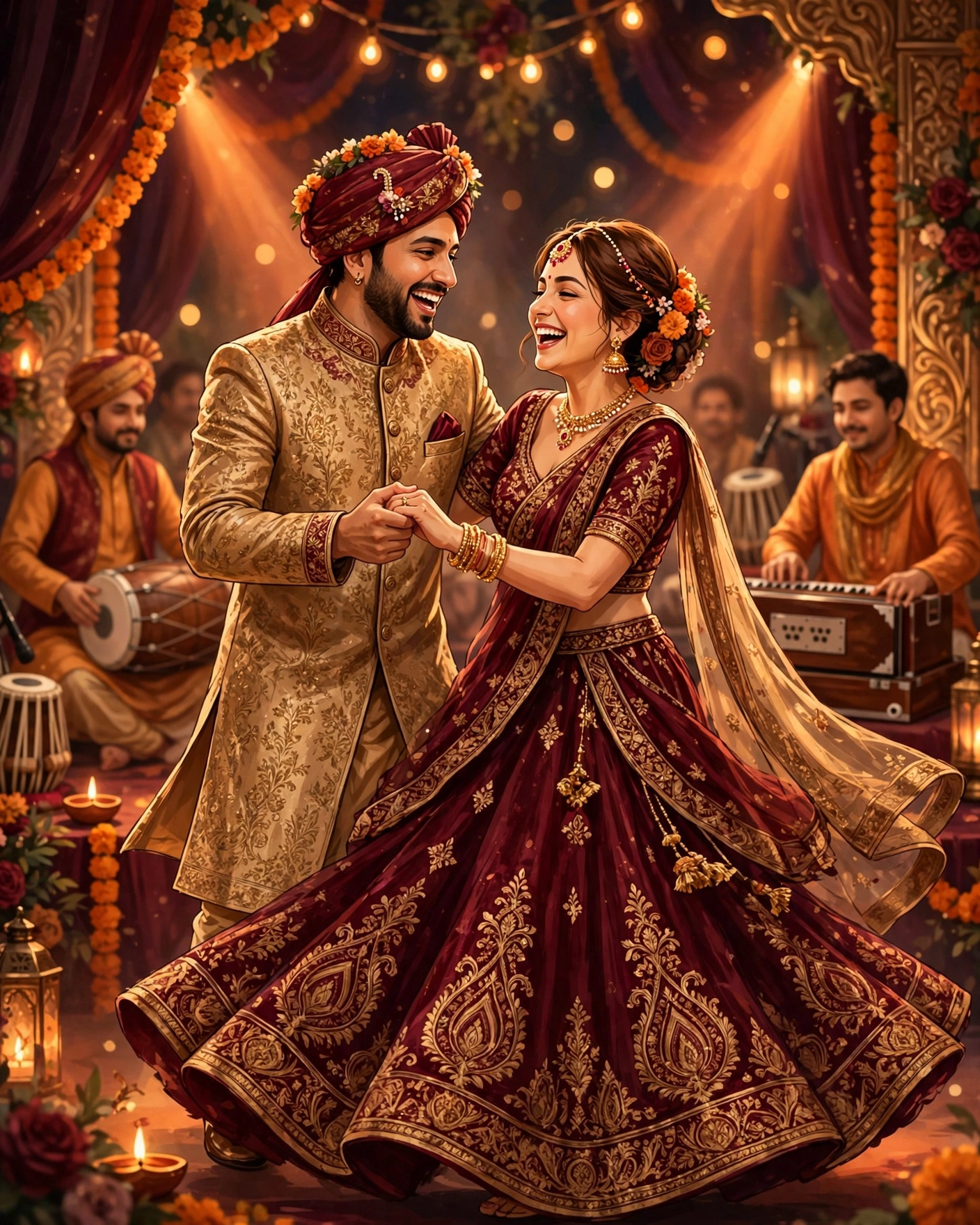
For music, match the mood honestly. A classical or soft instrumental suits a traditional ceremony. A Bollywood romantic track suits a big family celebration. A light acoustic track suits an intimate wedding. Whatever you choose, make sure you have the right to use it in an invitation you will share widely. The safest route is a track provided by the invitation platform itself.
Style tips
Keep the video short. Forty five to sixty seconds is the sweet spot. Longer videos lose guests halfway, and the details at the end never get seen. Put the couple's names and the wedding date in the first ten seconds, so even a partial watch delivers the news.
Choose one music track and let it carry the whole video. Switching tracks midway feels choppy and amateur, however good each track is alone. The music should sit under the visuals, not fight them: guests should hear it clearly but still feel the images lead.
Check the video on a phone, with sound on and with sound off. Many guests will first watch on mute, in a public place, so the names and date must read clearly without audio too. If they do not, the video needs text on screen for those key facts.
A great invitation video makes guests feel the wedding before they know the venue, and that feeling is what gets them to come.
What you need
- The couple's names, spelled as you like them written
- The wedding date, venues, and event schedule
- Ten to fifteen good photos of the couple, in portrait and landscape mix
- Your chosen music track, or a note on the mood you want
- The hosts' names, if the invitation comes from the families
- A theme or colour preference, so the video matches the wedding
- The final guest list, so the link goes to everyone at once
How to share it
- Share the video with the closest family first, so they see it before the wider list.
- Send it to the full guest list on WhatsApp, individually or in small groups, so replies stay easy to track.
- Post a short teaser on Instagram stories, pointing to the full invitation link.
- Send a reminder two days before the wedding with the time and venue repeated, since video details are easy to forget.
What it costs
MyIndiAura offers three options. A Cinematic Invite costs ₹499, an Invite App costs ₹399, and Invitation Suites cost ₹99. The Cinematic Invite is the video option, and at ₹499 it covers the full video invitation for your entire guest list.
How to create yours
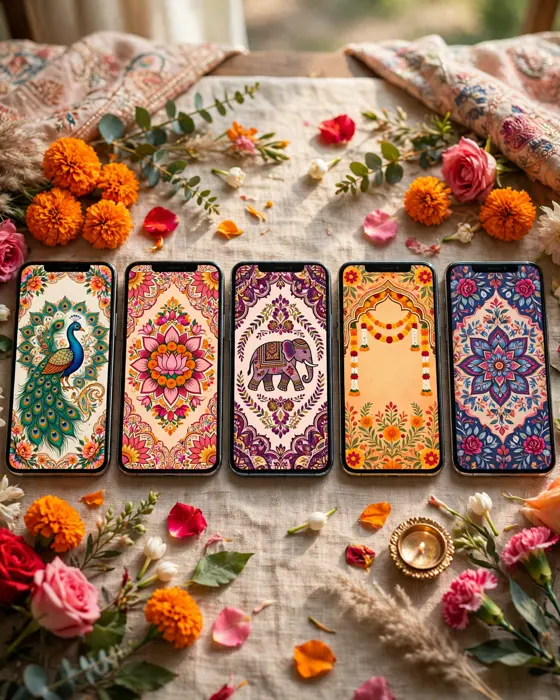
- Browse the designs on MyIndiAura and pick a cinematic theme that matches your wedding's mood.
- Add your names, events, venues, and times, and check the spelling of every name.
- Upload your photos, and choose the music mood you want.
- Preview the video on your phone, with sound on and with sound off, exactly as guests will see it.
- Share the link with your guests on WhatsApp, and post a teaser on Instagram if you want one.
Create your digital invitation on MyIndiAura, and send a wedding invitation video with music that guests will watch to the end.
Related reading
Found this useful? Share it with someone planning a celebration.
Share