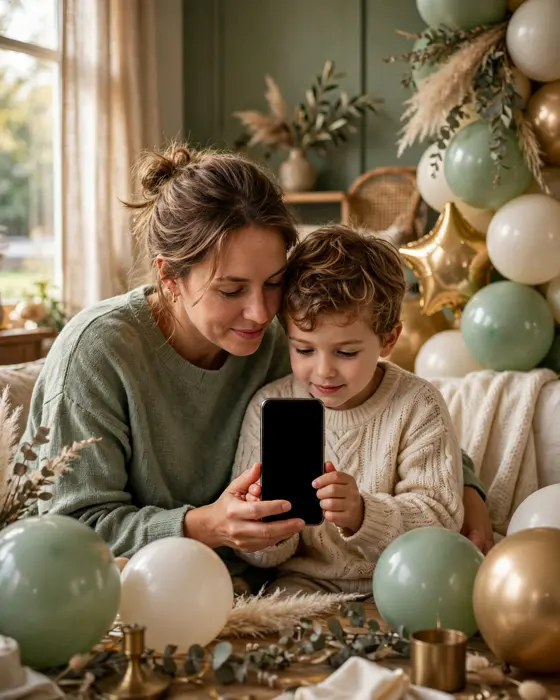
Birthday Invitation Video Ideas for Kids and Adults
A short video invite does what a card cannot. It shows the mood, the people, and the party, in under a minute.

In short
A birthday invitation video is a short moving invite, usually 20 to 60 seconds long.
For kids it leans on colour, music, and play. For adults it leans on warmth, humour, and one good memory.
The best ones end with the date, time, and venue on screen, so guests never have to ask.
What it means
A birthday invitation video is a small film that invites people to a party. Instead of reading a card, guests watch the birthday star, hear a song, and see the theme, all before the details appear. It works well on WhatsApp because it plays inside the chat, with no app to install and no link to open twice.
The trick is to keep it short. A video that runs past a minute loses guests halfway. Open with the person, not the details. Show the cake, the theme, or the joke first, then let the date, time, and venue land at the end, when guests are already smiling.
What your invitation can do

An opening moment that sets the mood
The invite opens with a short animated moment, a cake, balloons, or a favourite photo, so guests feel the party before they read a single detail.
The plan for the day, in order
Cake cutting, games, food, and return gifts each get their own moment, so no guest has to ask what happens when.
Venue and directions, without a separate message
The address and a map link sit inside the invite, so the venue question never becomes a second round of messages.
Photos that make guests smile before the party
A small gallery of past birthdays or the birthday star's favourite moments turns a plain invite into something guests forward.
RSVP and a simple guest count
Guests confirm in the invite itself, which makes ordering cake and food far less of a guess.
Options to consider
- The photo montage: Favourite photos set to one song, ending with the party details. Simple, personal, and hard to get wrong.
- The theme reveal: The theme appears piece by piece, a jungle, a garden, or a retro night, before the details close the video.
- The message from the birthday star: A short clip of the birthday star inviting guests in their own words. Best for kids who love the camera and adults with a sense of humour.
- The countdown style: Quick cuts of past birthdays building to the new date. Works well for milestone years.
- The animated invite: Illustrated scenes and moving text carry the whole invite. Good when you have no good photos, or when the party is a surprise.
Style tips
Match the video to the guest list, not to the trend. Grandparents should be able to follow it without sound, so put the details on screen as well as in the voice. Friends will forgive a rough edit if the idea is funny. One clear idea beats five half ideas in the same minute.
A birthday video should feel like the party has already started.
What you need
- The birthday star's full name, as guests know them
- The date, start time, and venue, confirmed before you record anything
- Three to six good photos, or one short video clip
- One song or tune you have the right to use
- The RSVP date, so guests know when to confirm
How to share it
- Tell close family first, so the people who matter most hear it from you, not from a forwarded link.
- Share with friends next, in the group where the party is already being discussed.
- Send the wider circle last, once the date, time, and venue are final.
- If anyone asks a question, answer it in the same chat, so the answer travels with the invite.
What it costs
On MyIndiAura, three options cover most celebrations. The Cinematic Invite is ₹499, the Invite App is ₹399, and Invitation Suites are ₹99. Pick the one that fits how much you want to show and how you want guests to open it.
How to create yours
- Open the designs page and pick a style that matches the celebration.
- Add the names, date, time, and venue, exactly as you want guests to read them.
- Add photos or a short video moment that shows the spirit of the day.
- Preview the invite on your own phone, and read every line once, slowly.
- Share the invite link on WhatsApp, starting with close family.
Create your birthday invitation on MyIndiAura. Browse designs on the designs page, then start on the creation page.
Related reading
Found this useful? Share it with someone planning a celebration.
Share